
Visual timeline
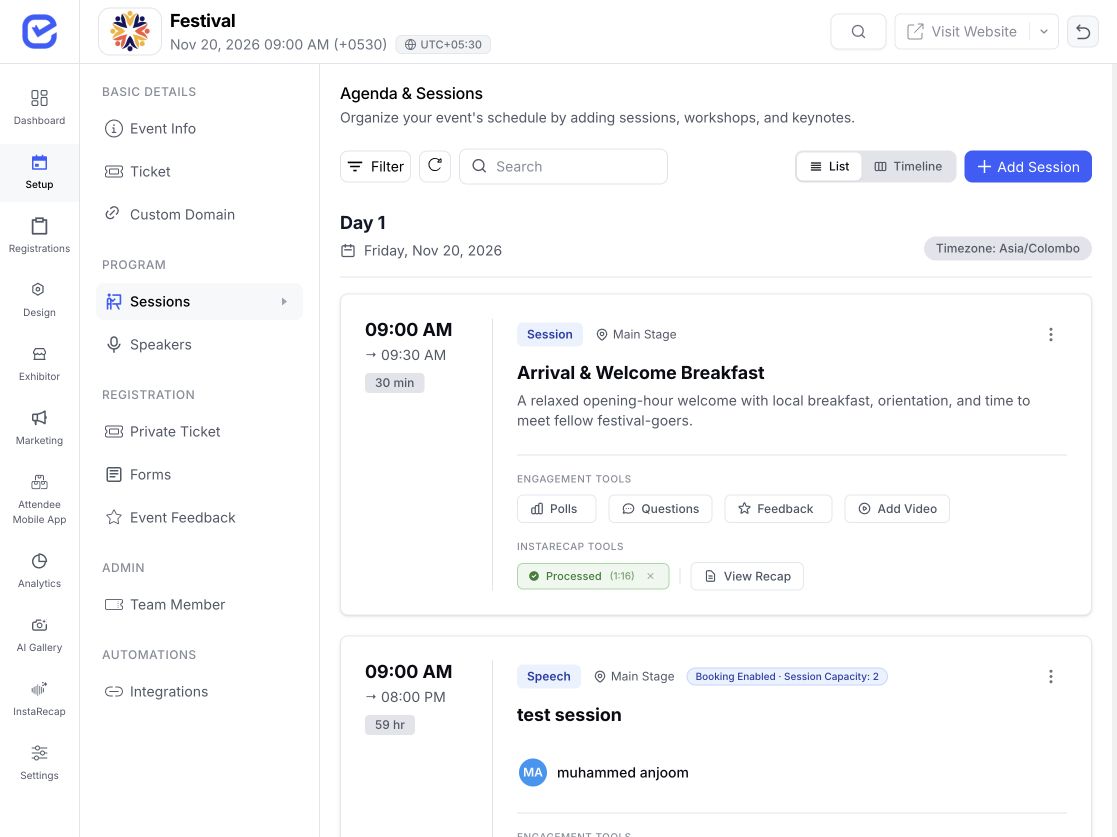
See every session on a colour-coded grid by day and stage, and drag one to a new slot.
Paste a LinkedIn URL to add a speaker, drop them onto a multi-stage timeline, and let every attendee know the moment the schedule moves — all from one workspace.
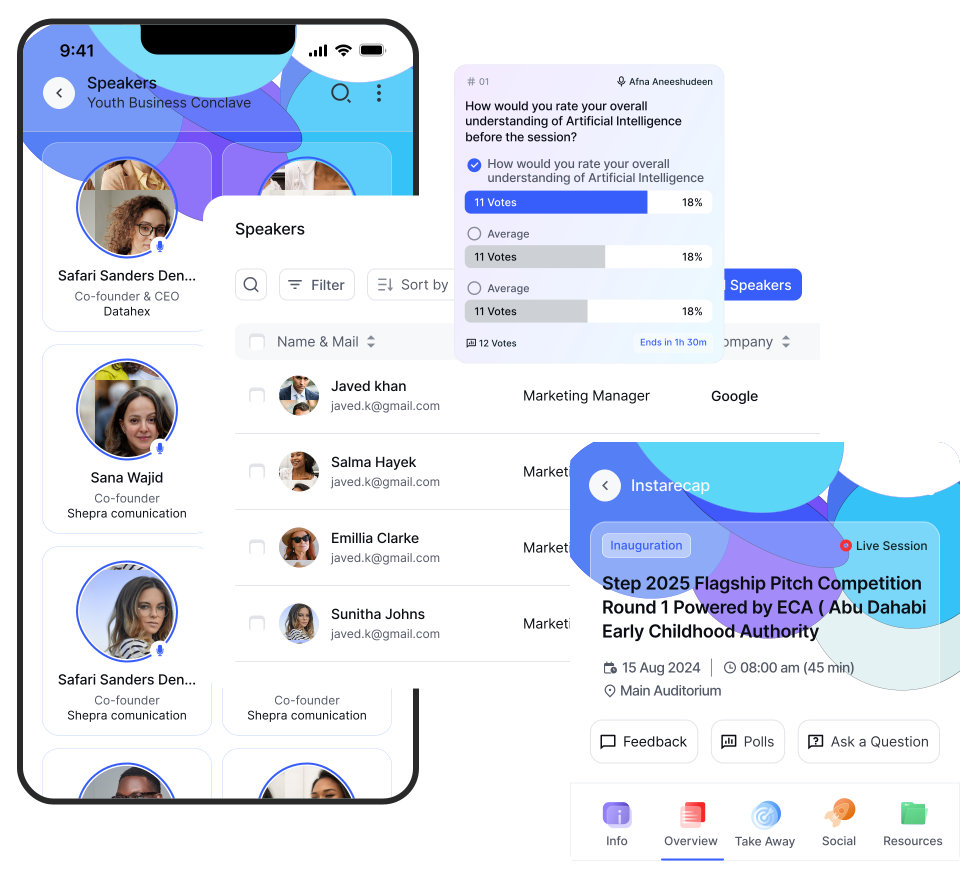
Keep every bio, role, company, photo and social link together, ready to publish wherever your audience sees the lineup.
Paste a LinkedIn URL for AI autofill or import a spreadsheet to create dozens of accurate profiles in one go.
Group keynotes, panellists and presenters with custom categories, then drag them into the exact order you want.
Send branded confirmations with an optional speaker badge, track delivery and opens, and resend in bulk when needed.
See every session on a colour-coded grid by day and stage, and drag one to a new slot.
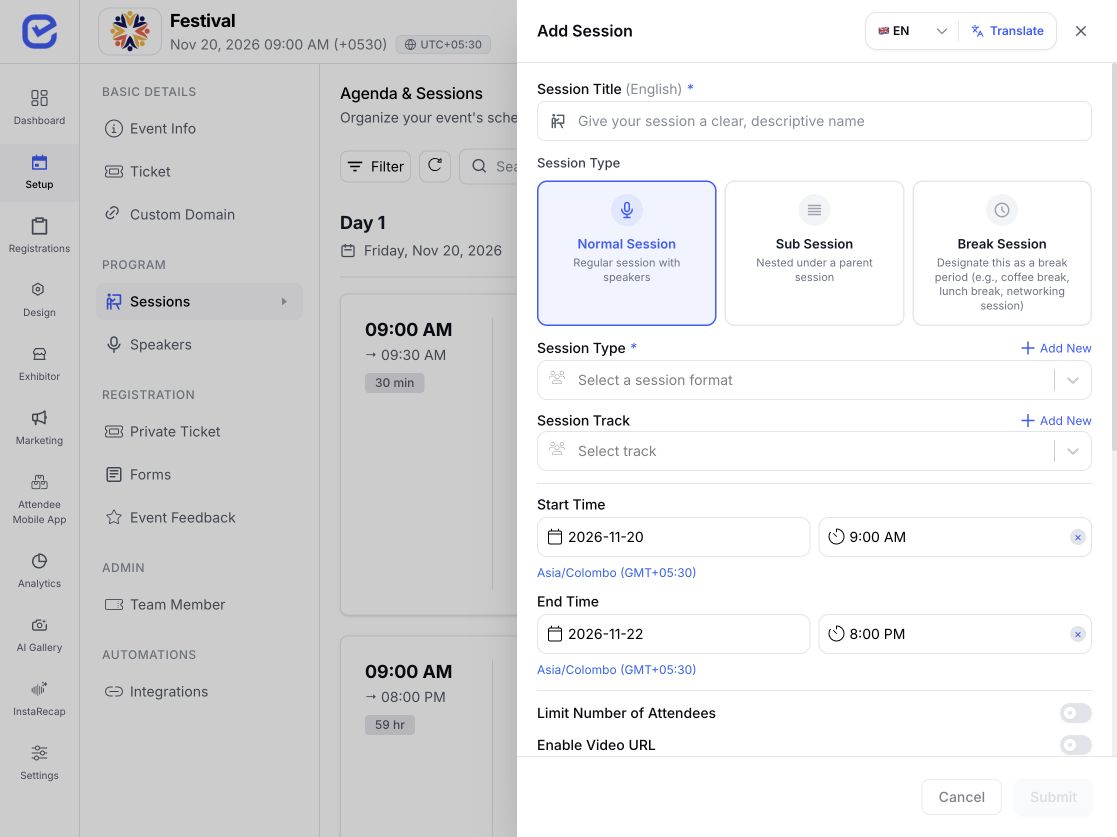
Nest breakouts under a parent session and mark breaks so they stay out of the recording pipeline. See the full session and agenda tools.
Run parallel stages and group the agenda by your own track taxonomy.
Mark who is moderating and who is on the panel, using role labels you control.
Limit a session to specific ticket types, and cap how many people can book it.
Tell the EventHex assistant who is speaking and when, and it creates the speakers, creates the sessions, and assigns each speaker to the right slot. You can do it inside EventHex, or from ChatGPT and Claude through the EventHex Copilot connector — useful when the schedule arrives as a document and you would rather not retype it. Review what it proposes before anything is saved.
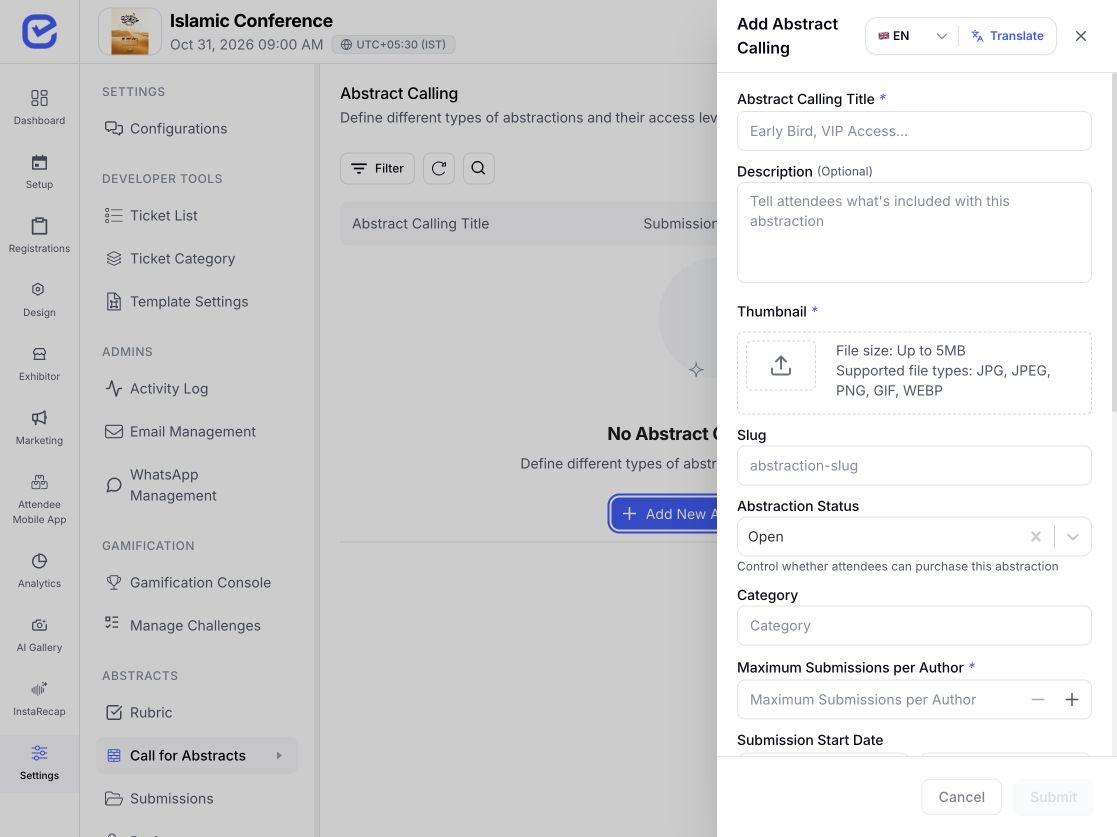
Publish a call for papers and collect abstracts through a submission form you design, with your own topics.
Reviewers score submissions against a rubric you set, assigned automatically or by hand.
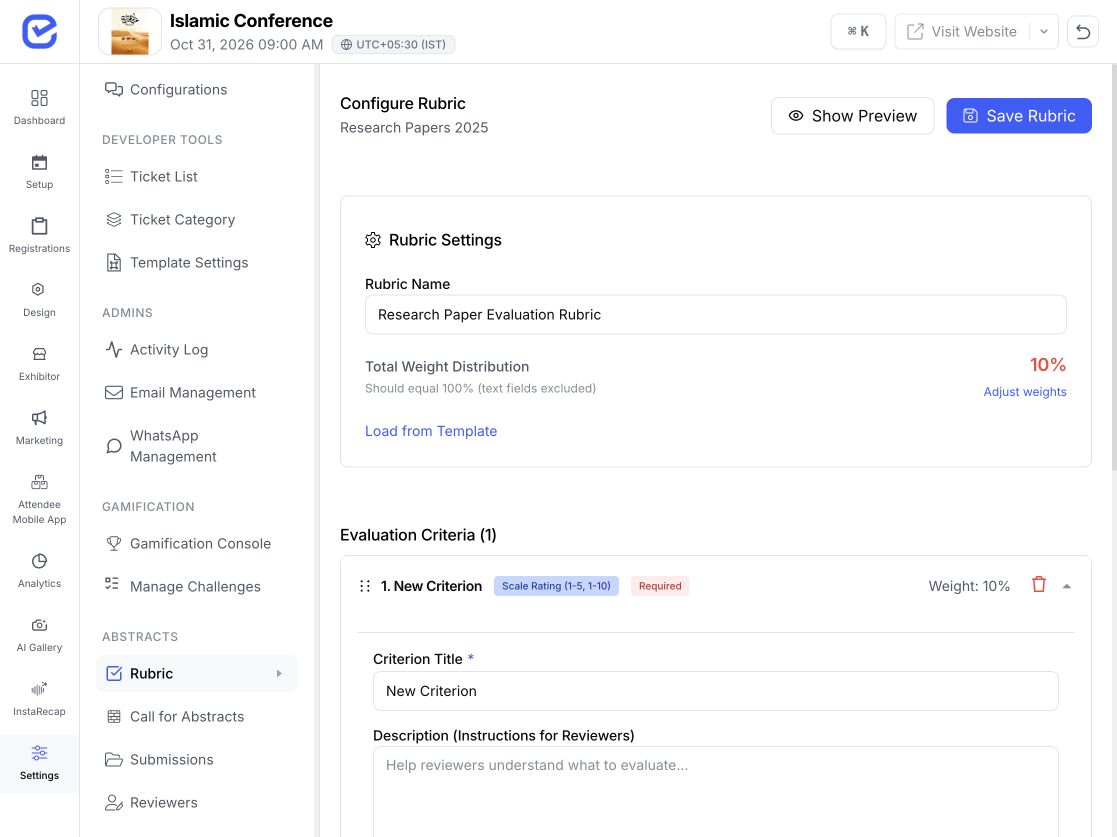
Accept the ones you want and export the rest for your records.
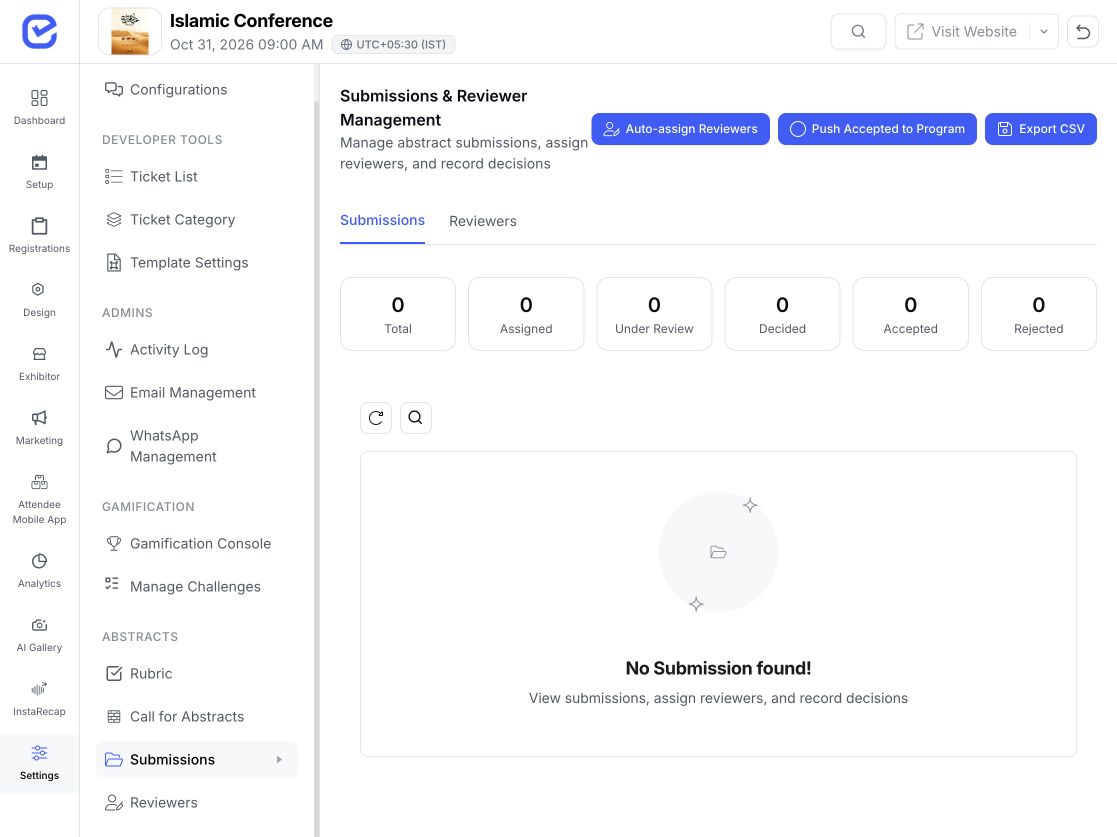
Push accepted abstracts straight into the program — EventHex creates the sessions for you.
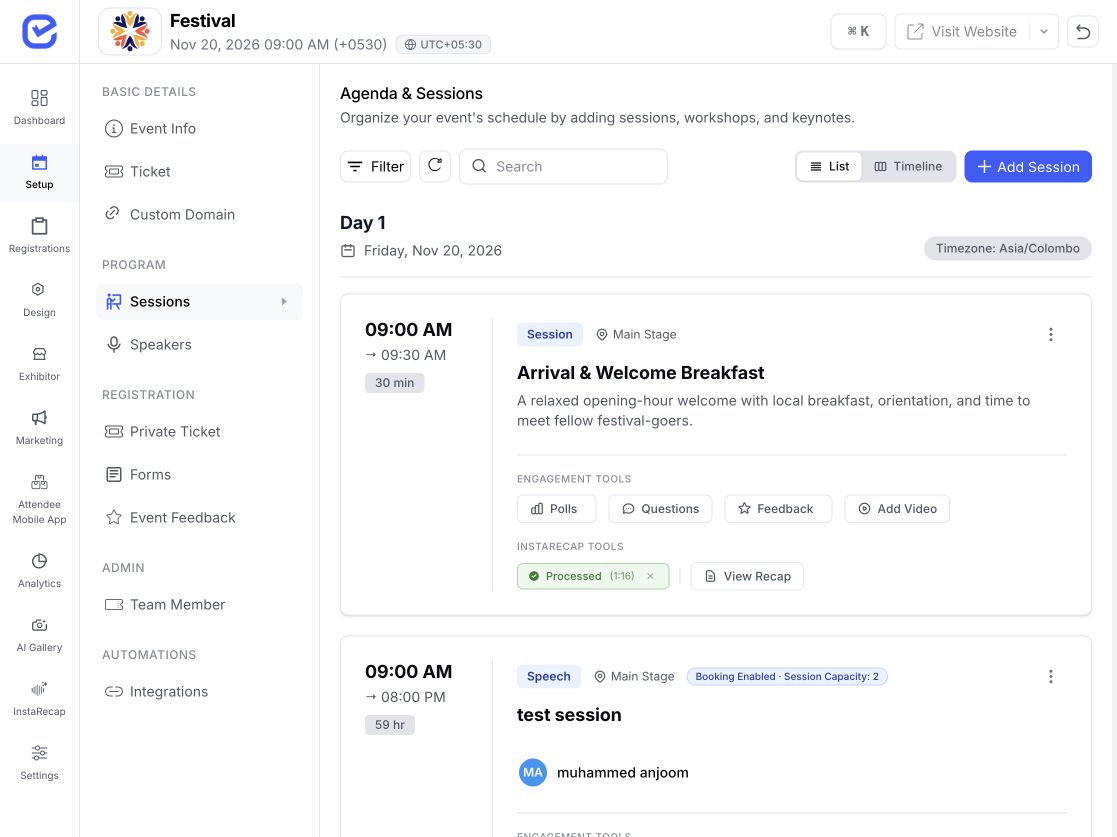
Speakers, sessions and the full agenda go live on your event website.
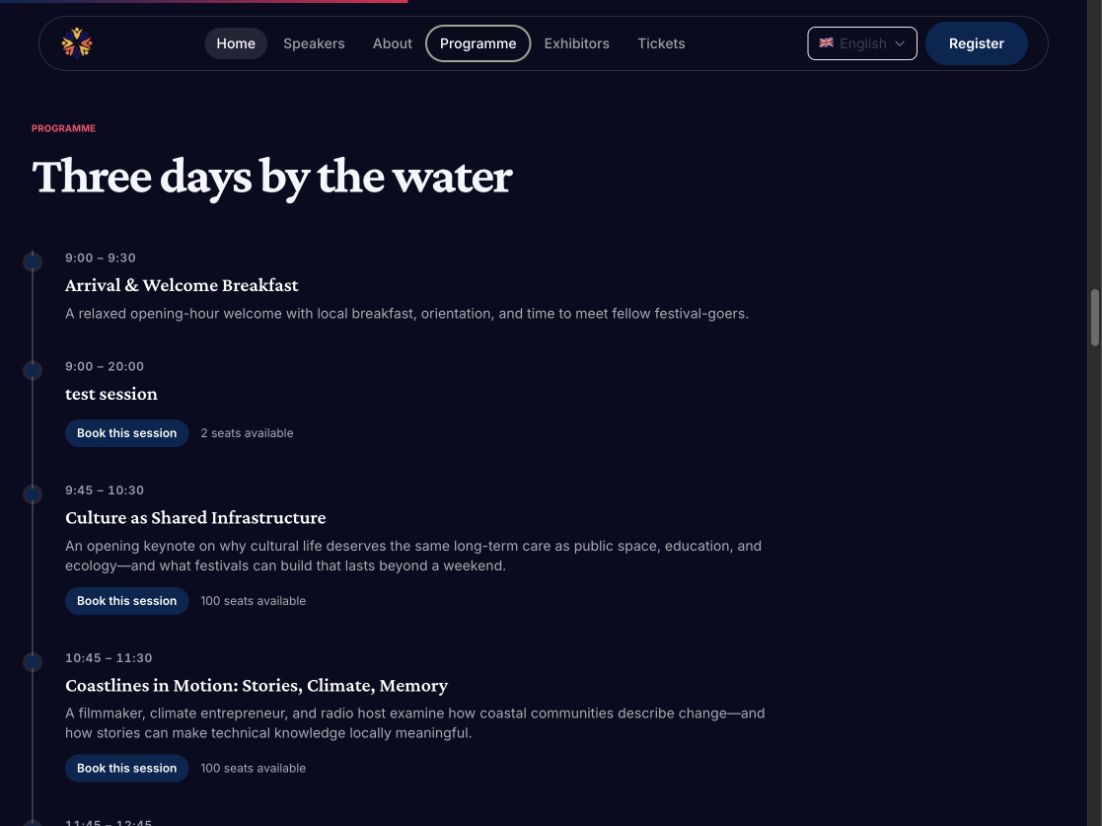
The schedule and speaker list stay cached in the attendee mobile app, so they keep working when the venue wifi does not.
Attendees save the sessions they want and get a reminder by push and WhatsApp before each one starts.
Live transcription and translation run during the talk, in the language they choose.
Live polls and Q&A open from a QR code — no app to install, no account to create.
A keynote moves to a different stage. A panellist drops out two days before. A workshop fills up. EventHex keeps the speaker record, the session, the published agenda, and the attendee's phone as one connected thing — change it once and everywhere it appears updates with it.
Explore More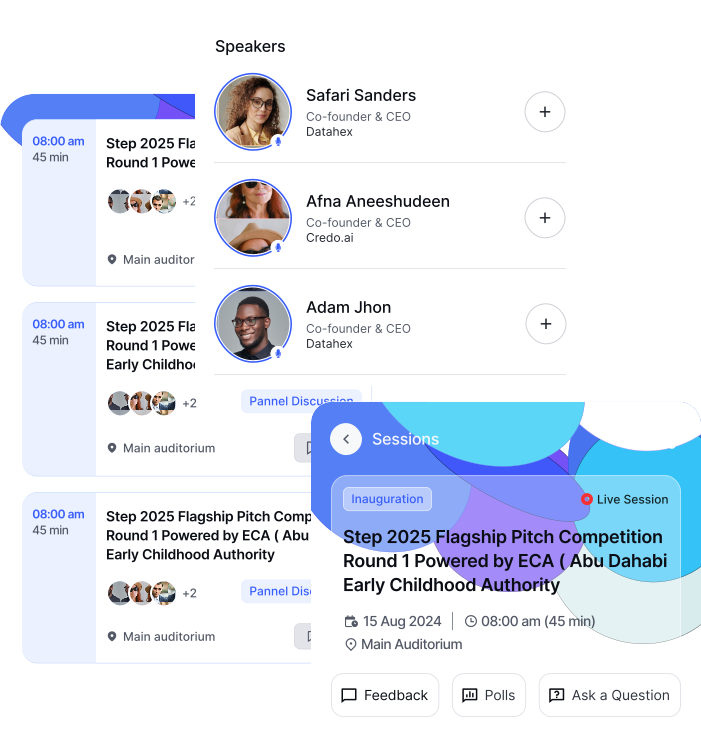
Keep rich speaker profiles with name, bio, designation, company, photo and social links, then use AI LinkedIn autofill to fill details from a profile URL. Add categories, speaker settings, badges, delivery logs and bulk operations from one place.
Explore More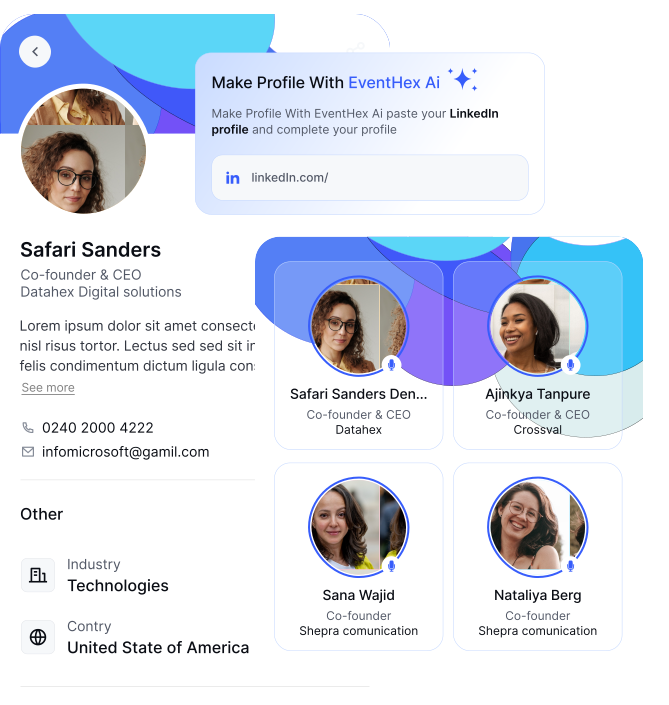
See every session on a colour-coded grid by day and stage, drag sessions into new slots, nest breakouts under parent sessions, assign moderator and panellist roles, and restrict sessions to specific ticket types when needed.
Explore More The schedule and speaker list stay cached in the attendee mobile app, so they keep working when the venue wifi does not. Attendees save the sessions they want and get a reminder by push and WhatsApp before each one starts. Live transcription and translation run during the talk, while live polls and Q&A open from a QR code with no app or account required.
Explore More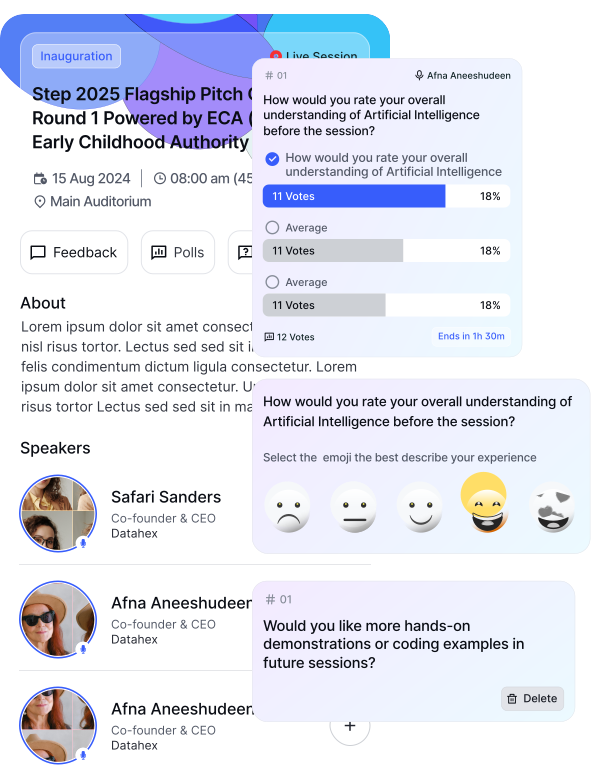
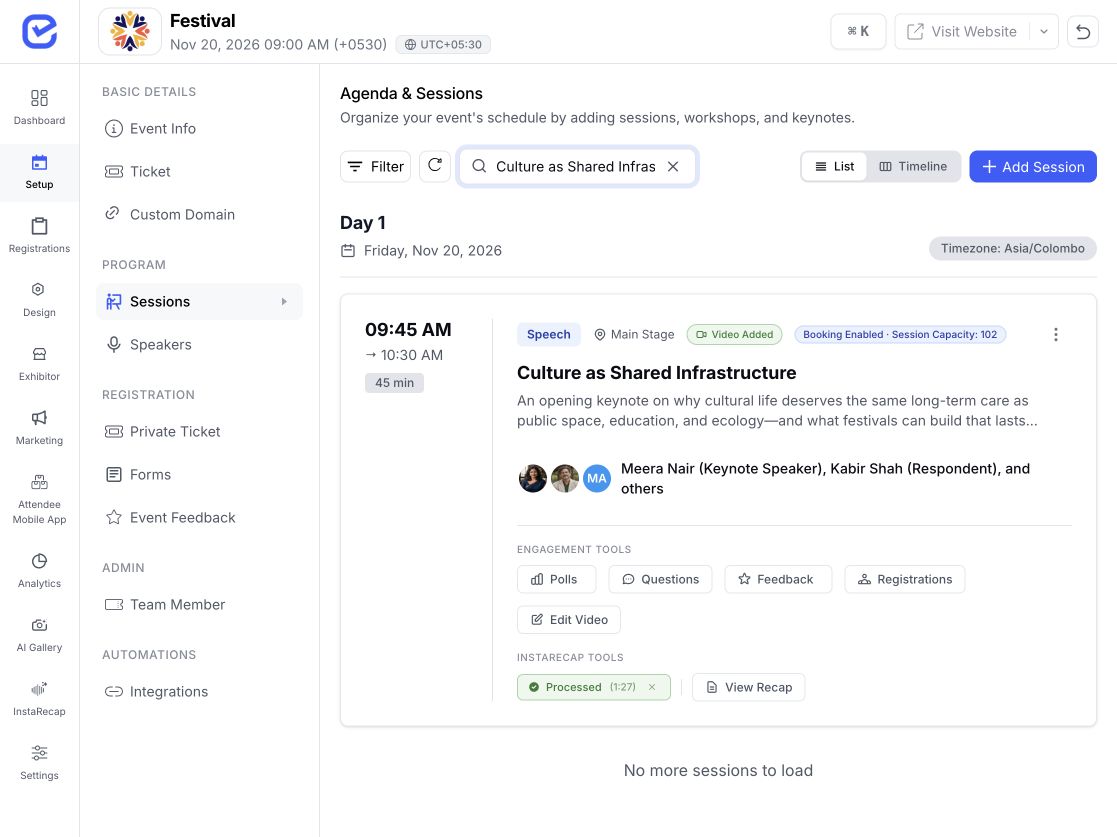
After a session, AI session recap turns the recording into a summary with key takeaways, drafts a LinkedIn and an X post, and generates a shareable poster. Send it to your speakers and they promote the event for you while it is still fresh. Recordings can come from a live capture, an uploaded file, or a YouTube link.
Explore More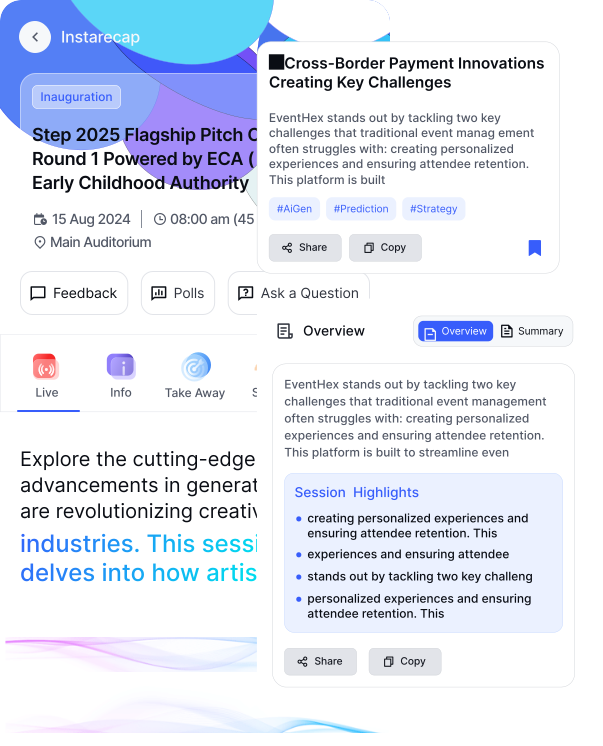
Manage complex schedules, multiple stages, and thousands of attendees in one unified workspace.
Manage complex schedules, multiple stages, and thousands of attendees in one unified workspace.
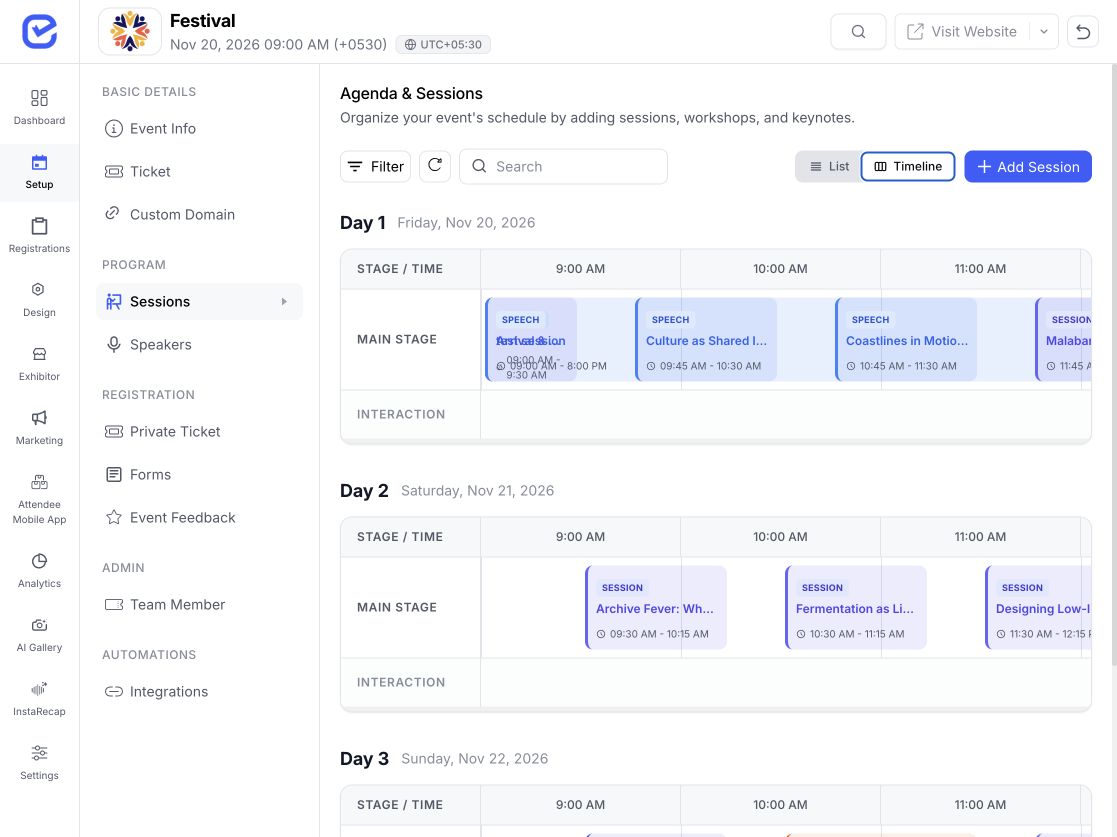 Multi-track timeline
Per-session roles so moderators and panellists are labelled correctly everywhere they appear.
 Speaker roles mapped
Abstract collection, reviewer rubrics and accepted papers pushed directly into the program.
Review rubric readyReturning attendees get session recommendations based on what they attended last time.
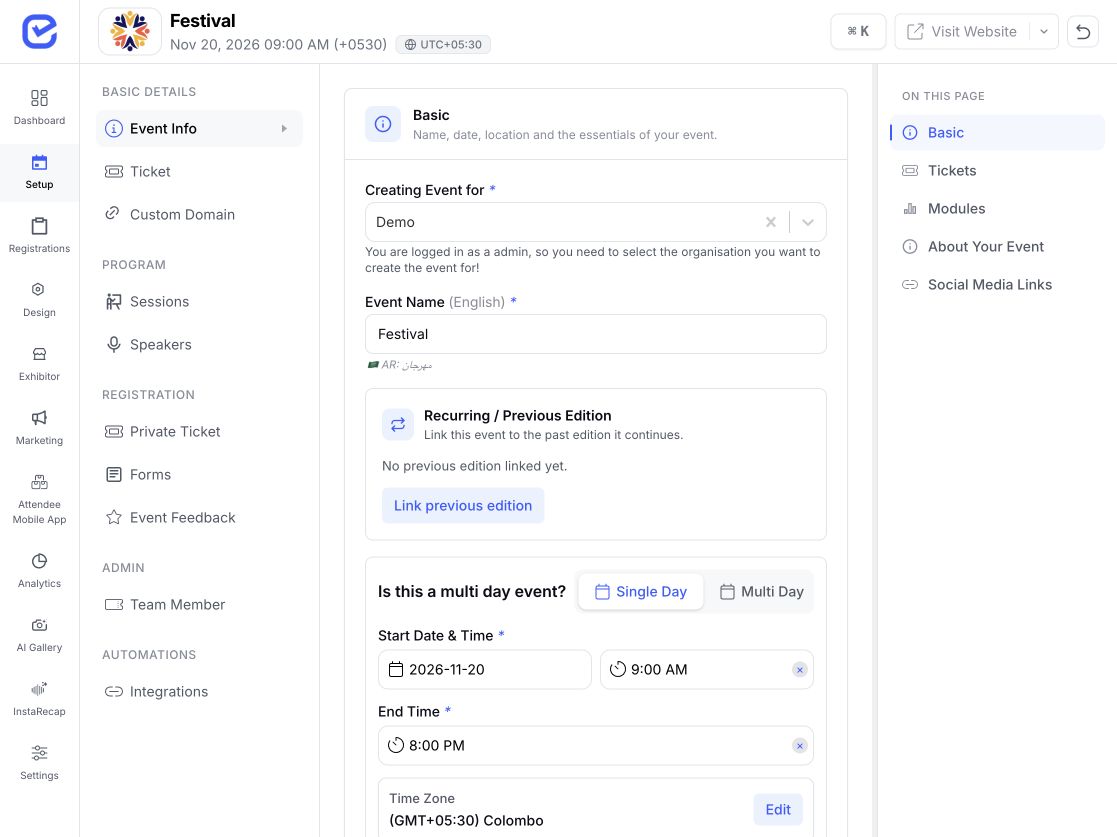 Previous edition linked
Yes. Each speaker gets a confirmation email from a template you control, with their badge attached if you want it. You can resend to one speaker or all of them at once, and a delivery log shows what was opened, bounced or failed. Attendees separately get push and WhatsApp reminders before sessions they saved.
Yes. A speaker's bio, photo, company, designation and social links live on their profile, and assigning them to a session links the two — so their profile page on your event website lists every session they are speaking at, and each session lists its speakers.
Assign several speakers to one session and give each a role — moderator, panellist, or a label you create. Roles show on the agenda and on speaker profiles, so attendees know who is running the discussion.
Yes. Create as many stages as you need and schedule sessions in parallel across them. The timeline shows every stage side by side per day, breakouts nest under a parent session, and attendees can filter the agenda by stage or track. Note that EventHex does not currently block you from double-booking a speaker — the timeline shows overlaps, but it will let you save one.
Change it once. The event website and the attendee app update, and you can send a notification describing the change. That notification goes to everyone registered for the event rather than only the people who saved that session.
Not to take part. Polls and Q&A open from a QR code with no app and no account. The mobile app adds a saved agenda, offline access, reminders and session recaps for attendees who want it.
A summary of their session with key takeaways, a drafted LinkedIn and X post, and a shareable poster. Sessions can also be transcribed and translated for attendees who were not in the room.
Yes. Publish a call for papers with your own topics and submission form, assign reviewers, score against a rubric, and push accepted abstracts straight into the program as sessions.
