
Browse Moments
Explore the event's available photos, highlights, folders, and people when the organizer makes those views available.
Upload the event gallery, let each attendee search with a selfie, and give them a personal collection they can view, download, and share. EventHex keeps photo intake, face matching, access, alerts, and branding in one event workflow.
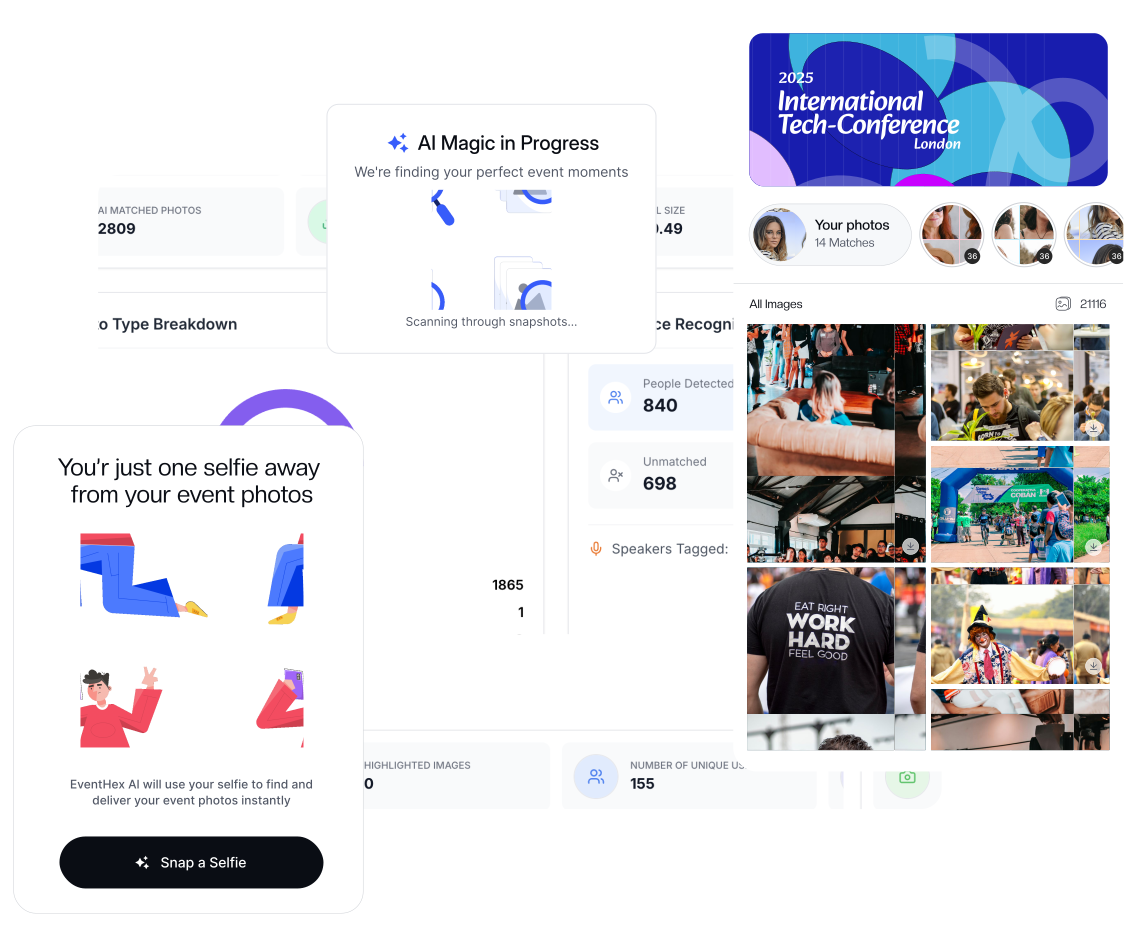
Different attendees want different views. EventHex can keep the wider event story available while helping each person find the photos that include them.
Explore the event's available photos, highlights, folders, and people when the organizer makes those views available.
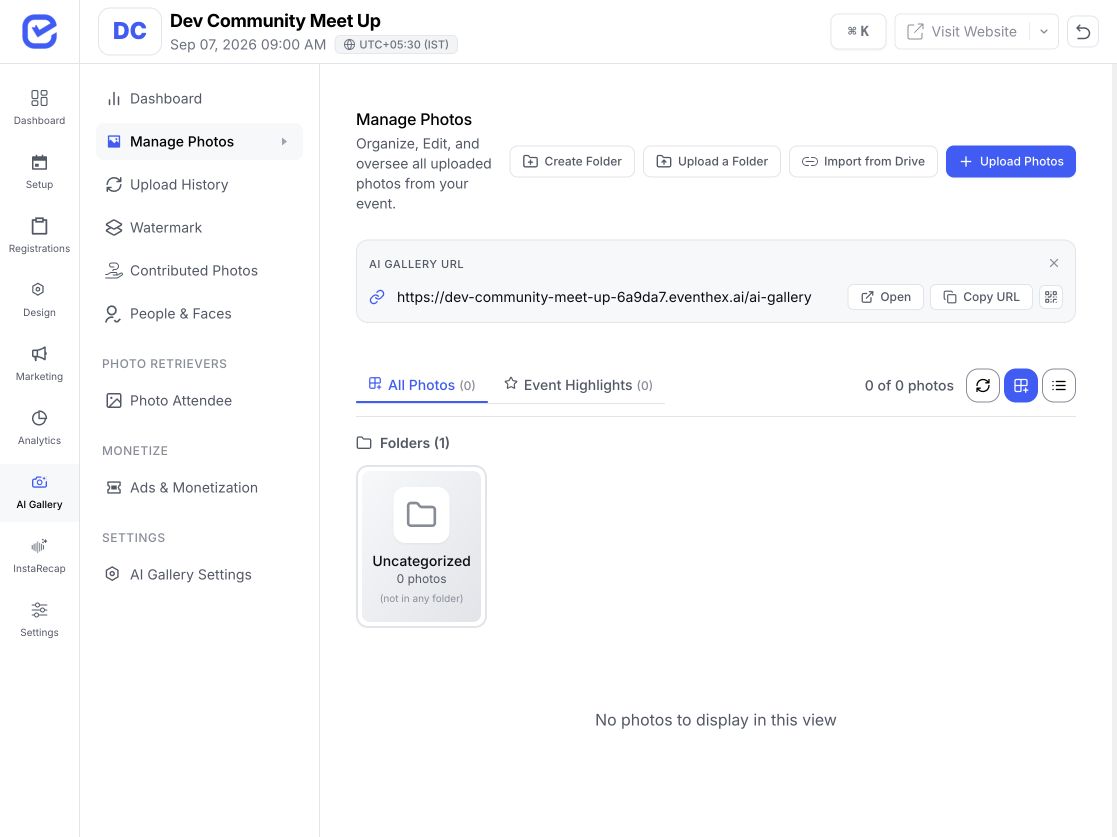
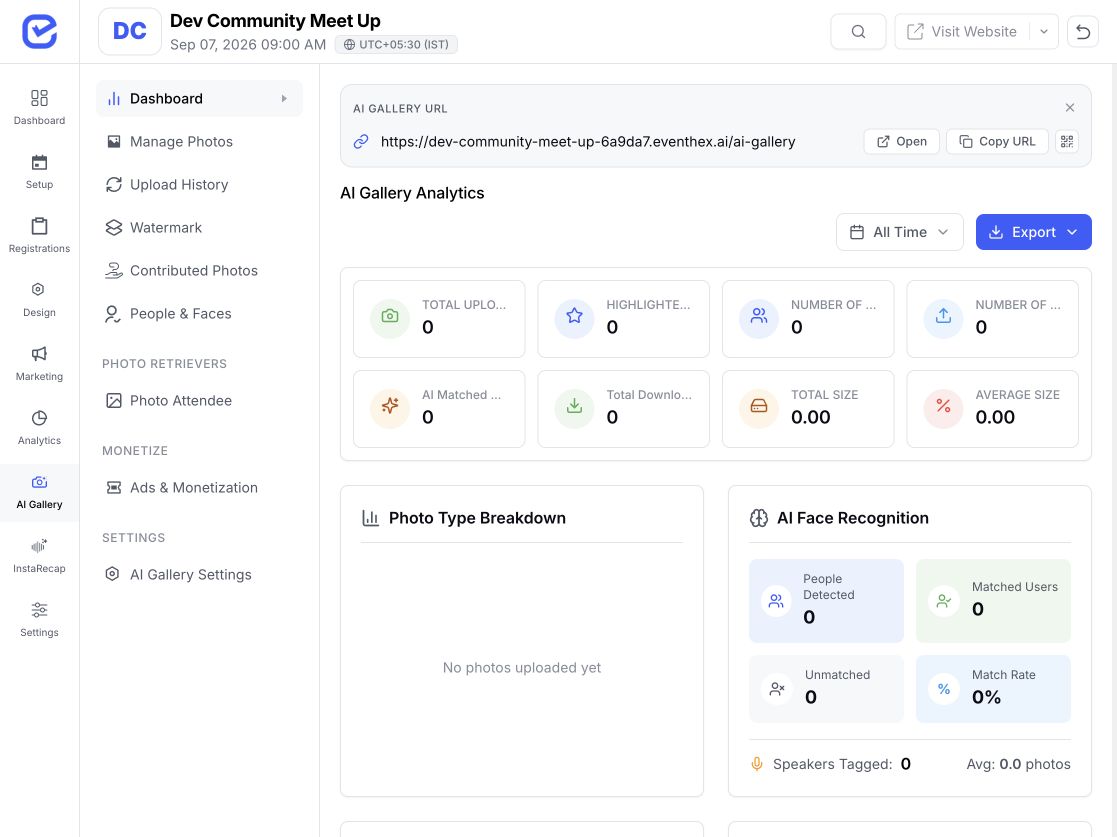 Organizer gallery
 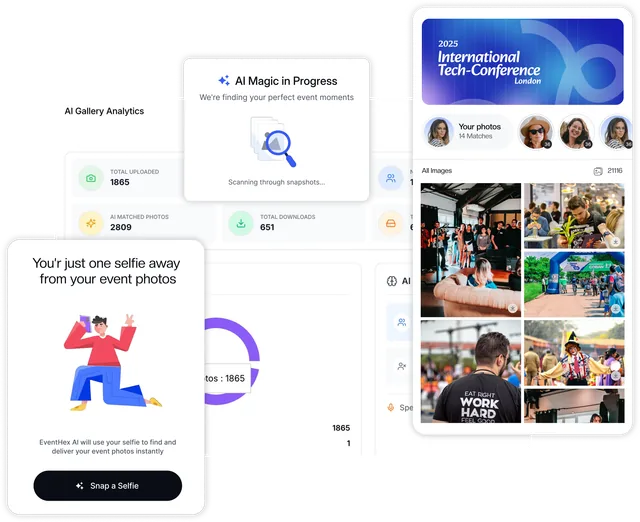 AI photo matching
 Take or upload one clear selfie and open a personal collection of the matching event photos.
The organizer decides whether the wider gallery is public, attendee-only, all photos, or highlights only.
Keep uploads moving during or after the event without losing the folder, batch, or processing context behind them.
Add photo batches in the organizer workspace and send them into the selected event and folder.
Preview a public Drive folder, include its subfolders, identify duplicates, and start a server-side import.
Create, rename, order, and move photos between event folders.
Follow batch progress, skipped duplicates, and failed files from the organizer workspace.
Keep the processing context and face-indexing status tied to each event photo batch.
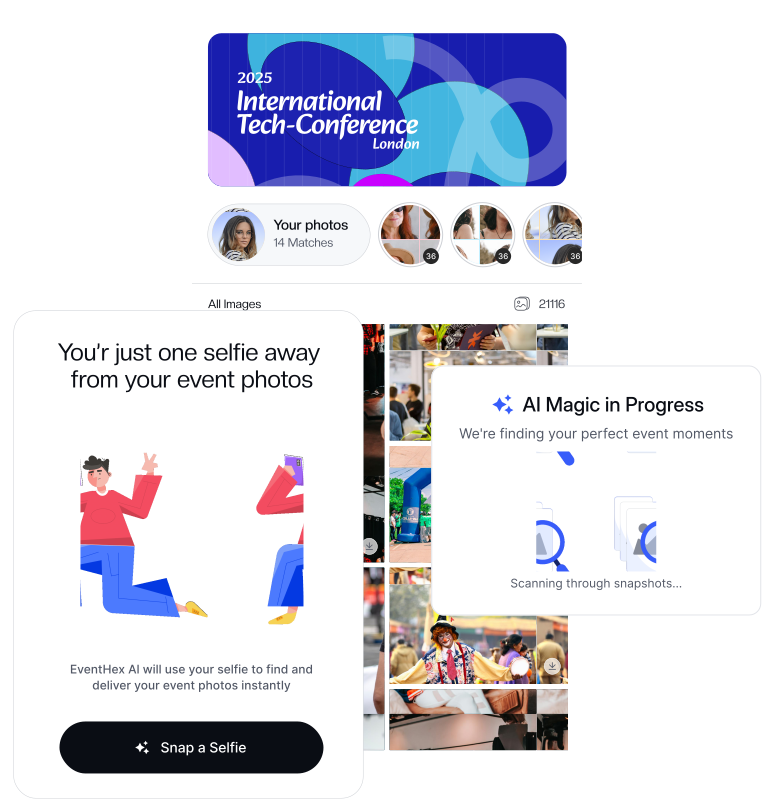
Attendees provide a clear selfie. EventHex compares it with face groups indexed from that event and opens matching photos in My Photos. They can return later or enable alerts as new batches arrive.
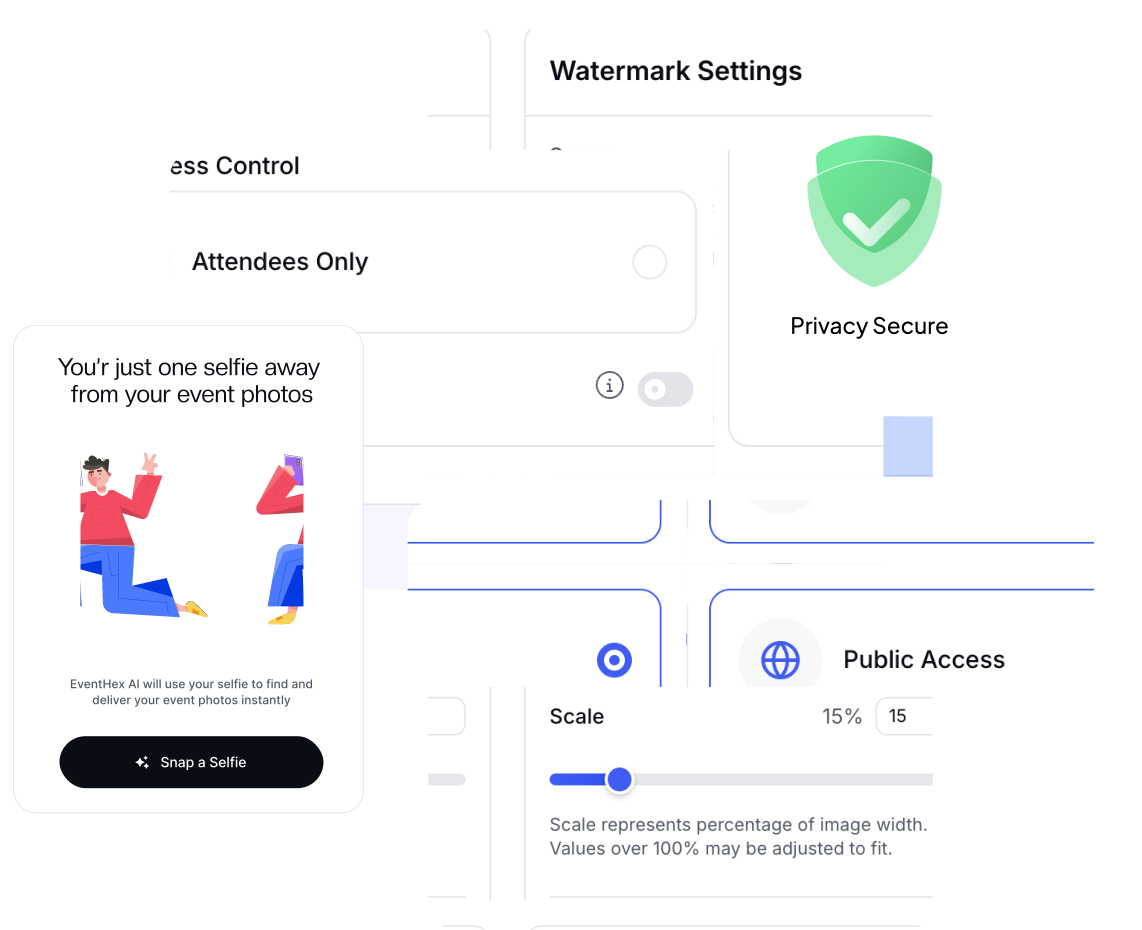
Choose a public or attendee-only gallery, optional WhatsApp verification, selected profile fields, and anonymous selfie search when event settings allow it. Access and matching rules stay at event level.
My Photos holds each attendee's matches. Photos Together shows people captured together, while detected-people views and personal links open a selected person's photos.
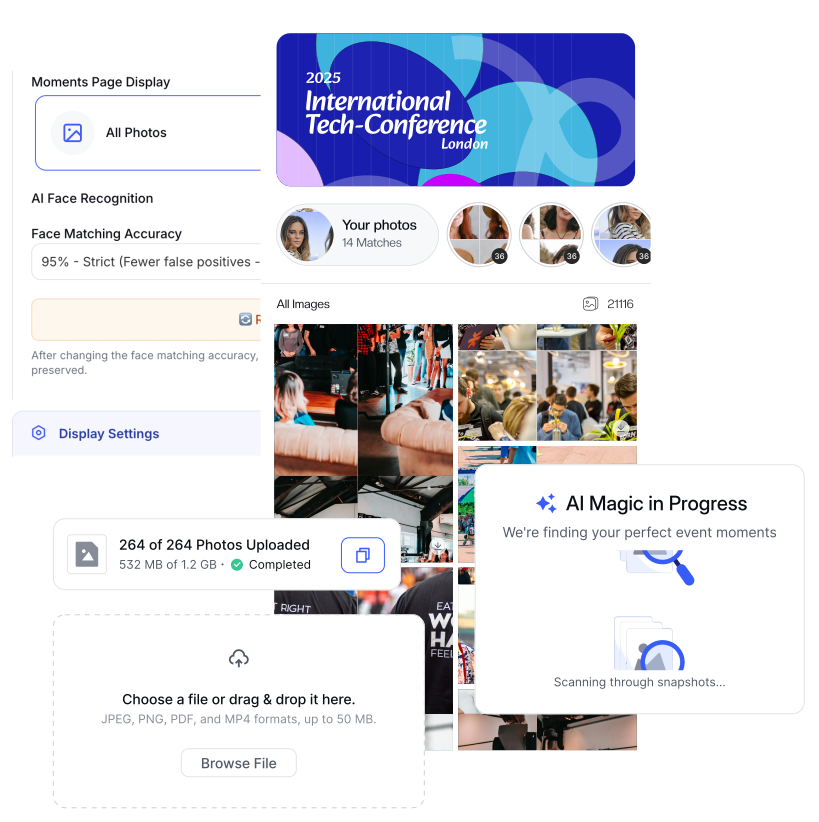
When notifications are enabled, attendees can opt in to WhatsApp alerts. A new match brings them back to their updated personal gallery.
Show all available photos or only organizer-marked highlights. Expose folder navigation when useful, name people and speakers, and let search and pagination keep larger collections practical to browse.
Explore More Keep contributions in review so an organizer can approve or decline them, or publish accepted uploads directly. Set a per-attendee contribution limit, including an unlimited option, from the event's photo settings.
Explore More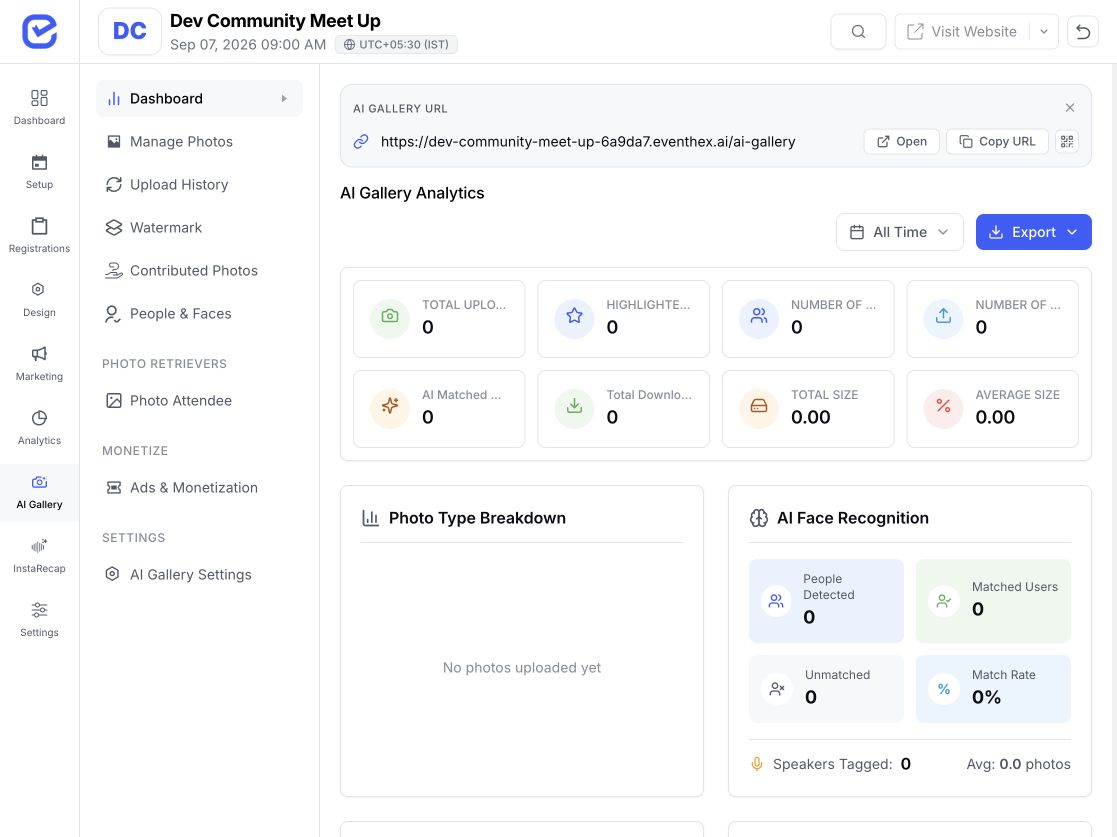
Select matched photos, generate or rewrite a caption using event context, edit the copy, and use available device sharing options. A direct link can also open a personal collection or a selected person's photos.
Explore More Use an image or text watermark, then preview its position, scale, and opacity before attendees download. Configured partner spotlights can appear in Moments, My Photos, or both at a chosen frequency.
Explore More Use the same photo operations and configure access, curation, contribution, and branding for the audience in front of you.
Organize venue and stage folders, help delegates find themselves, and include sponsor placements in the gallery.
GALLERY FIT Gallery folders organized Connect speaker identities, highlights, attendee matches, and share-ready moments.
GALLERY FIT Attendee matches ready Give members a familiar personal gallery while retaining attendee-only access when needed.
GALLERY FIT Member access configured Reuse the workflow across client events while configuring each gallery at event level.
GALLERY FIT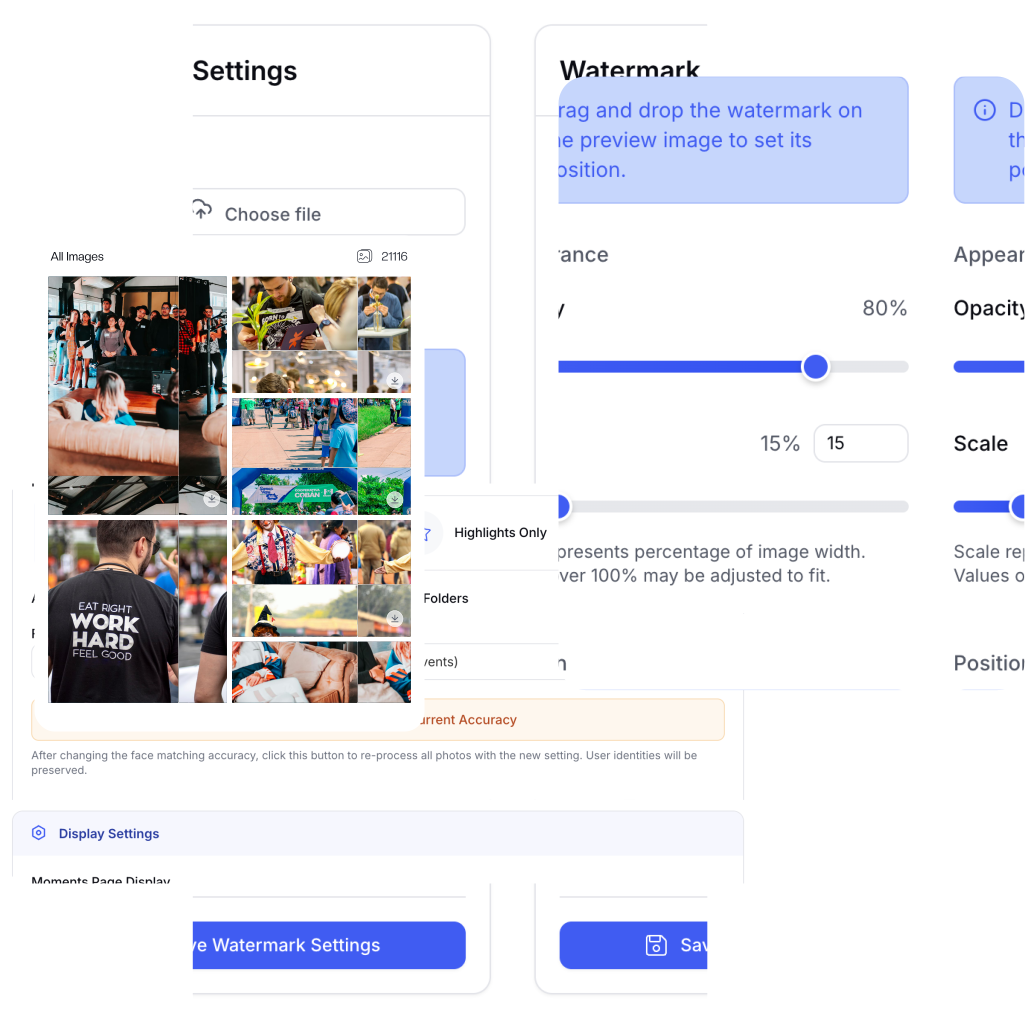 Client gallery branded
 Go deeper when you need the AI platform, event app, registration, or notifications around InstaSnap.
See how InstaSnap fits into the wider EventHex AI toolkit.
Event Mobile AppExplore the supported attendee app experience around event moments.
Event RegistrationCollect the attendee information used across the event journey.
Event NotificationsReview the wider communication layer for event audiences.
An AI event photo gallery uses face matching to help an attendee find event photos that include them. In EventHex, the organizer uploads and curates the event gallery while the attendee searches with a selfie and opens a personal collection.
EventHex compares the attendee's selfie with face groups indexed from photos uploaded to the selected event. When a group matches, the attendee can open the associated photos in My Photos.
No. An attendee can use selfie search to go to a personal collection. The wider Moments view can remain available when the organizer enables it.
Yes. The organizer can choose Public or Attendees Only photo access. Additional registration or WhatsApp verification behavior depends on the event configuration.
Yes. When event-level match notifications are enabled, an attendee can opt in to WhatsApp alerts for newly matched photos and return to the updated gallery.
The organizer workspace supports importing photos from a public Google Drive folder, including subfolders. The preview step reports eligible files and duplicates before the import starts.
Yes. Organizers can group photos into folders, move photos, and mark highlights. They can also choose whether Moments shows all photos or highlights and whether folder tabs are visible.
Yes. Organizers can allow attendee contributions, set a per-attendee limit, and choose whether contributed photos require approval before publication.
Yes. Organizers can configure an image or text watermark and adjust its position, scale, and opacity for photo downloads.
They can view matched photos, choose photos, download them, generate or rewrite a share caption, use available device sharing options, or share a personal gallery link.
No performance guarantee is stated on this page. Matching depends on the event photos, selfie quality, event settings, and processing conditions. Organizers can choose from the available matching thresholds.
