
Complete a profile
Recognize profile setup or profile-picture completion.
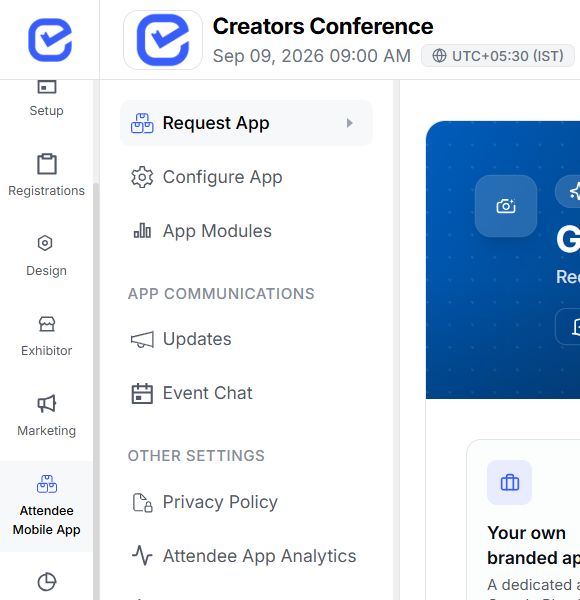
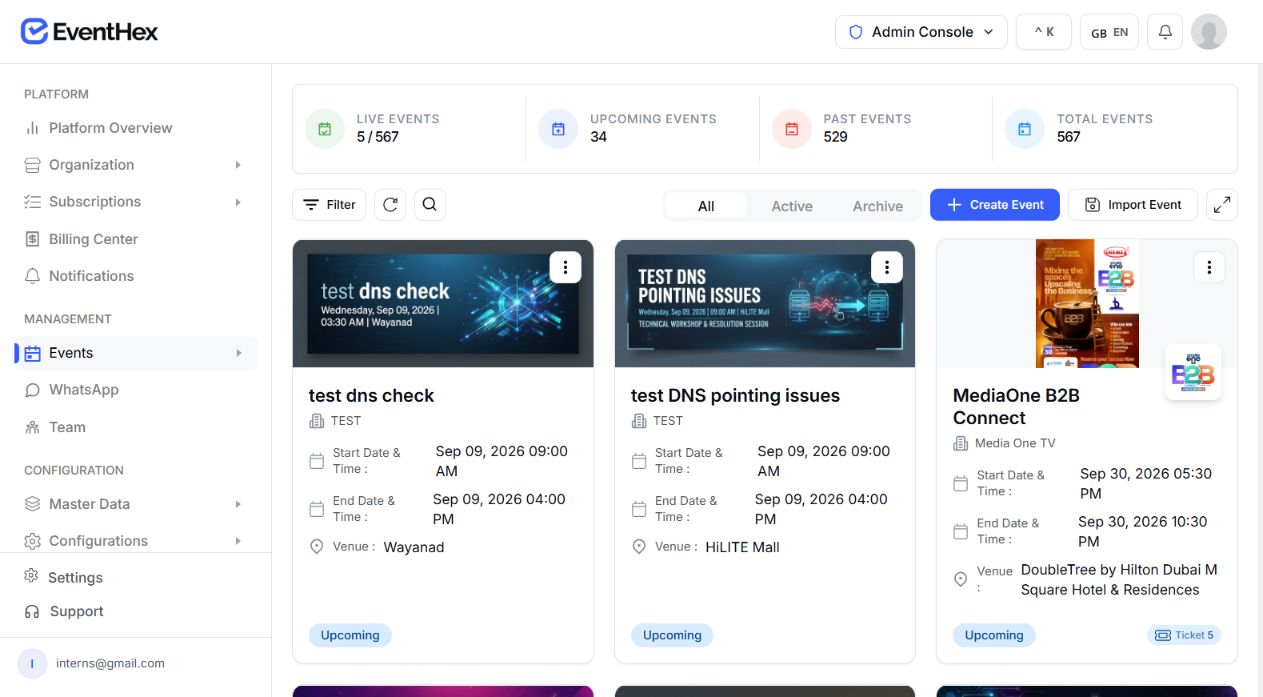
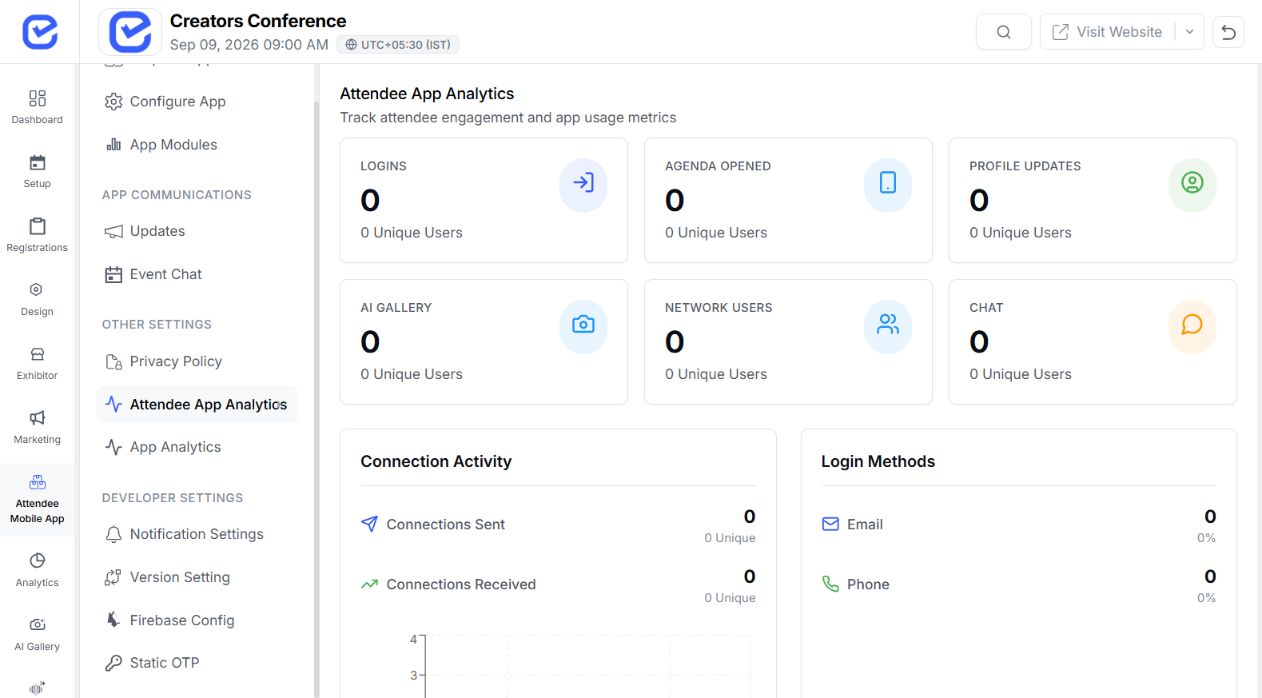
Reward meaningful app activity with configurable points, show progress and rank, and keep challenges, leaderboards, rewards, and draws tied to the event.
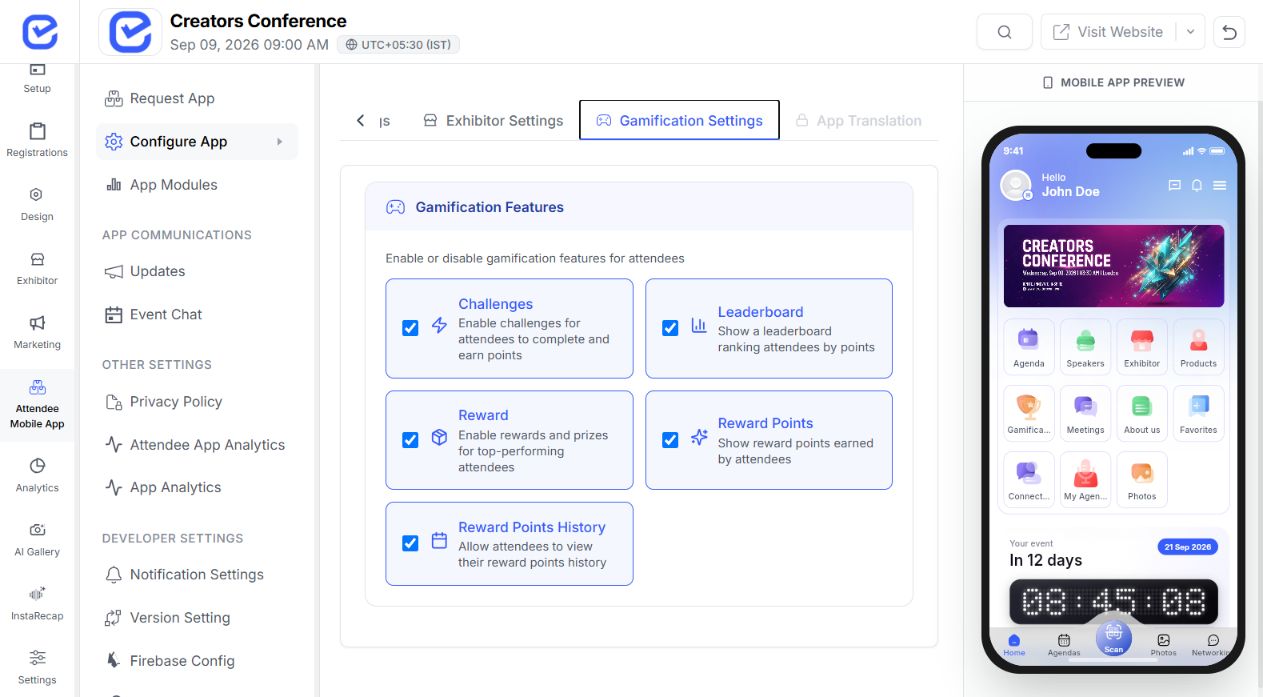
Use actions attendees already complete inside the event app, then connect every validated action to points, progress, rank, and the configured outcome. Challenge rules stay tied to supported event-app actions and one attendee record.
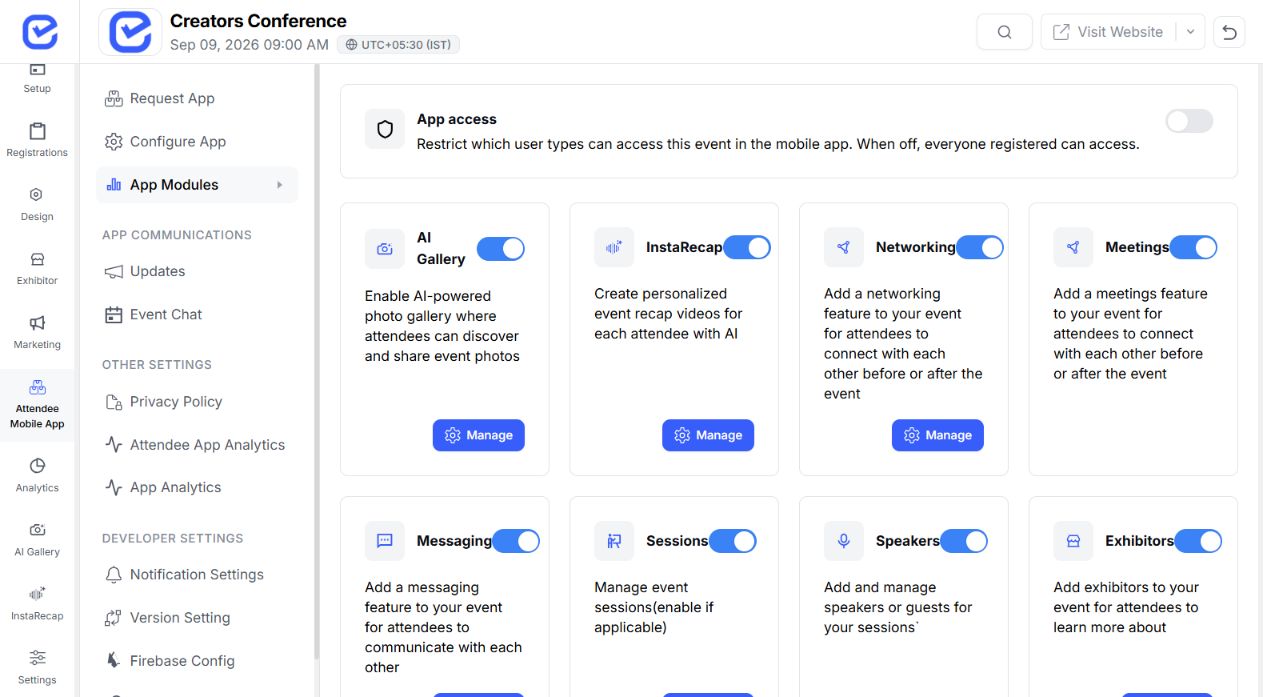
Use stable app-action triggers that the current mobile experience can complete.
Recognize profile setup or profile-picture completion.
Reward a first connection or defined connection milestones.
Recognize a sent message or AI chat action.
Connect gallery participation to points.
Reward a session rating, live Q&A, or speaker bookmark.
Use the supported active-user trigger for recurring participation.
Start with one supported action, then shape the earning rule around the event programme.
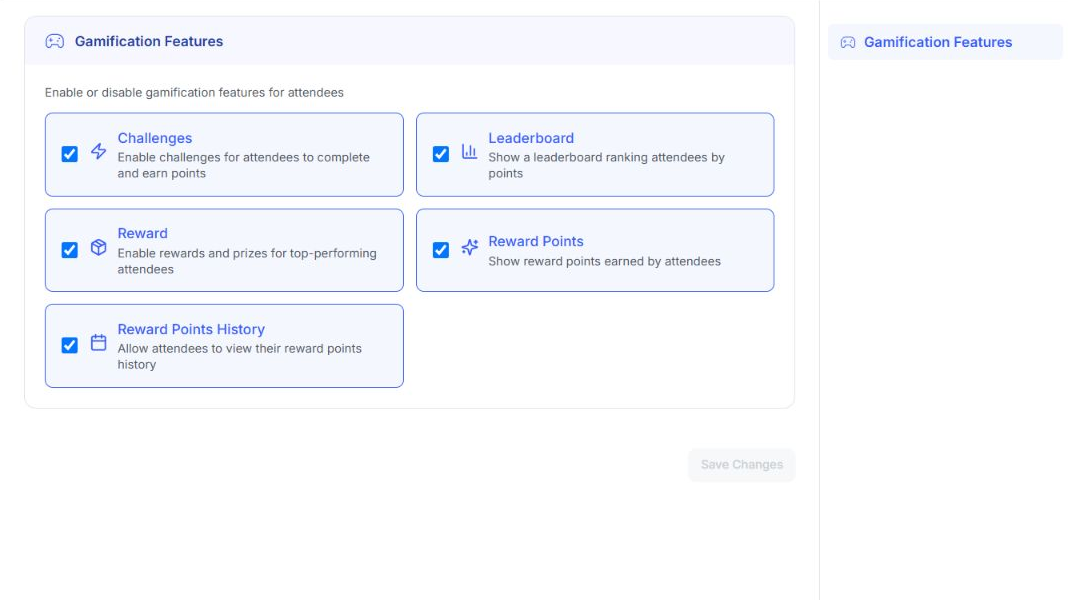
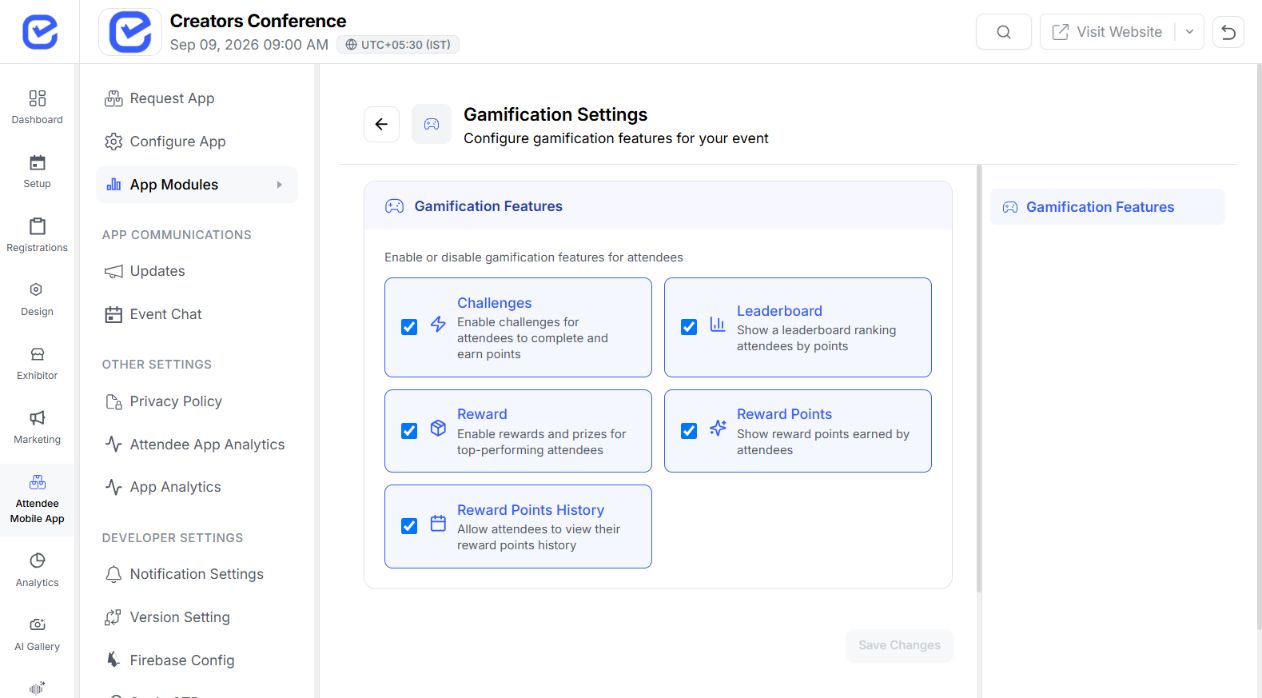
Map your challengeEnable the challenge, leaderboard, reward, points, and history experiences your attendees need.
Features selectedSave changesUse a single challenge or allow recurring completion for the same supported action.
Set the required action count and the points awarded after validated completion.
Add optional dates and tracks, then use daily caps and cooldowns for recurring challenges.
Display eligible challenges for this event and time window.
Record progress against the matching action key.
Update the attendee total after validated completion.
Show where points came from and the resulting progress.
Configure the reward model that fits the event, then surface it in the attendee experience.
Position rewardsBest for ranked outcomes Position configured Attach a prize name, description, value, or coupon to a leaderboard position.
 Milestone rewardsBest for progress goals Milestone configured
 Unlock a named reward when an attendee reaches the configured points threshold.
Reward fulfillment, availability, tax, and terms remain the organizer's responsibility.
Set whether rankings are visible, choose how many positions appear, and keep every leaderboard decision inside one connected organizer workflow.
Choose the tie-break rule, protect attendee identity with anonymous mode, and decide how frequently positions refresh during the event.
See engagement activity alongside rank and points, then add or remove points with a recorded reason when an organizer needs to intervene.
Create the prize, qualify attendees by points, select a winner,
and keep the outcome recorded in one connected workflow.
Give the prize moment a clear identity attendees and organizers can recognize.
Store the reward details before the draw opens.
Define the minimum point total required for entry.
Run the server-side selection once the open draw is ready.
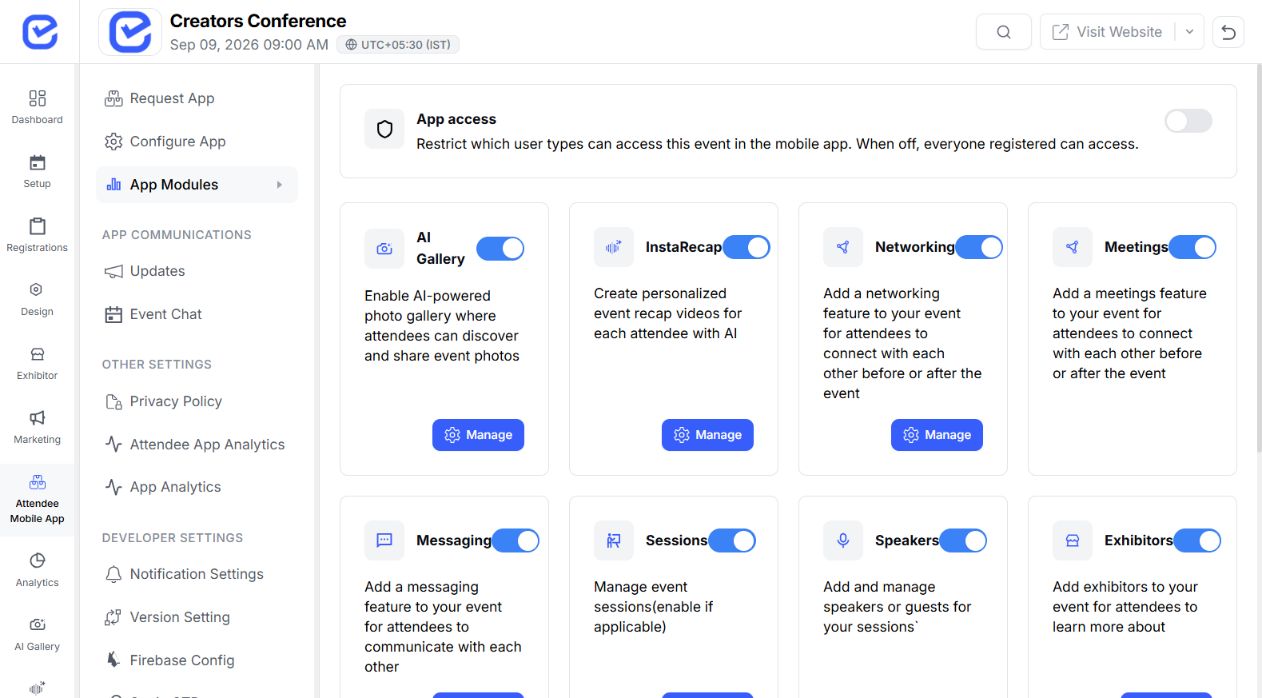
Keep the result and useful draw context together.
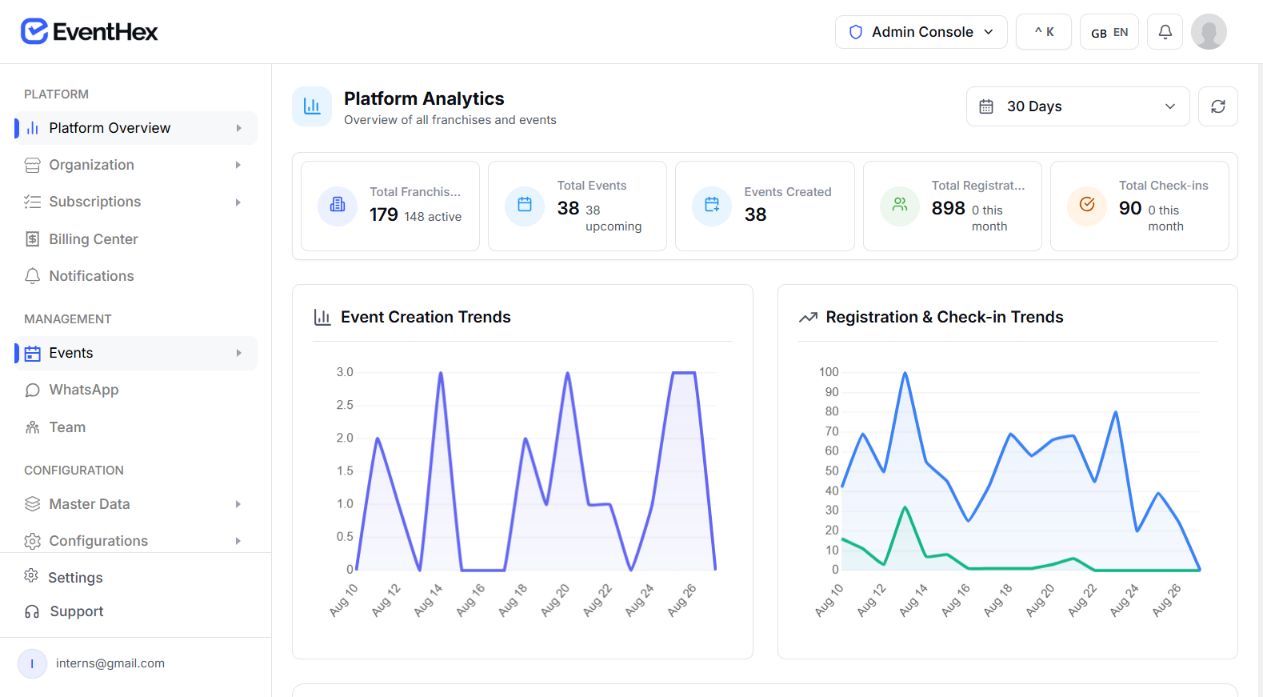
Connect challenge rules to attendee experiences your team can
enable and manage inside EventHex.
Profile, connections, messaging, AI chat, gallery activity, session rating, live Q&A, speaker bookmark, and active-user triggers can power challenges attendees can actually finish.
Supported app actions Configure attendee features Planned action keys Wait for app support Exhibitor QR scan and MCQ quiz keys remain deferred until their app actions are generally available.
Custom challenge titles stay flexible; completion remains tied to a supported action key and the event behavior your team configures.
Go deeper when you need the full workflow, configuration,
and controls for a specific attendee action.
Choose the actions, points, and reward path that fit the audience.
Connect networking, questions, and session feedback to one visible participation goal.
CHALLENGE SIGNALSGive members a consistent reason to take part in recurring activities throughout the programme.
CHALLENGE SIGNALSEncourage the app, content, and networking activity that helps attendees explore the event.
CHALLENGE SIGNALSSupport learning and community goals with challenges that reinforce the programme, not distract from it.
CHALLENGE SIGNALSBring sessions, questions, profiles, and networking into one challenge journey for technical audiences.
CHALLENGE SIGNALSUse mobile actions shared across the attendee experience so in-person and remote audiences can participate.
CHALLENGE SIGNALSThe current action contract supports profile completion, connections, messaging, AI chat, gallery activity, session rating, live Q&A, speaker bookmarking, and active-user actions. Exact availability depends on the event app setup.
Yes. A challenge can be single or recurring. Recurring challenges can use a daily cap and cooldown; single challenges can require the underlying action more than once.
Yes. Optional start and end dates control when the challenge is listed as available to attendees.
Yes. Organizer settings include anonymous mode, visibility, displayed rank count, refresh policy, and tie-break behavior.
EventHex supports position rewards for leaderboard places and milestone rewards for reaching a points threshold. Prize fulfillment and terms stay with the organizer.
An organizer creates a points-threshold draw and runs a server-side winner selection among attendees who are eligible at draw time. Confirm legal and event rules before use.
