
Conference session management software

Build a multi-track event agenda your team can keep under control

Plan sessions across days and stages, connect speakers and access rules, and publish a clear attendee agenda—without splitting the programme across disconnected tools.
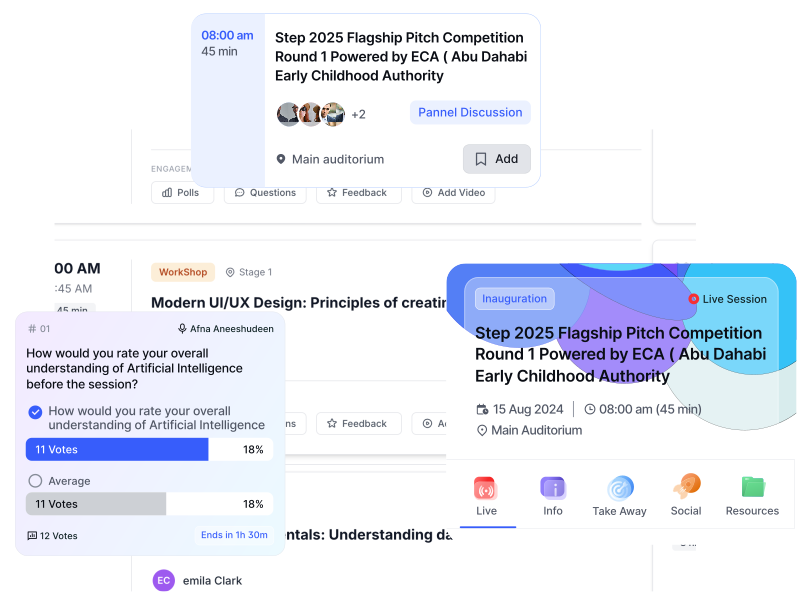
Structure the full programme Move sessions as plans change Keep attendee access connected
EventHex multi-track session agenda with stages, speakers, and attendee access
StructureDays + stagesClassifyTypes + tracksAssignSpeakers + rolesControlTickets + bookingPublishMobile agendaContinueEngage + recap
Model the programme

Create the Right Block for Every Part of the Run-of-Show

Use a standard session for scheduled content, a break for programme gaps, or a nested sub-session when one block branches into smaller experiences.

Normal session

Set title, type, track, stage, timing, speakers, and access. Talks, panels, workshops

Break

Reserve non-content time in the same agenda. Lunch, networking, transitions

Sub-session

Nest a breakout or parallel activity under its parent session. Breakouts and grouped programmes

One connected agenda record

Shape the Programme, Preserve Its Context,and Connect the Lineup

Multi-track scheduling

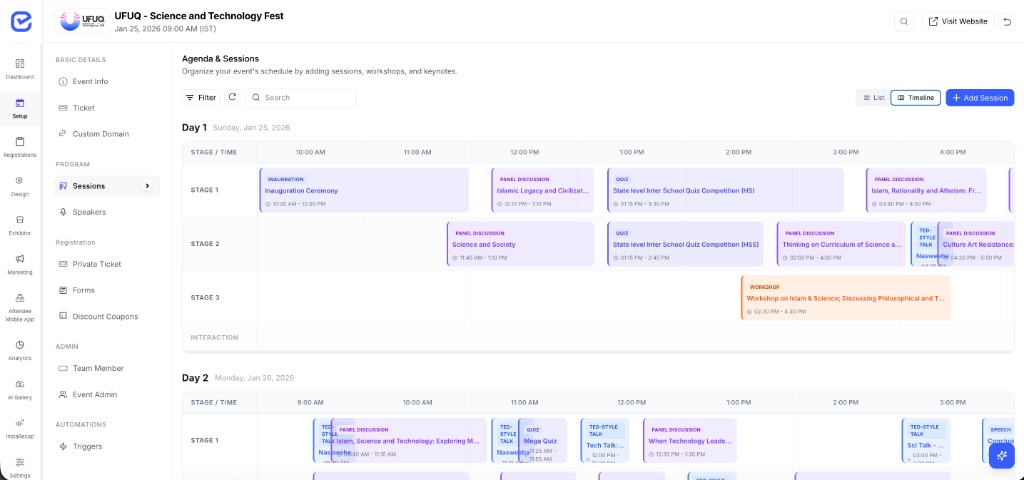
See the programme by day and stage—then move what changed

Switch between agenda and timeline views, filter the programme, and reschedule a session from the timeline when the run-of-show moves.

See it in a demo
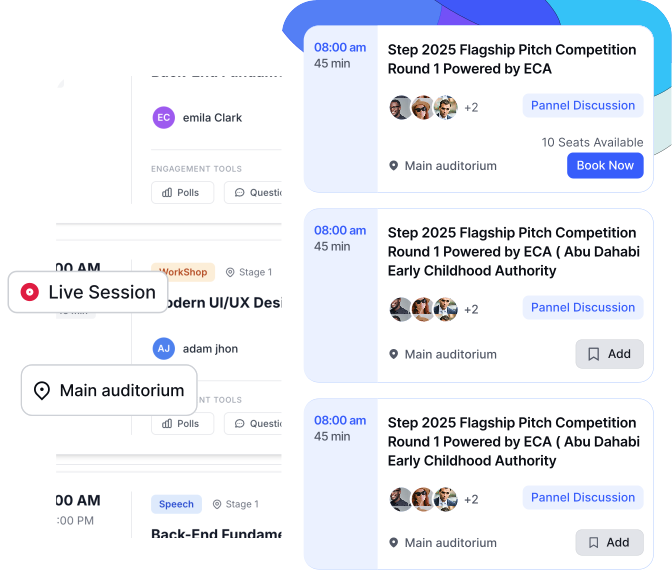
EventHex timeline with sessions arranged across programme stages
Clear programme structure

Give every session the context organizers and attendees need

Keep stages, session types, tracks, start and end times, descriptions, and parent relationships on the agenda record instead of encoding the programme in titles alone.

See it in a demo
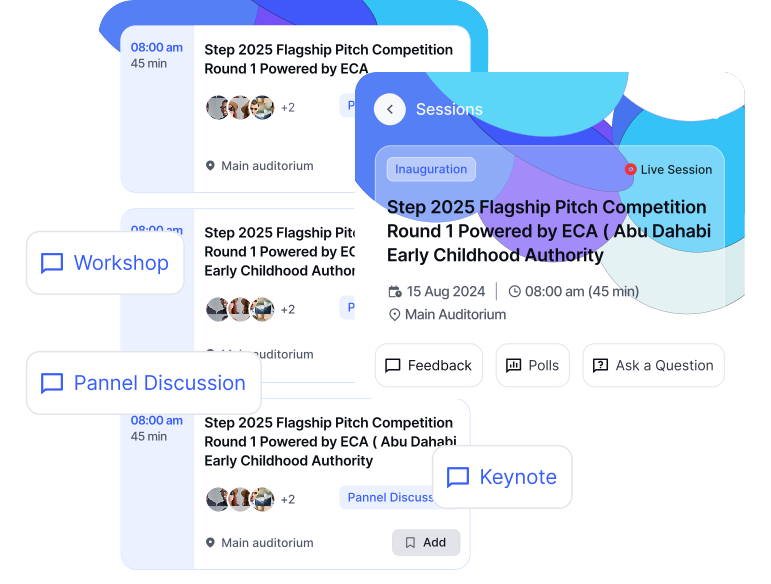
EventHex session type and programme structure controls
Speaker connection

Put the right people—and the right role—on each session

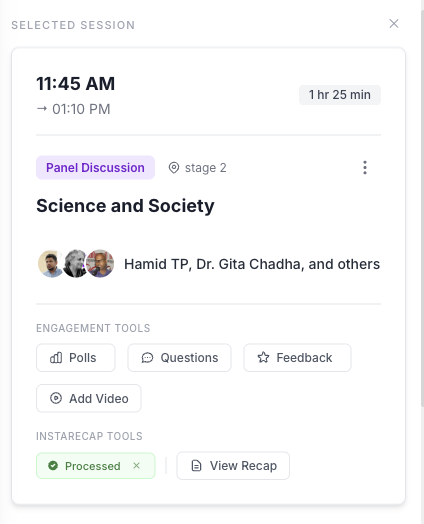
Select speakers from the event, assign a role for this session, preserve their order, and continue to Speaker Management for profiles, collection, and broader coordination.

Explore Speaker Management
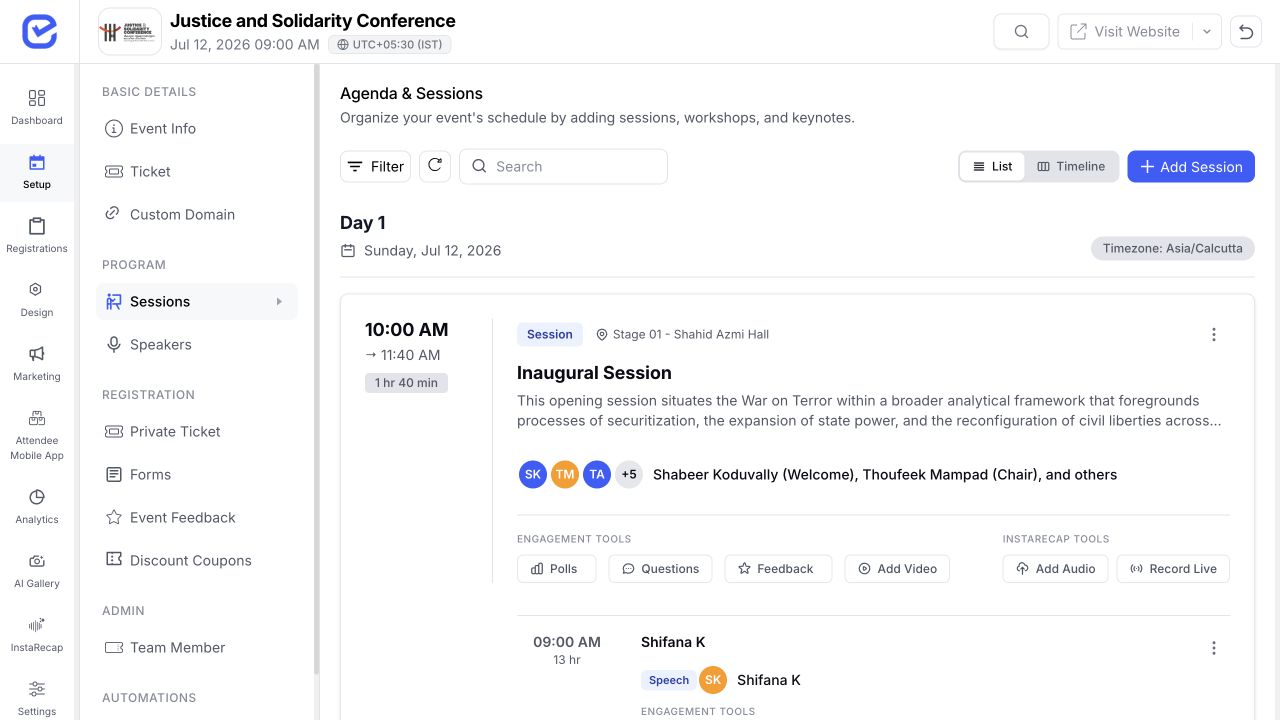
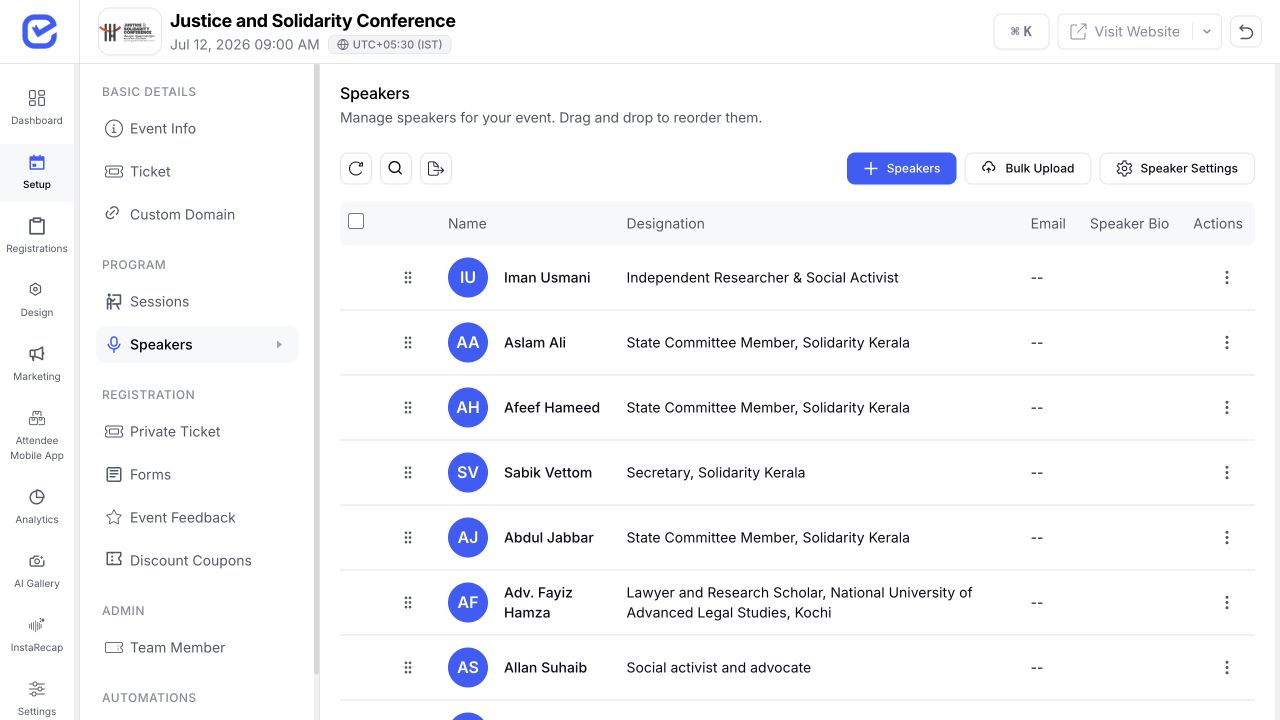
EventHex session workspace showing assigned speakers and their session roles
EventHex speaker directory showing connected speaker profiles and designations
Attendee agenda

Turn the Organizer Schedule Into a Programme Attendees Can Navigate

Publish the same session structure into the event app so attendees can browse the programme and return to saved sessions.
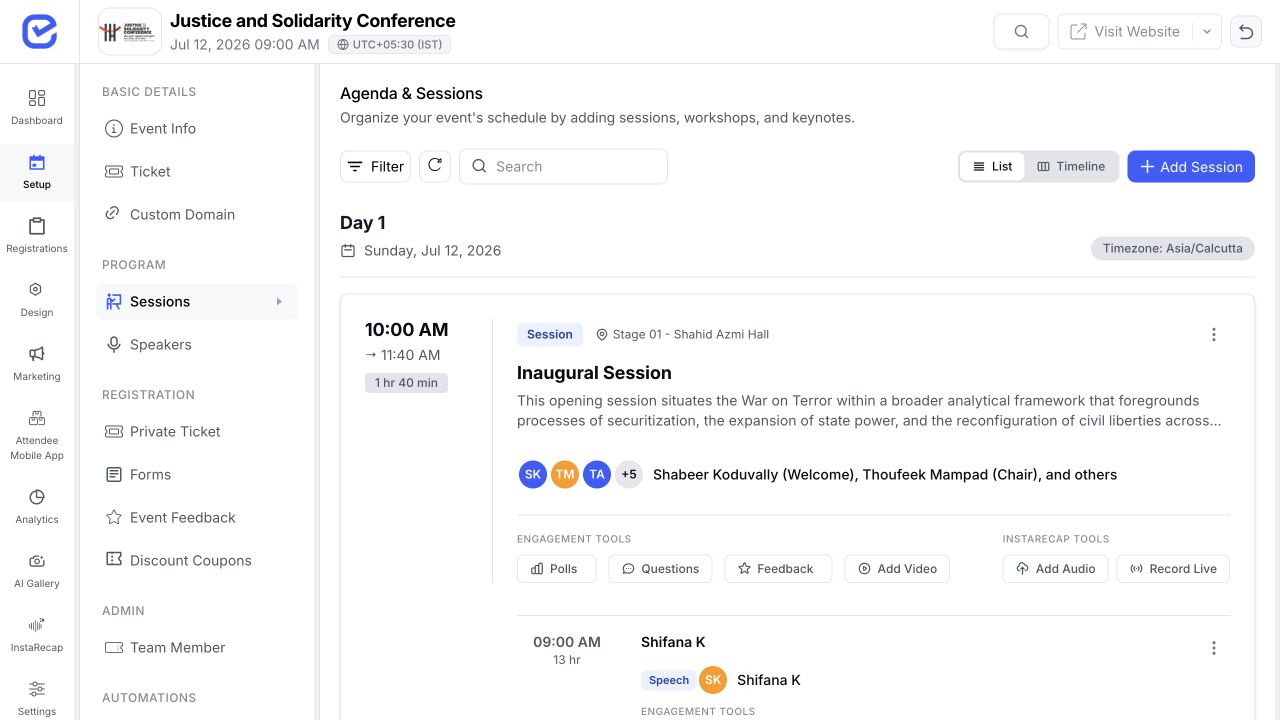
EventHex agenda workspace organized by event date, time, stage, and session
01 · Browse by date

Move through the event programme day by day

Keep each day’s sessions in the same agenda structure used by the organizer workspace.

02 · Filter by stage

Focus on the stage or room that matters now

Let attendees narrow a busy multi-track programme without losing the wider schedule.
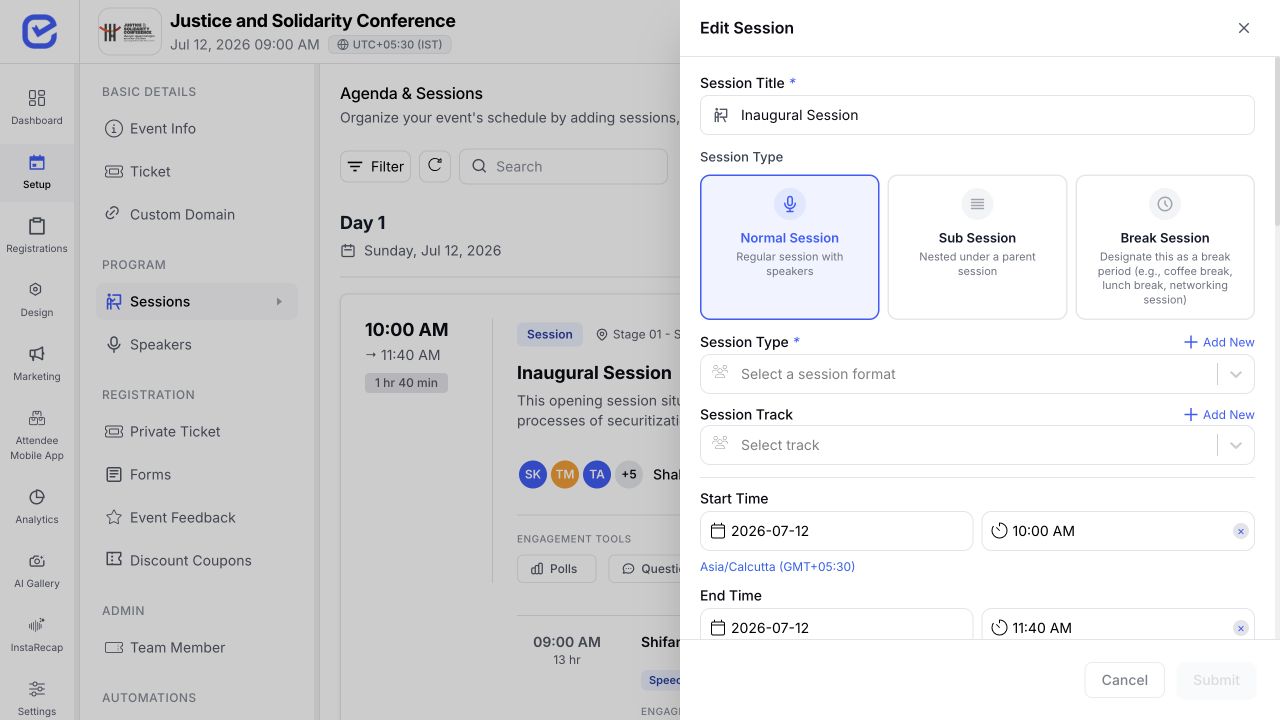
EventHex session record showing format, start and end times, stage, and speaker controls
03 · Open session detail

See timing, stage, format, speakers, and available actions

The session record carries the context attendees need when they move from the agenda into a specific talk or workshop.

04 · Return to saved sessions

Use the saved-session view as a personal agenda shortcut

Attendees can get back to the sessions they selected without rebuilding their plan from the full programme.

Attendee access

Decide Who Can Book—and the Rules That Shape Their Agenda

Apply session capacity and ticket access where required, then use event-level booking rules to control how attendees build their schedule.

Attendance limit

Turn on a session limit and set the available capacity.

Ticket eligibility

Choose which event ticket types can access the session.

Booking cap

Set the maximum number of sessions an attendee can book.

Conflict prevention

Block overlapping session bookings when that event rule is enabled.

Cancellation policy

Allow cancellations and define the cutoff before a session starts.

Connected session operations

The session remains the shared context; specialist workflows handle speaker operations, live participation, notifications, and post-session content.

Speaker Management

Collect profiles and coordinate the wider speaker workflow.
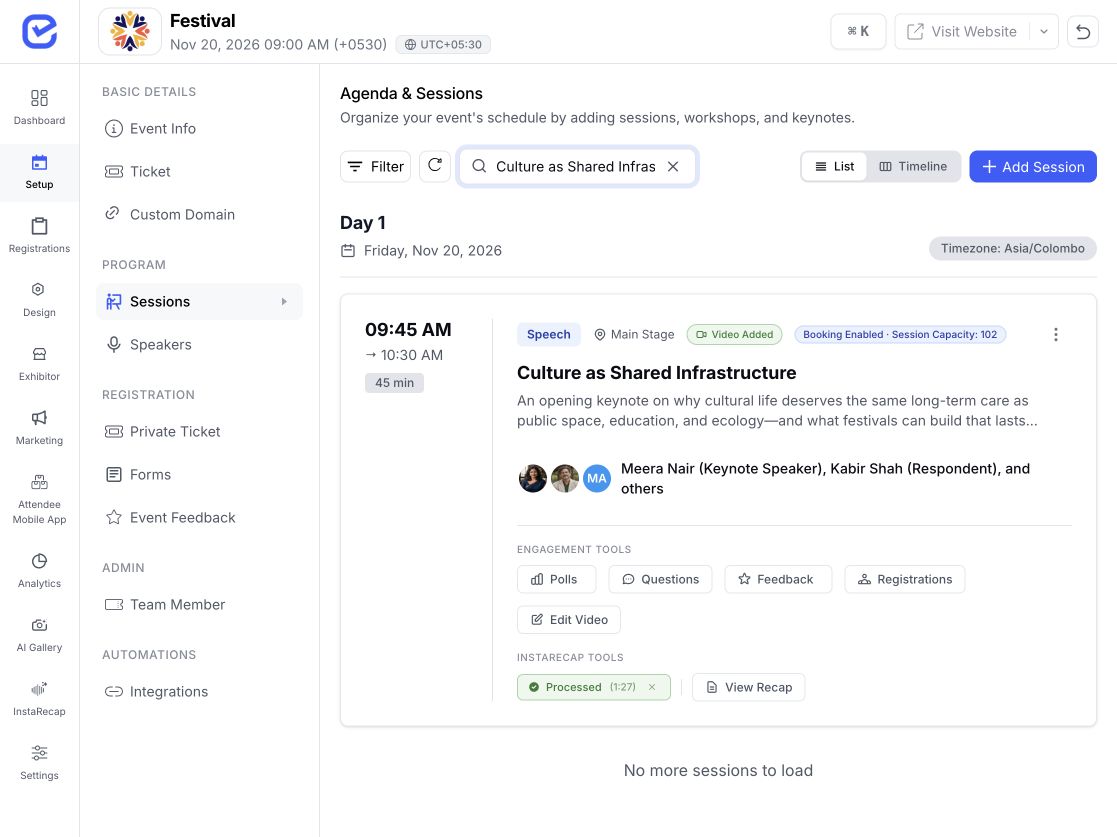
  • Collect speaker profiles
  • Coordinate the wider workflow
  • Keep speaker roles tied to sessions
Learn more
EventHex speaker roles connected to a session Speaker Management

Live Polling & Q&A

Run live questions, polls, and feedback around the session.
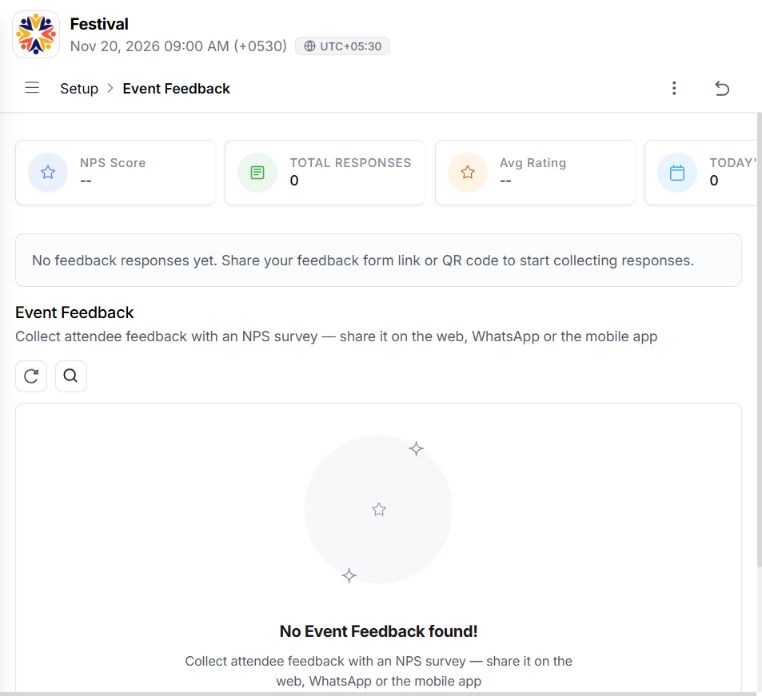
  • Run live audience questions
  • Launch in-session polls
  • Collect session feedback
Learn more
EventHex audience engagement dashboard for a live session Live Polling & Q&A

Event Notifications

Send event and session updates through the configured channels.
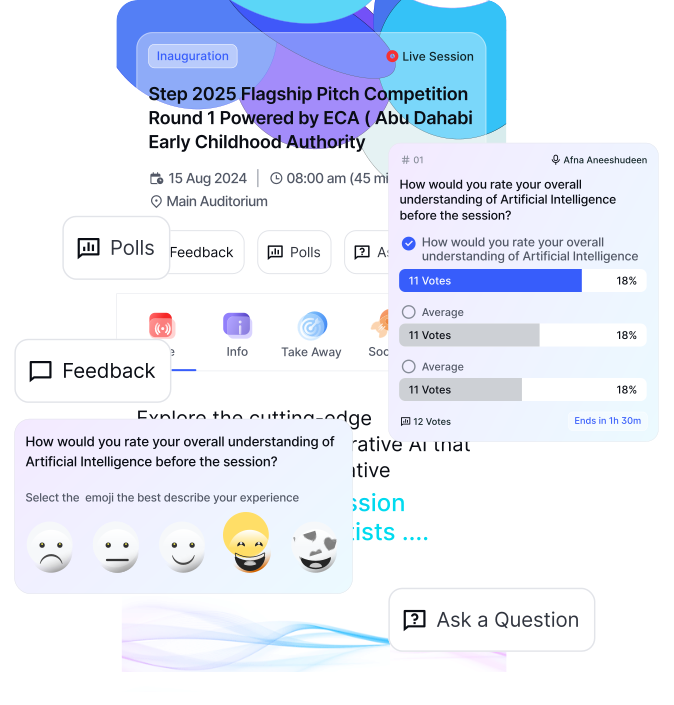
  • Send event updates
  • Send session updates
  • Use configured delivery channels
Learn more
EventHex attendee engagement and session communication view Event Notifications

AI Session Recap

Turn supported session media into an attendee-facing recap experience.
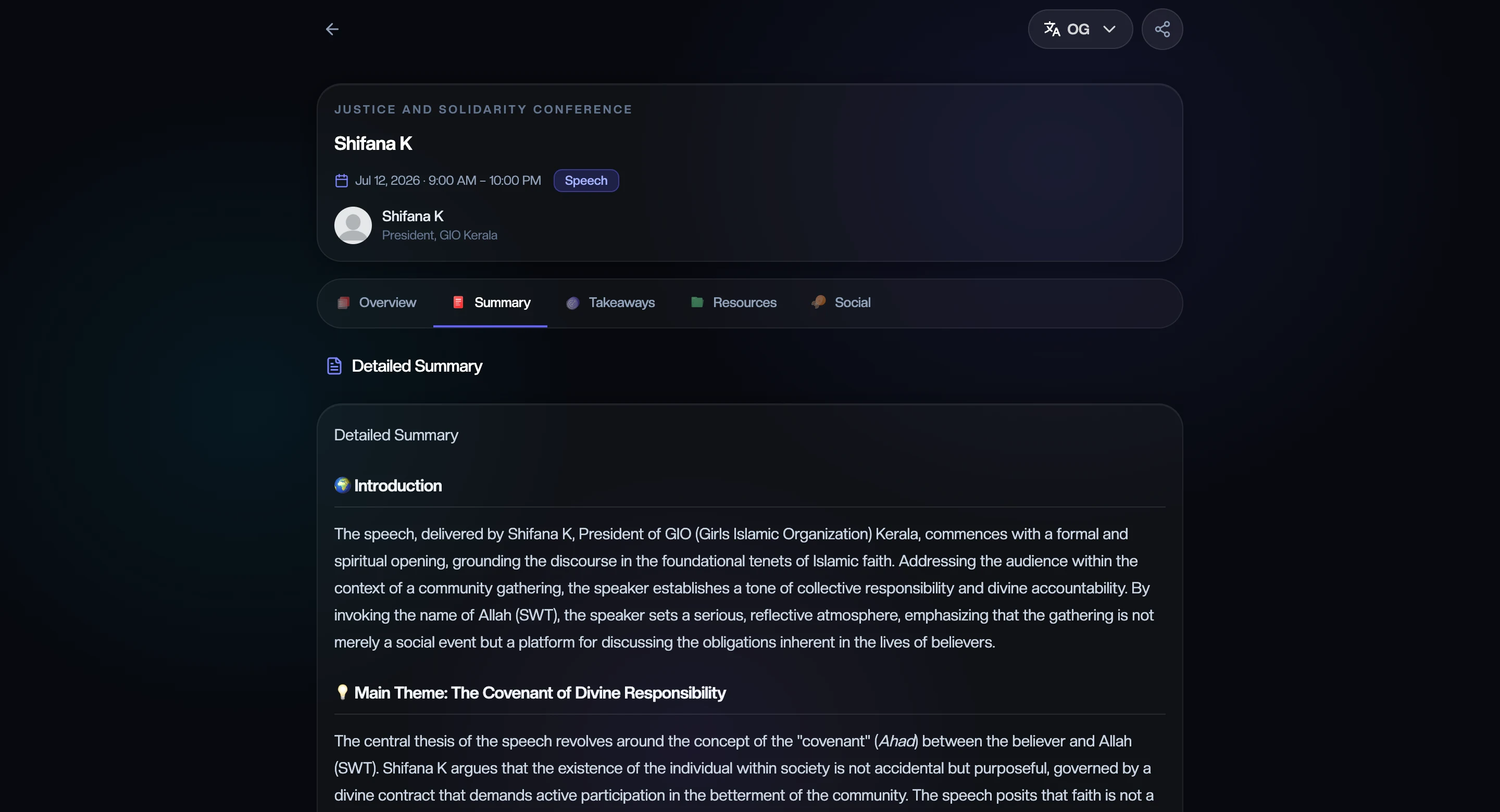
  • Use supported session media
  • Create an attendee-facing recap
  • Continue post-session content
Learn more
EventHex attendee-facing AI session recap AI Session Recap
Built for Programmed Events

Use One Agenda Model Across Different Event Formats

Shape the schedule around the programme—not around a rigid page template.

  1. 01

    Conferences

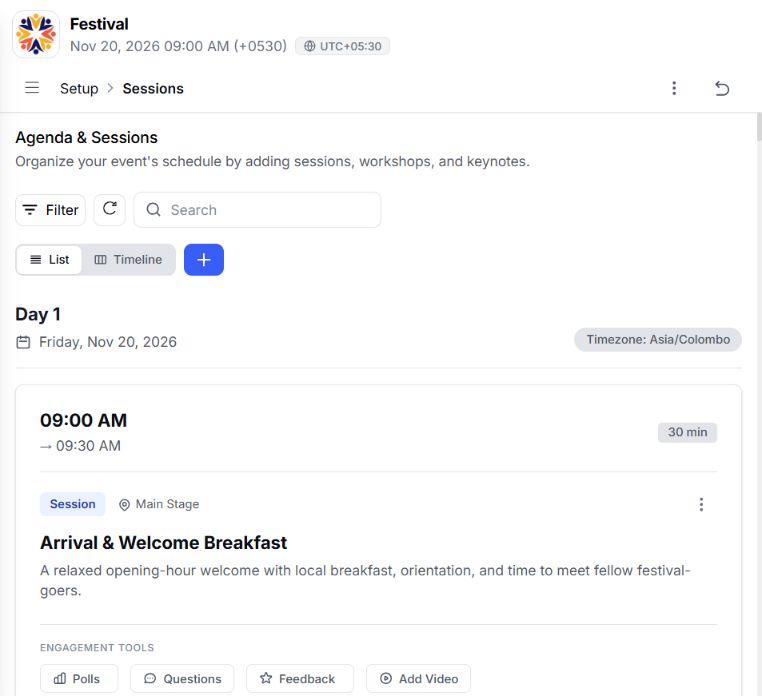
    Coordinate multi-track talks, panels, and breakouts.
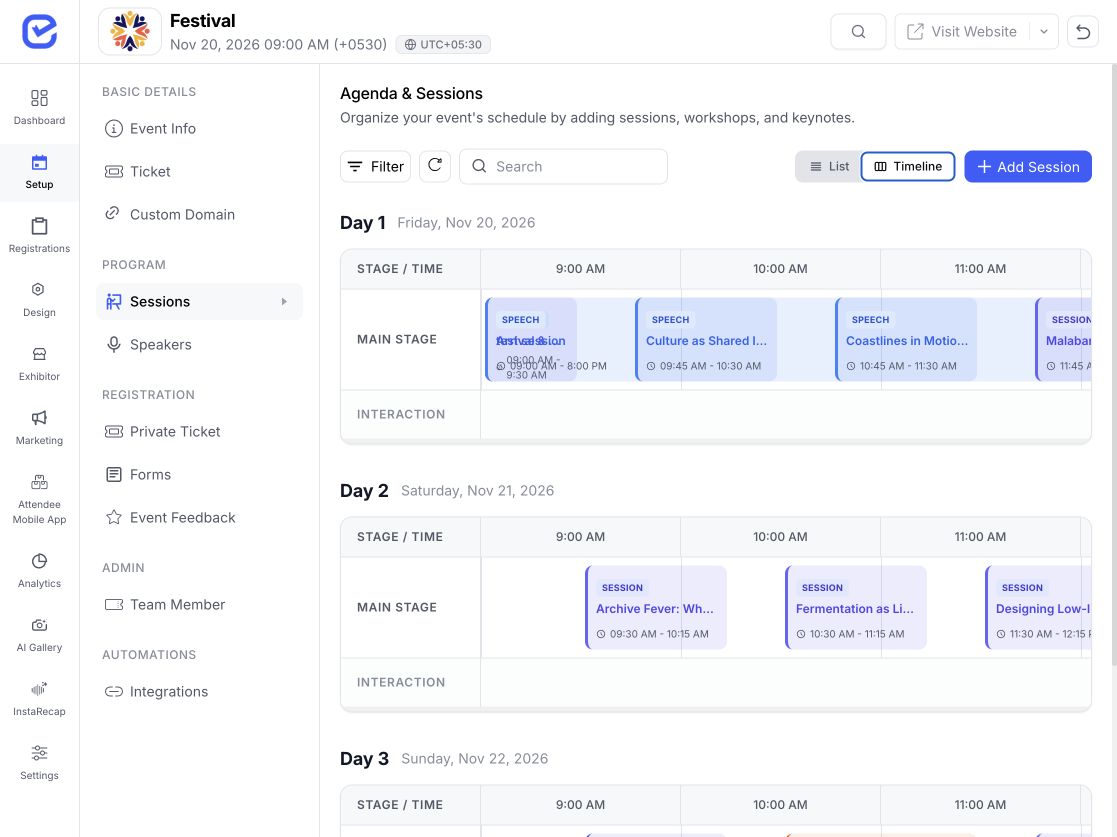
    • Multi-day programme structure
    • Parallel tracks and stages
    • Talks, panels, and breakouts
    EventHex multi-track conference programme timeline
  2. 02

    Associations

    Run member programmes across days and stages.
    • Session types and tracks
    • Speaker roles and timing
    • Attendee agenda publishing
    EventHex programme scheduling dashboard for an association event
  3. 03

    Exhibitions

    Connect content stages to the wider exhibition schedule.
    • Content-stage schedules
    • Session types and tracks
    • Mobile agenda publishing
    EventHex exhibition content-stage schedule
  4. 04

    Corporate events

    Plan leadership, training, and internal programme blocks.

    • Leadership programme blocks
    • Training session formats
    • Capacity and booking rules
    EventHex corporate event programme and speaker roles
  5. 05

    Tech conferences

    Organize product, developer, and partner tracks.
    • Product and developer tracks
    • Partner programme stages
    • Speaker roles and session detail
    EventHex tech conference session detail and speaker lineup
  6. 06

    Recorded events

    Keep session timing and speakers connected to the recap workflow.

    • Session timing and speakers
    • Supported recap workflow
    • Attendee-facing follow-up
    EventHex attendee-facing recap for a recorded session
When Plans Change

Keep the Agenda Editable Without Losing Its Structure

Update the session record that drives the programme rather than correcting separate copies in multiple tools.

Move the time

Reschedule from the timeline.

Change the stage

Update where the session belongs.

Refine the track

Keep attendee filtering useful.

Update the lineup

Adjust speakers and their session roles.

Review access

Recheck capacity and ticket eligibility.

Quick answers

What Organizers Ask Before Building the Programme

Answers about programme structure, schedule changes, attendee access, booking rules, and connected workflows.

Book a Demo
Can EventHex manage a multi-day, multi-track agenda?

Yes. Sessions can be organized by date and stage, categorized with types and tracks, and reviewed in agenda or timeline views.

Can we create breakouts under a main session?

Yes. A sub-session can be attached to a parent session. The session form also supports normal sessions and breaks as separate modes.

Can organizers move sessions after the agenda is built?

The organizer timeline supports dragging a session to a new time. Review downstream attendee communication whenever a published schedule changes.

Can session access depend on ticket type?

The session record supports ticket selection and an optional attendance limit. Confirm the intended ticket and capacity setup during the demo.

Can EventHex prevent attendees from booking overlapping sessions?

An event booking rule can prevent time conflicts. Organizers can also set a booking cap and cancellation policy; these controls should be configured for the event.

Where do polls, Q&A, notifications, and AI recaps fit?

They are connected session workflows, but each has its own feature page and setup. Session Management owns the agenda and session record that those workflows use.
