
Follow the Session in Real Time
Show live transcription and, as content becomes available, live overview, takeaways, resources, and configured translations.
Capture a live session or add a recording. InstaRecap creates live transcription, reviewable summaries, personalized takeaways, referenced resources, and share-ready content—connected to the agenda and available to attendees on web and mobile.
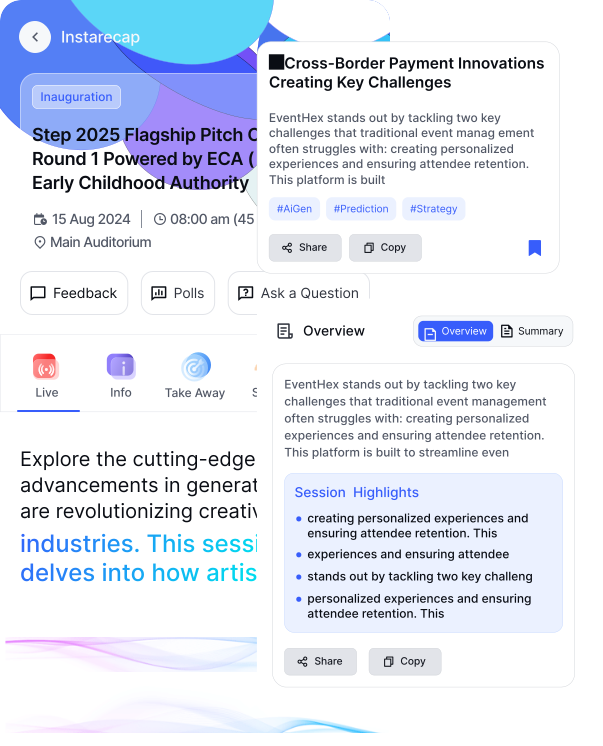
Two attendee moments, connected to the same agenda session.
Show live transcription and, as content becomes available, live overview, takeaways, resources, and configured translations.
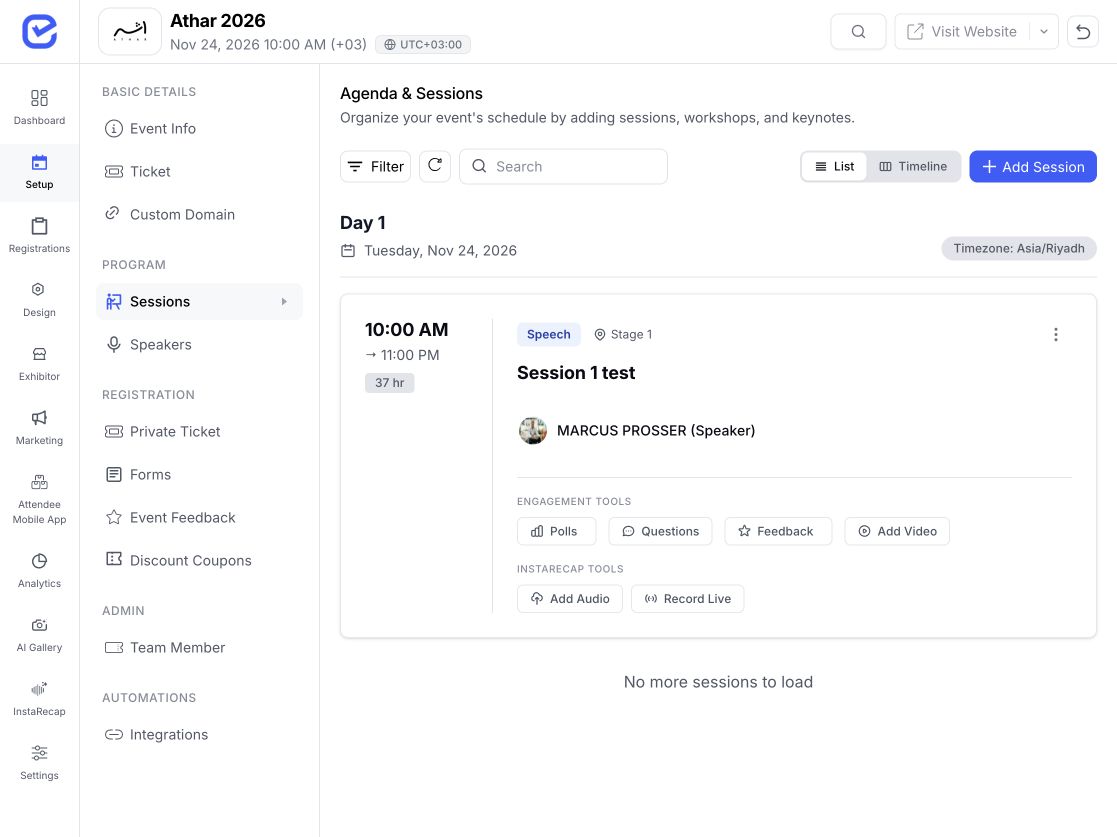
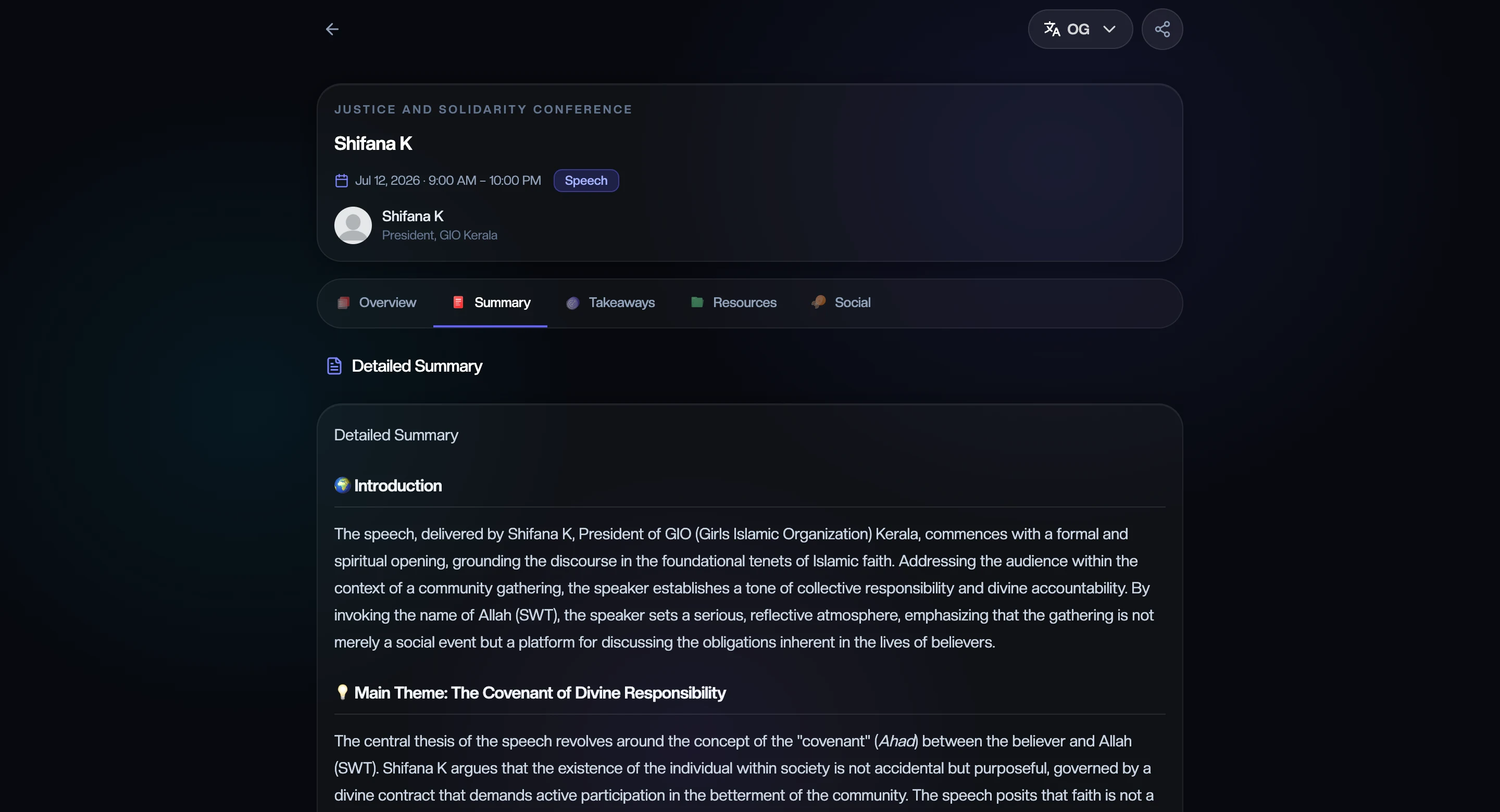
Open the processed transcript, quick brief, detailed summary, takeaways, resources, social drafts, and recap PDF.
Generated content depends on captured session material and processing status. Organizers can review and regenerate individual outputs.
Start recording and transcription for a selected agenda session.
Add an existing recording and map it to the correct session.
Use captions exposed by a YouTube URL, or upload audio when captions are unavailable.
Connect the meeting-bot workflow where it is configured for the event.
Follow each recap from queued and transcribing through processed or failed.
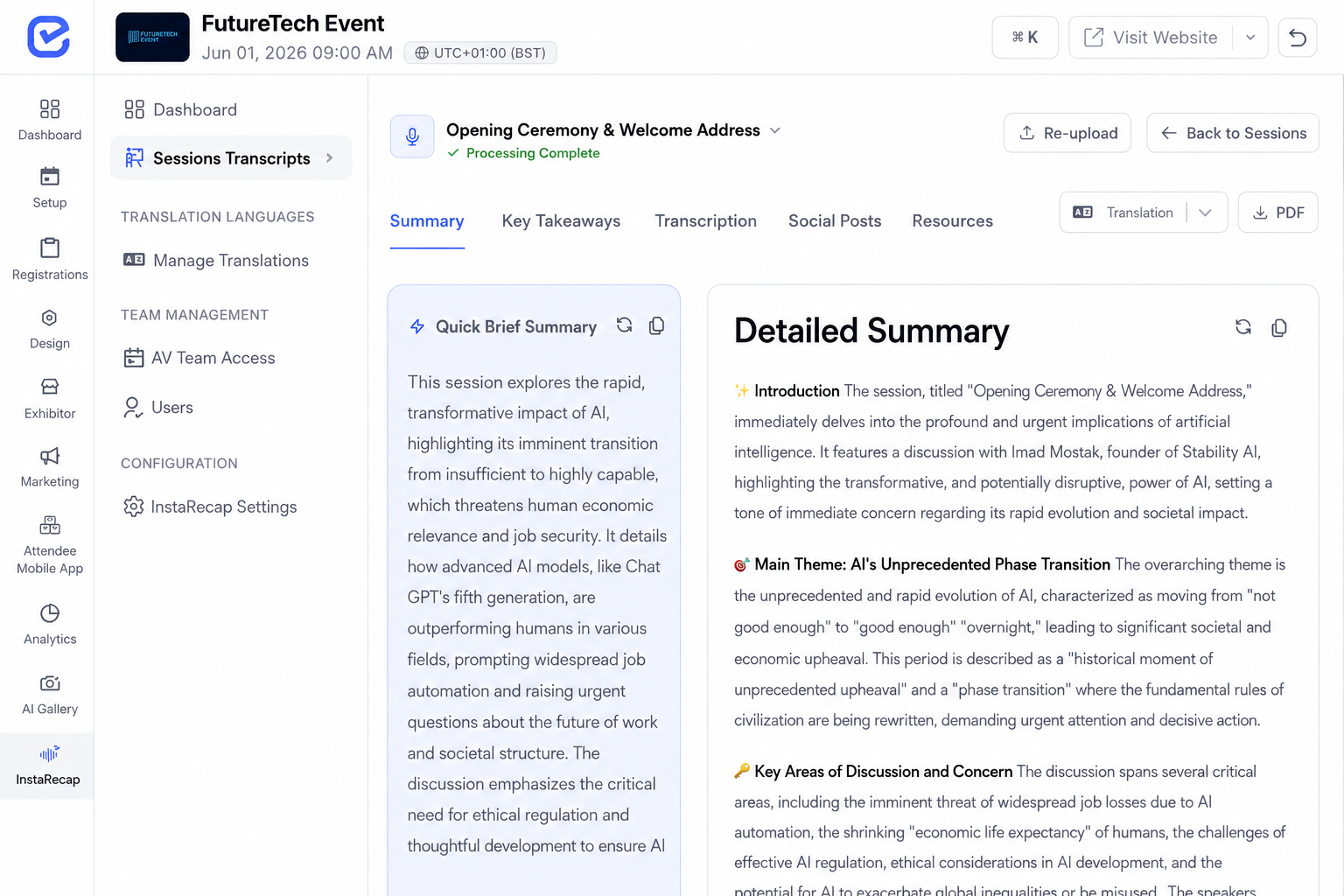
Edit the transcript, open the quick brief or detailed summary, and regenerate summaries, takeaways, resources, translations, or social drafts individually.
Map, remap, or remove a recording while keeping processing status visible.
Start with the event program, then search and filter sessions before opening Overview, Summary, Takeaways, Resources, or Social.
Live and processed sessions remain part of the same web and mobile recap journey.
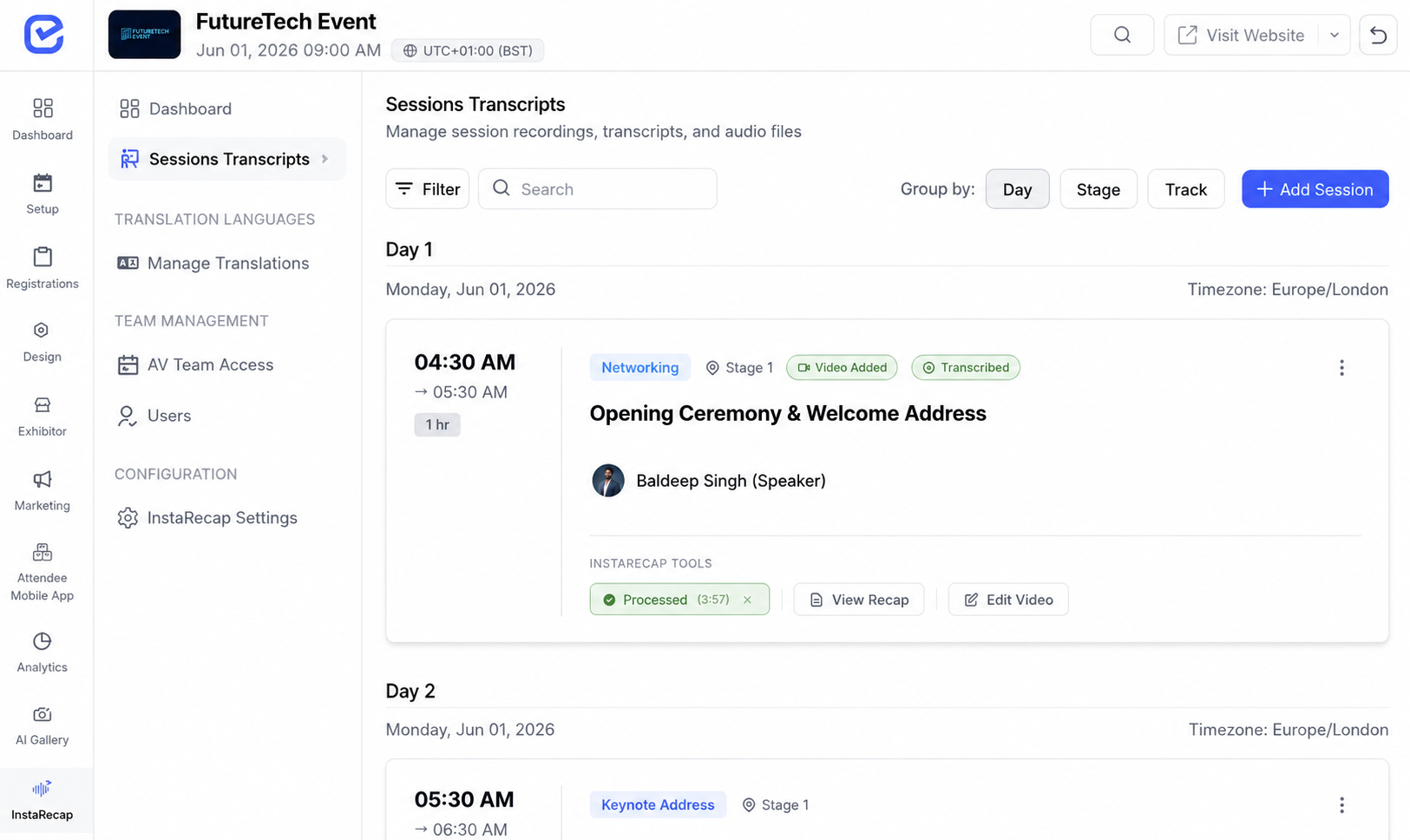
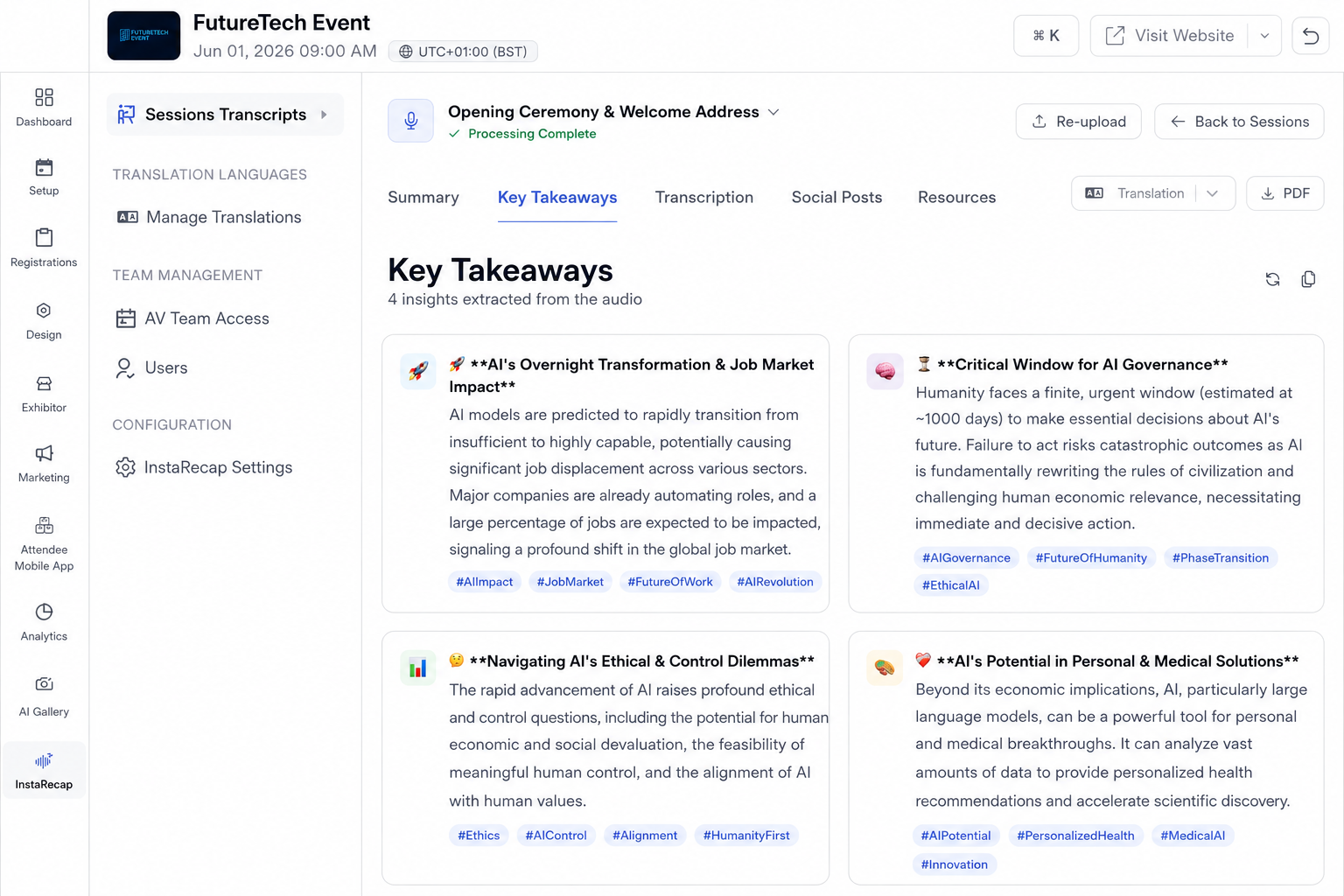
Create shared summaries, takeaways, and referenced resources from captured session material, then use available attendee profile context for supported personalization.
Organizers choose which recap tabs and attendee actions are available.
Choose up to four target languages for available live transcription and processed content.
Prepare LinkedIn and X drafts, supported takeaway posters, and a session recap PDF; sharing and personalization follow organizer controls.
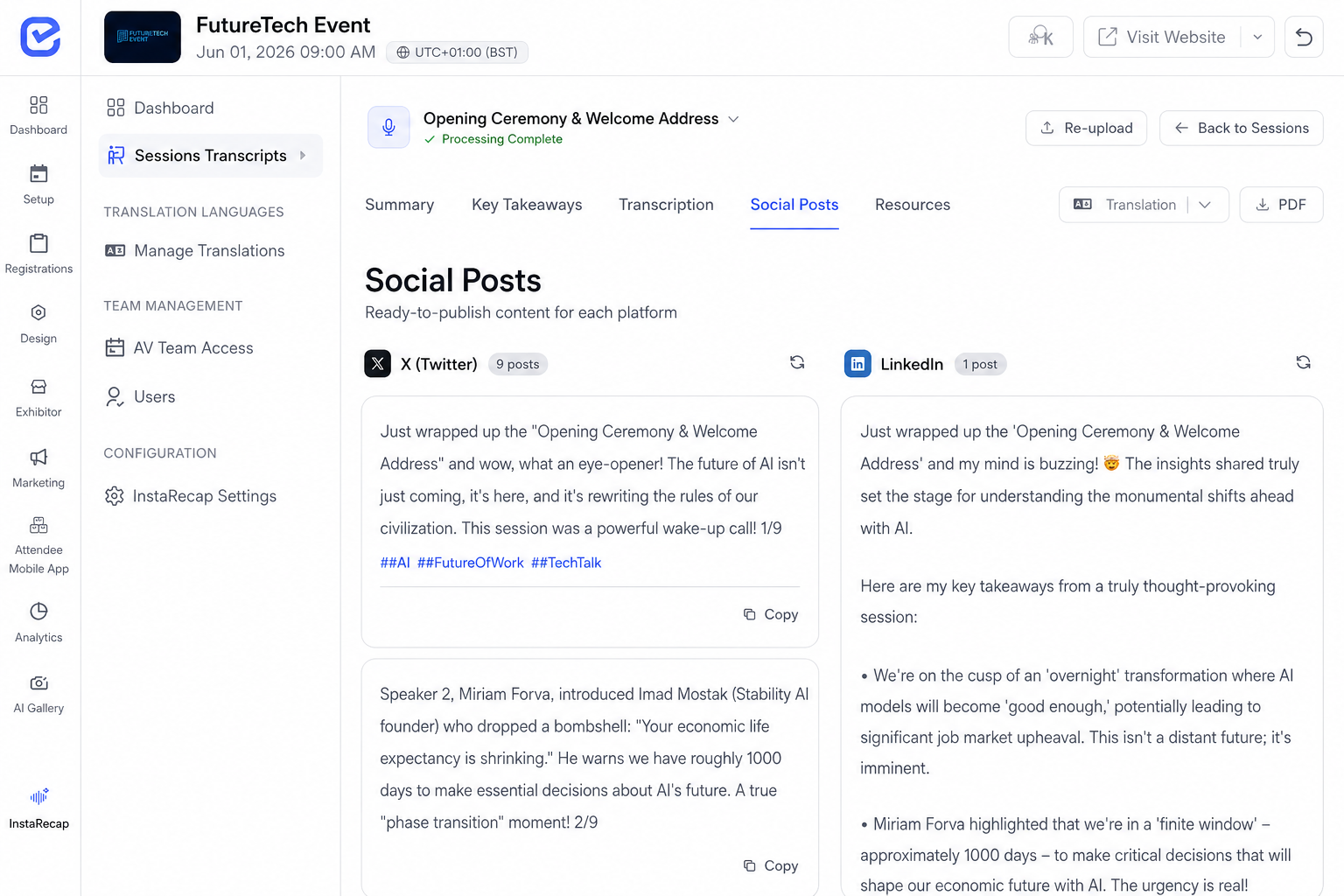
Keep each recording, transcript, speaker, and generated output attached to its agenda session. Attendees move from the event program into live or processed recap content on web and mobile.
Explore moreUse available attendee profile context to shape supported takeaways and social drafts while keeping the shared summary and referenced resources grounded in the captured session.
Explore more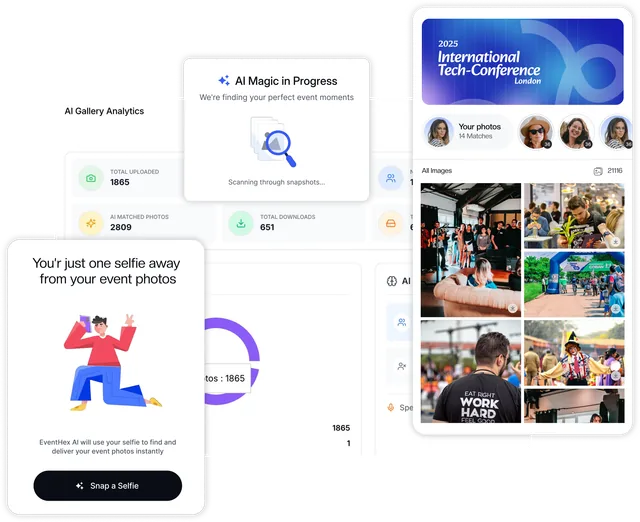
Create an AV Team URL, QR code, and access code, scope access to permitted sessions or stages, and let the crew run supported recording and transcription without opening the organizer workspace.
Explore more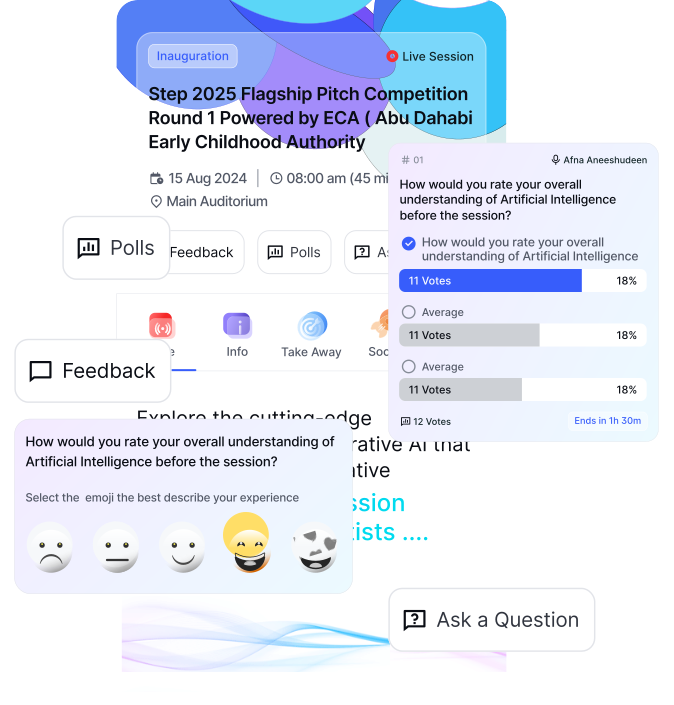
Turn stage talks, product sessions, and expert panels into recaps delegates can revisit.
Connect agenda sessions, speakers, live transcription, takeaways, resources, and attendee access.
Create a session knowledge library for members while keeping access aligned with the event.
Use one operating model across client programs while configuring each event separately.
An AI session recap turns captured session material into structured content such as a transcript, short and detailed summaries, key takeaways, referenced resources, and supported social drafts. EventHex keeps these outputs connected to the event’s agenda session.
Yes. EventHex supports live recording and transcription flows. Attendees can view live transcription and, as generated content becomes available, live overview, takeaways, resources, and configured translations.
Yes. Organizers can upload session audio, monitor processing, and map or remap the recording to the correct session.
EventHex can import exposed captions from a valid YouTube URL. If captions are unavailable, the organizer can upload the audio instead.
Organizers can edit the transcript and regenerate individual outputs, including summaries, takeaways, resources, social drafts, and available translations.
Depending on the event settings and processing state, attendees can use Overview, Summary, Takeaways, Resources, and Social views. Organizers choose which recap tabs are visible.
Organizers can enable translation and choose up to four target languages for the event. Attendees can switch to available translated live transcription and processed recap content.
EventHex provides a web/PWA recap experience and supports InstaRecap views in the attendee mobile app. The exact available actions depend on the event configuration and app surface.
When the organizer enables the relevant controls, attendees can copy or share supported takeaways and social drafts, personalize available social content, and generate takeaway posters.
Organizers can create a dedicated AV Team access URL, QR code, and code, then scope that access to permitted sessions or stages.
The InstaRecap dashboard includes transcribed-session and hour totals, recap users over time, recent processed sessions and users, regenerated takeaways, and generated LinkedIn and X post counts.
InstaRecap is built around an event’s sessions, speakers, attendees, access settings, and event-day workflow. It combines live transcription with a multi-session attendee recap experience, personalized takeaways, share-ready outputs, and organizer reporting instead of leaving each session as an isolated set of meeting notes.
