
Disconnected AI Tools
Copy event details into separate tools, move outputs by hand, and decide where each result belongs.
Bring planning, attendee engagement, event photos, and session follow-up into one event workflow. EventHex gives organizers one Copilot plus focused AI tools for forms, networking, galleries, and recaps.
Use focused AI experiences without rebuilding the event context for every task.
Copy event details into separate tools, move outputs by hand, and decide where each result belongs.
 Separate workspaces Move output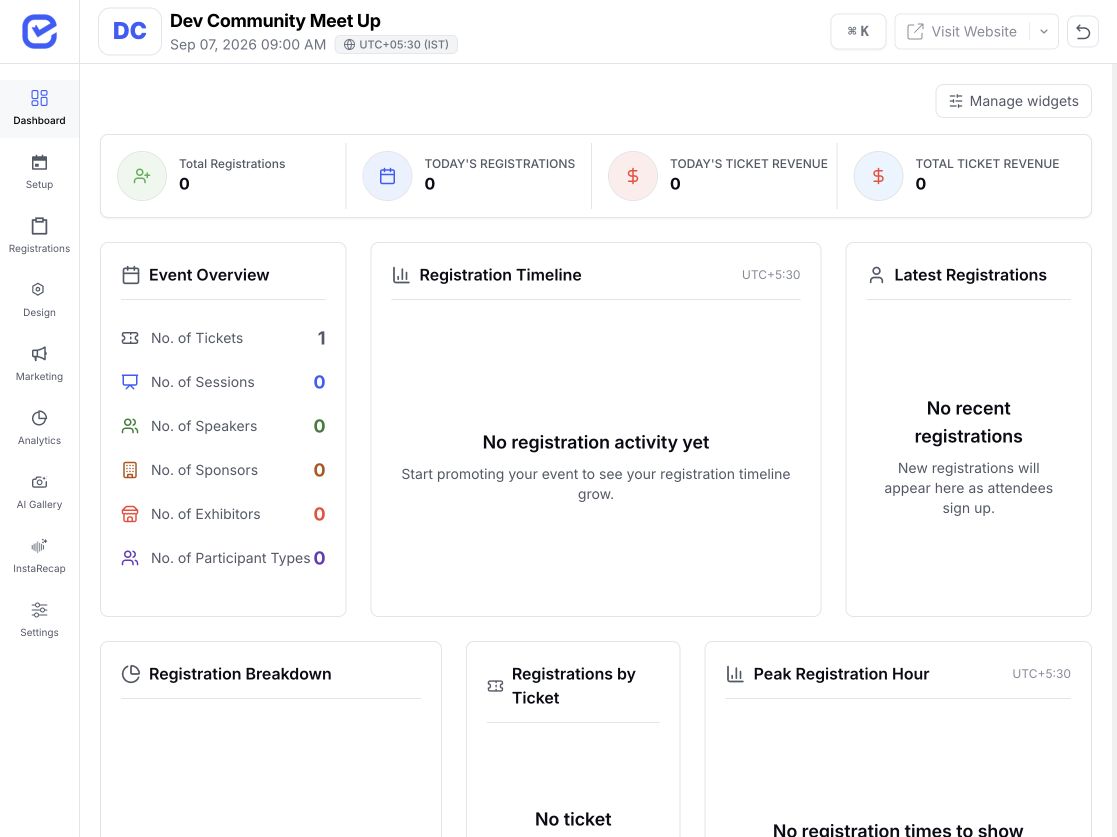
 Event context connected Review action
 Start from the event workflow, use the tool for the job, and keep organizer review in the actions that change event data.
Feature availability, automation, and attendee access depend on the EventHex setup selected for the event.
Each feature has one clear role. Open the dedicated page when you need the full workflow and controls.
Ask event questions and prepare supported organizer actions from one Copilot.
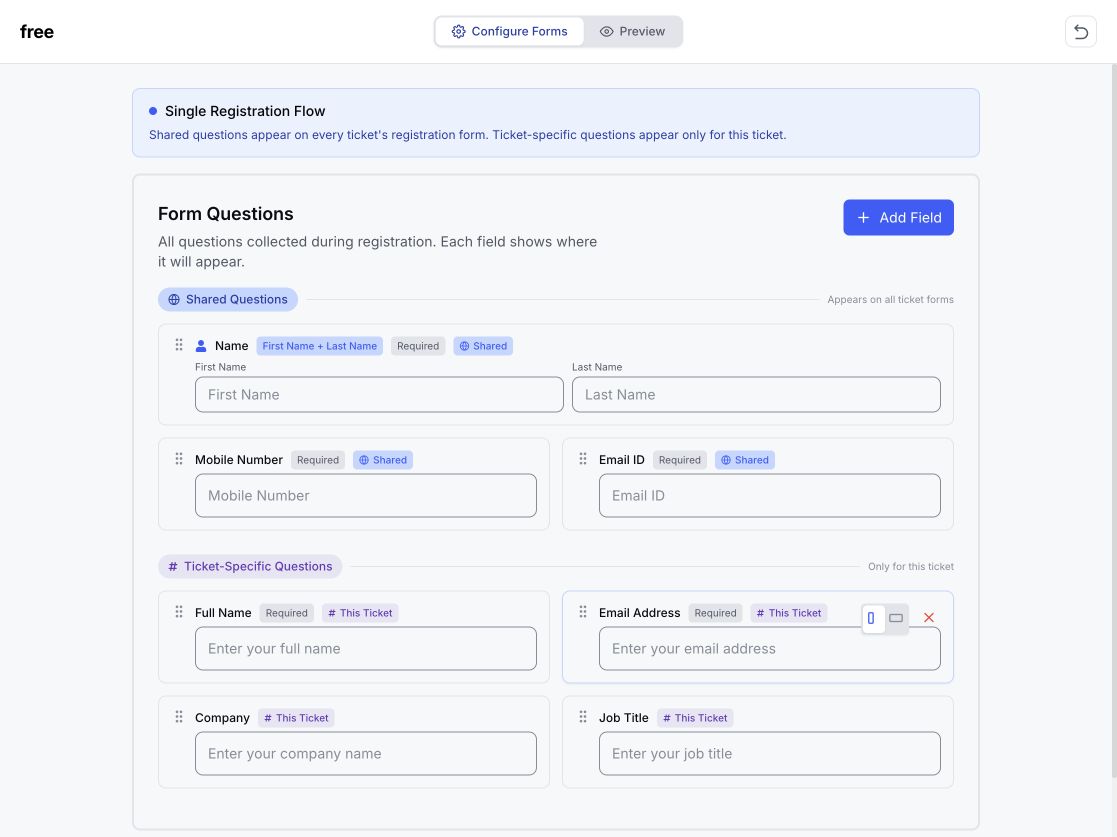
Describe the form, review the suggested fields, reorder them, and publish.
Let attendees describe who they want to meet and discover relevant profiles.
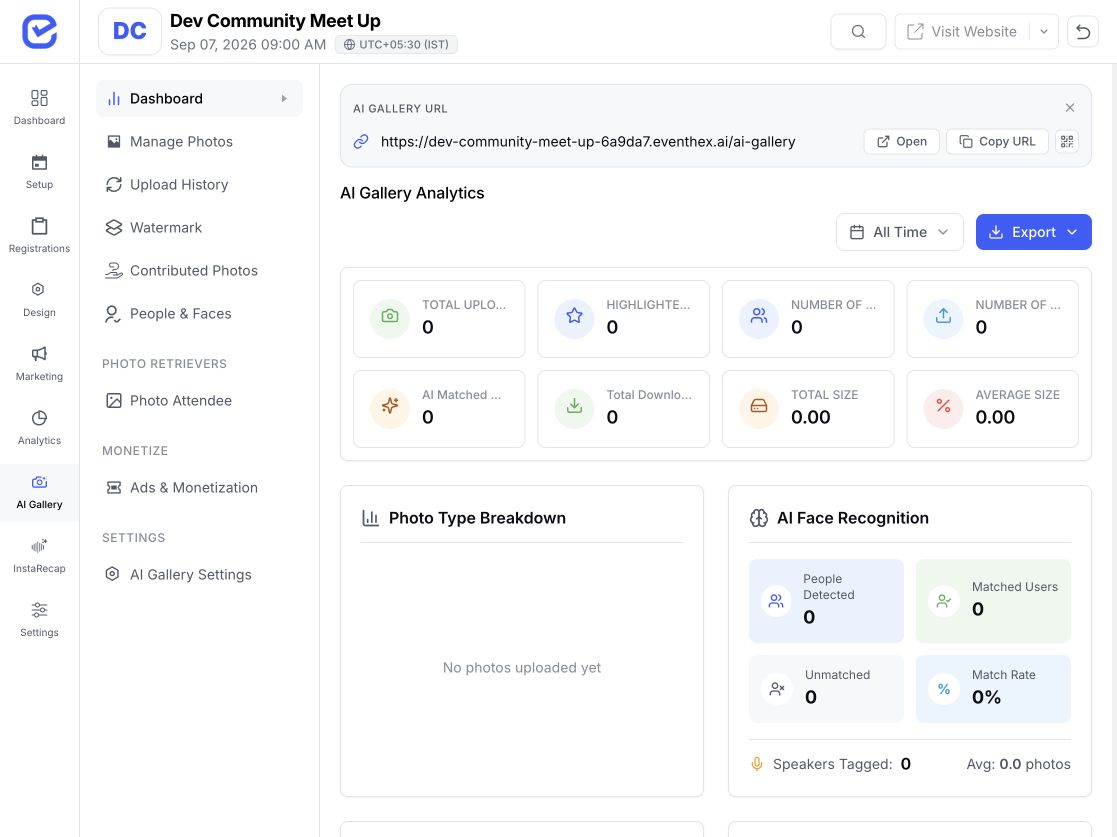
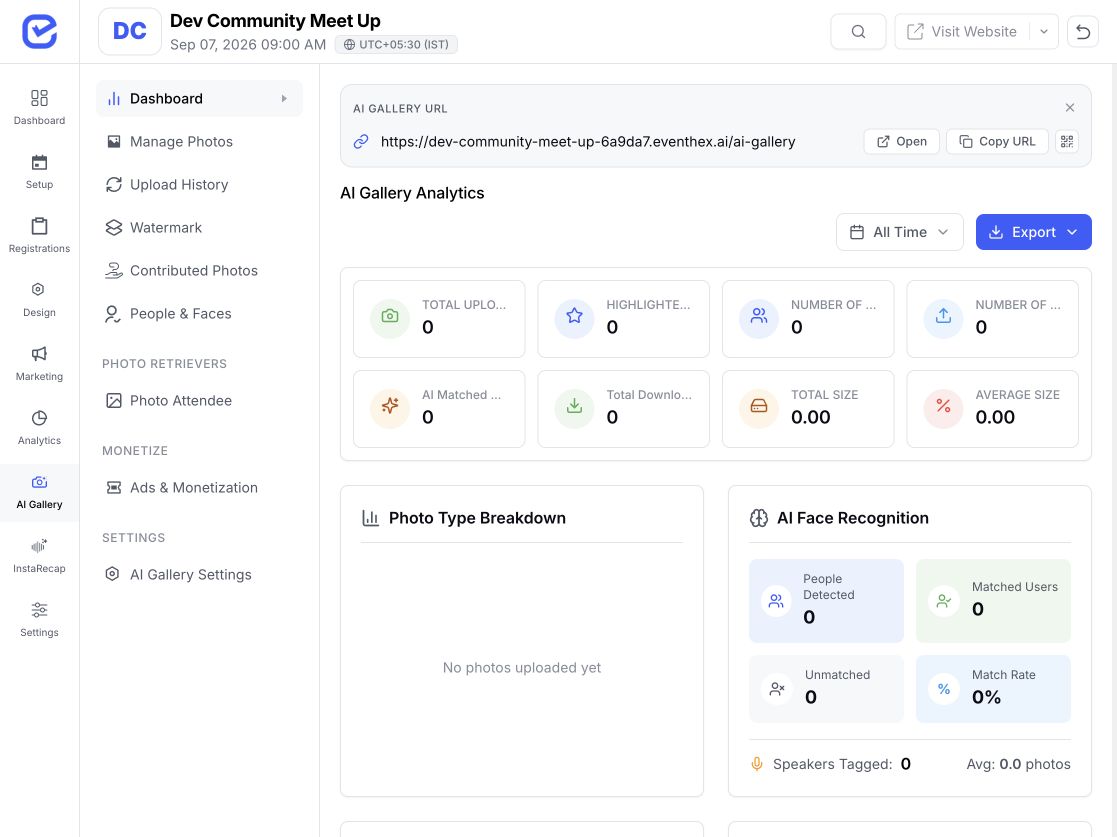
Use a selfie to help attendees find their own event photos in the gallery.
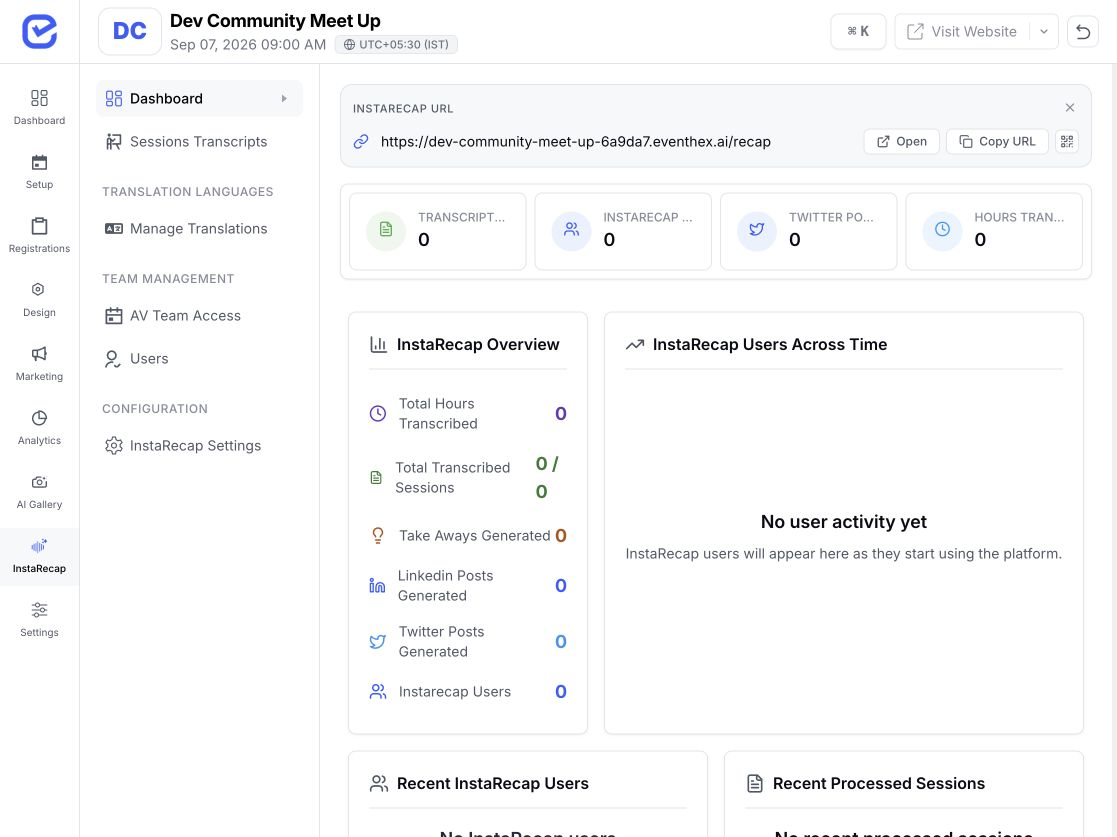
Turn session audio into transcripts, summaries, and takeaways for the session page.
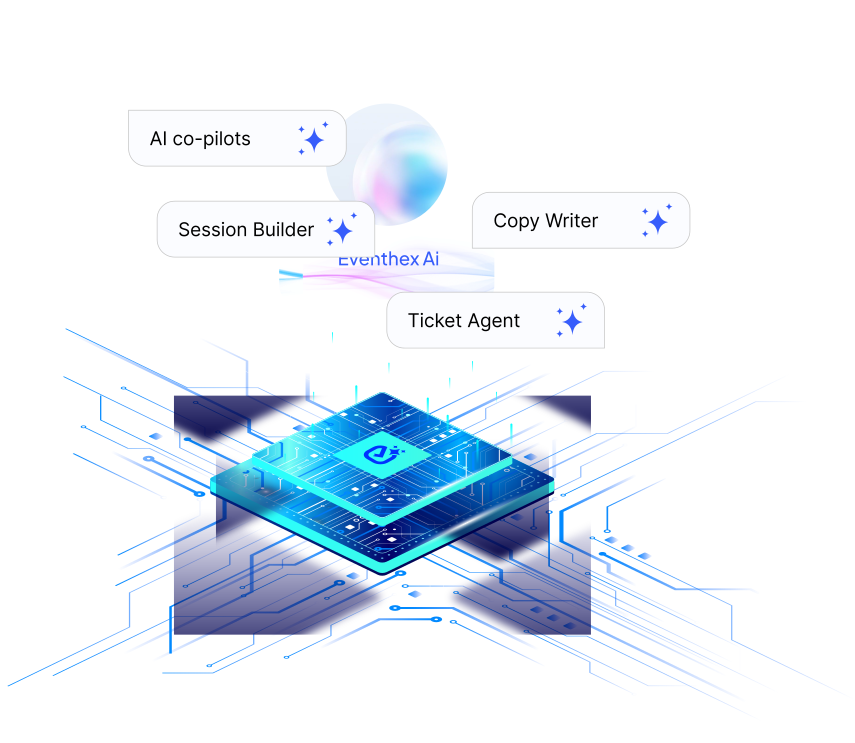
Use one EventHex Copilot for supported organizer questions and actions instead of switching between separate role-based bots.
Ask about the event without switching between separate role-based bots.
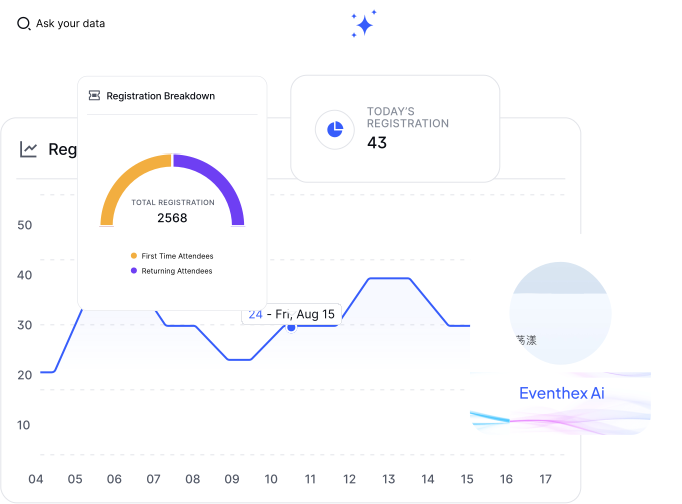
Use the conversation to prepare supported event items from the same event context.
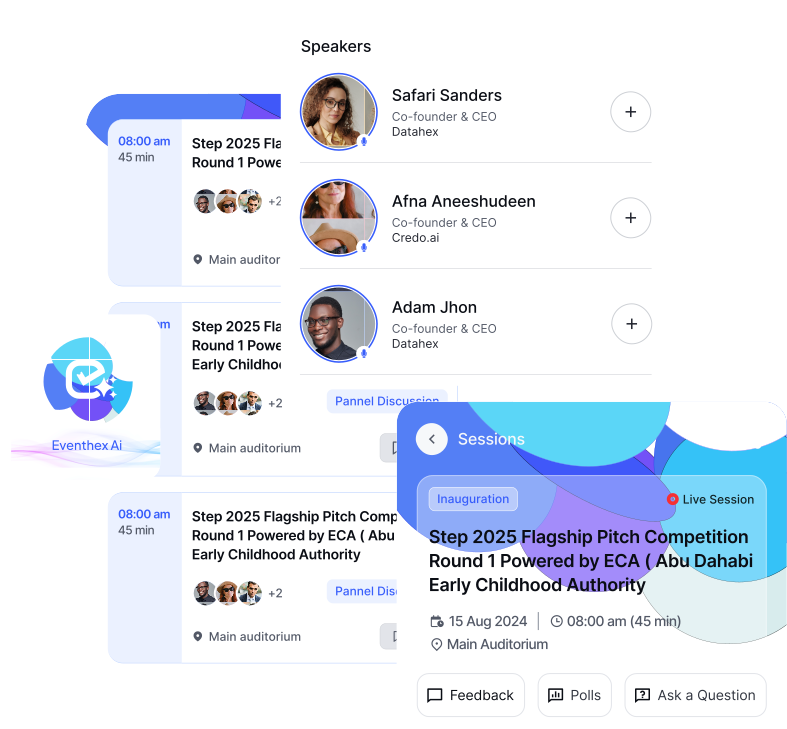
Keep the organizer control point before Copilot writes a supported change to the event.
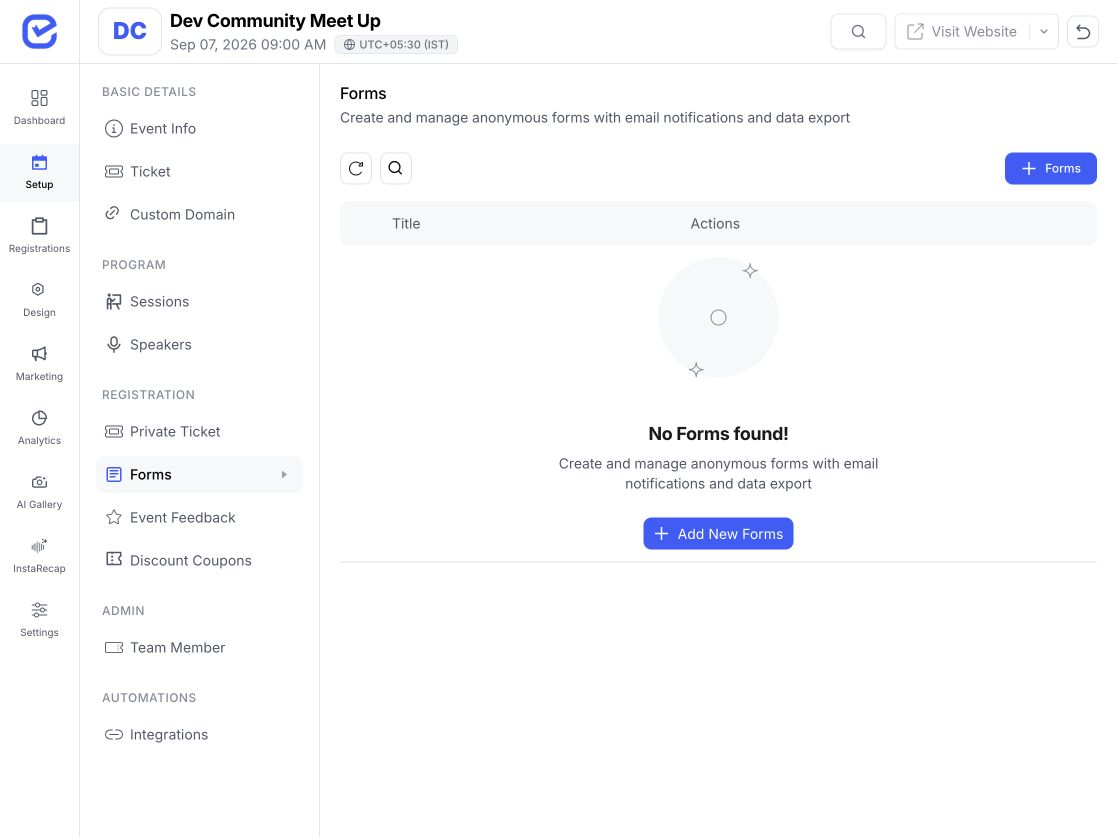
Describe the purpose in plain language, then use the visual builder to shape the final form.
Explore AI Form BuilderTell EventHex what the form should collect and who it is for.
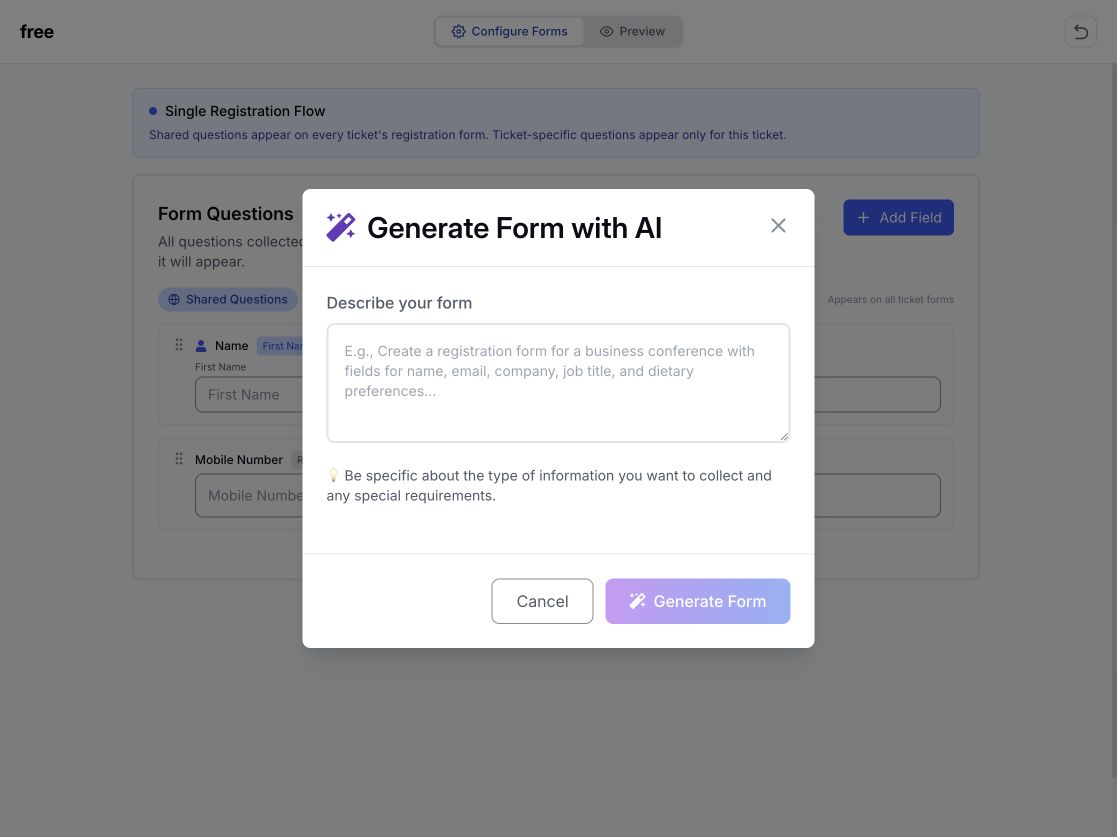 Prompt ready Generate form
 Create a suggested starting set of fields from the description.
4 fields generated Review fields Choose fields and review labels, requirements, consent, and other settings.
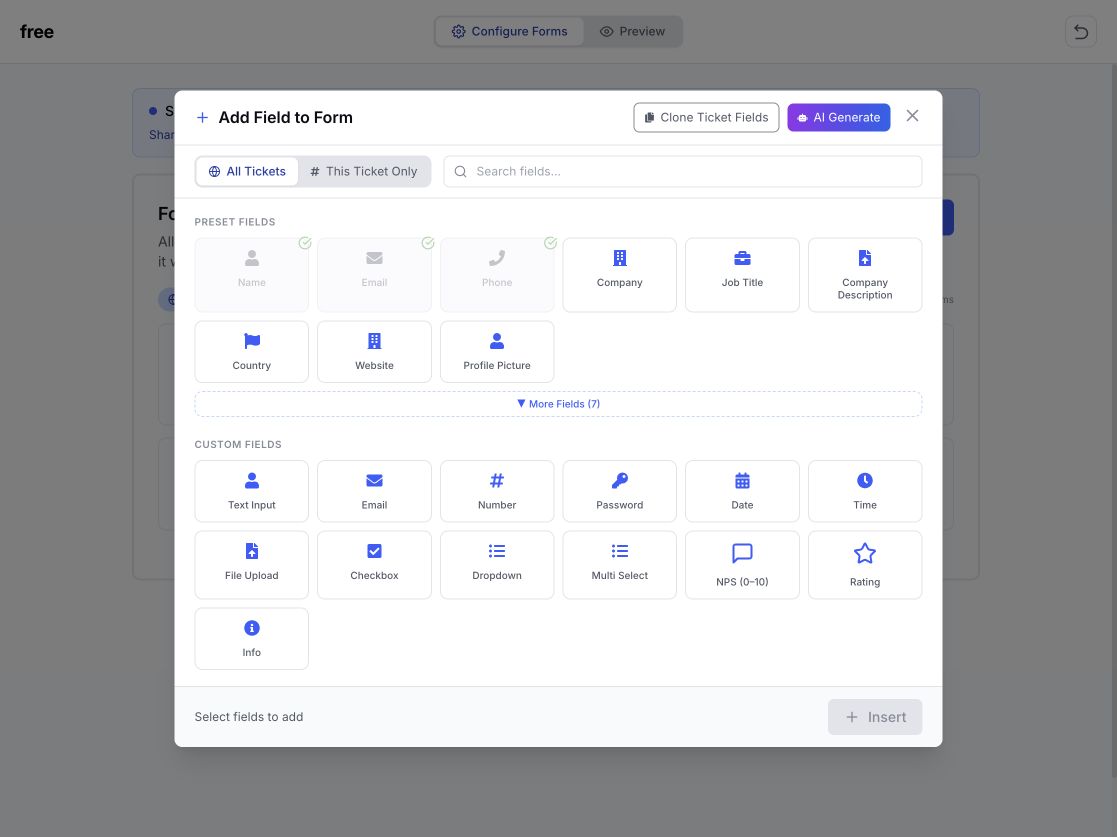 Field library Choose fields
 Check the attendee experience, then publish when the form is ready.
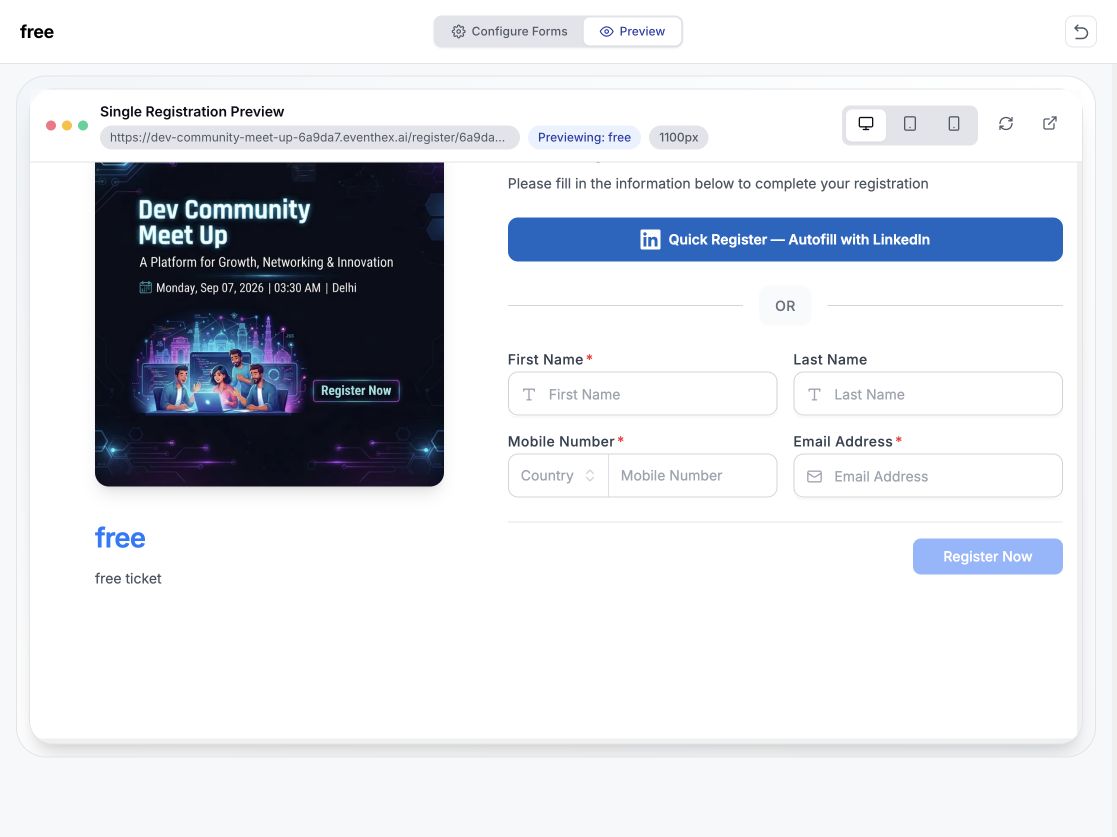 Desktop preview Preview form
 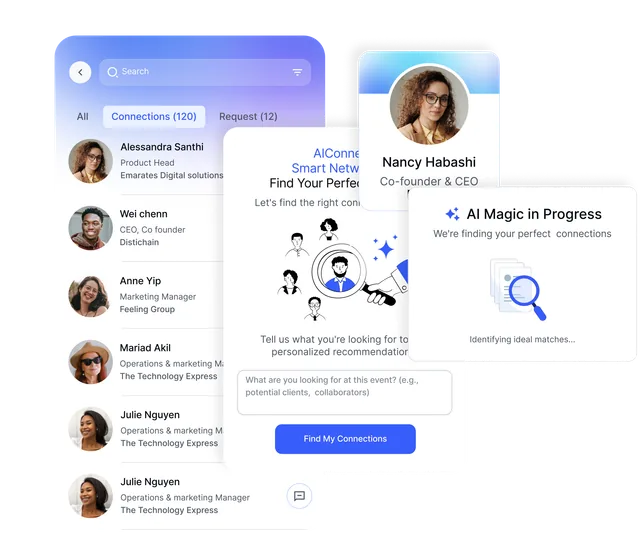 Relevant profilesMatched to the requestReady to connect
Inside the attendee app, a participant can describe the connection they are looking for and see relevant profiles from the event community.
Bring event photos into the gallery, match an attendee from their selfie, and show their personal results with the access rules set for the event.
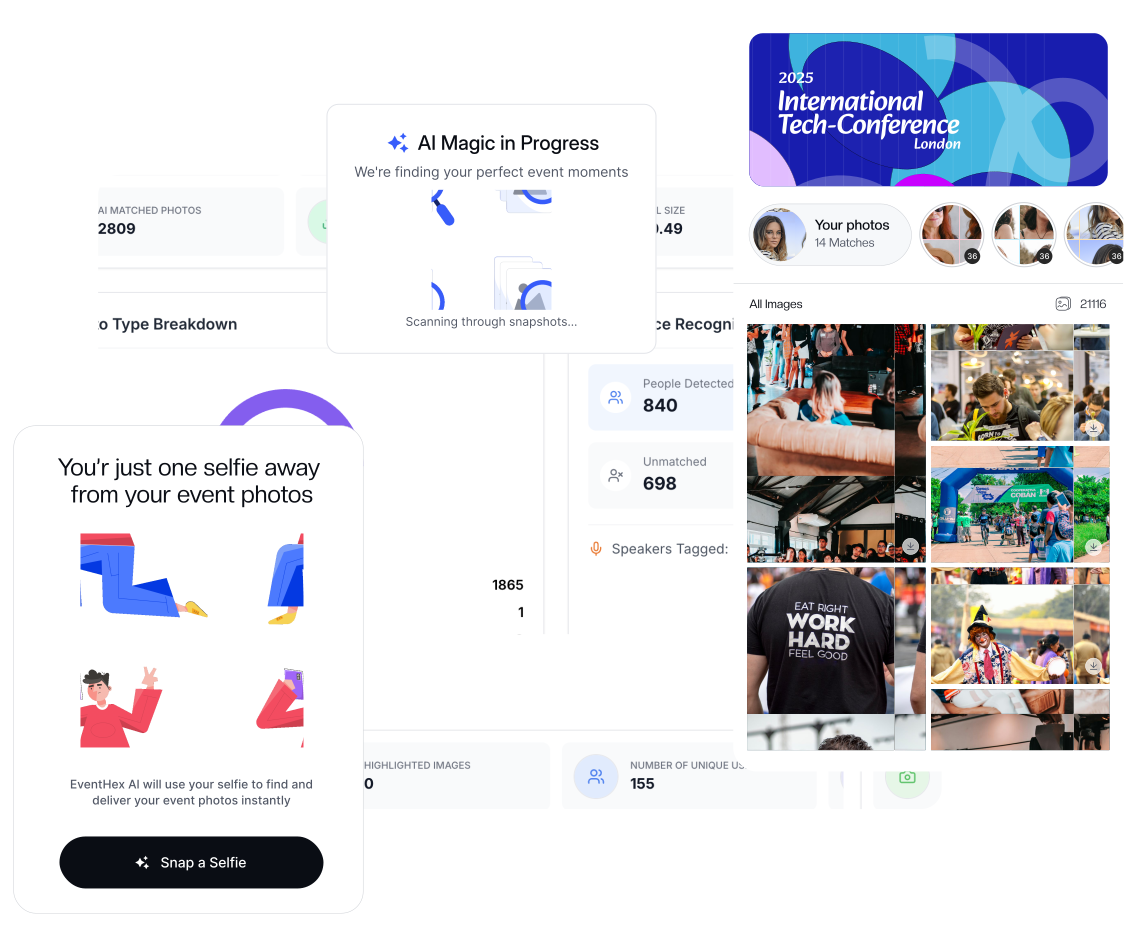 Selfie matchedPersonal gallery readyPhotos found
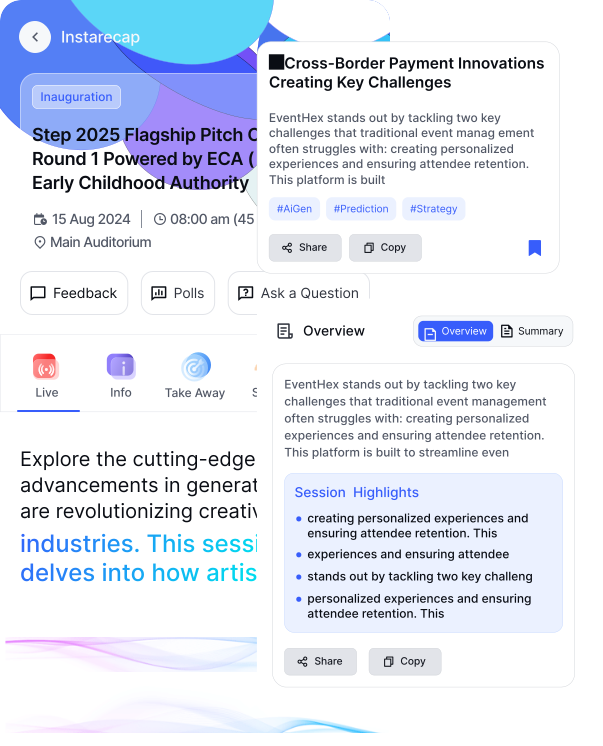 Transcript completeSummary generatingTakeaways ready
Turn captured session audio into a transcript, summary, and key takeaways that attendees can revisit from the session experience.
The suite is easier to evaluate when every feature is tied to a real event job.
Use Copilot for setup questions and supported actions, build forms, and help attendees find relevant connections.
Explore AI Event Copilot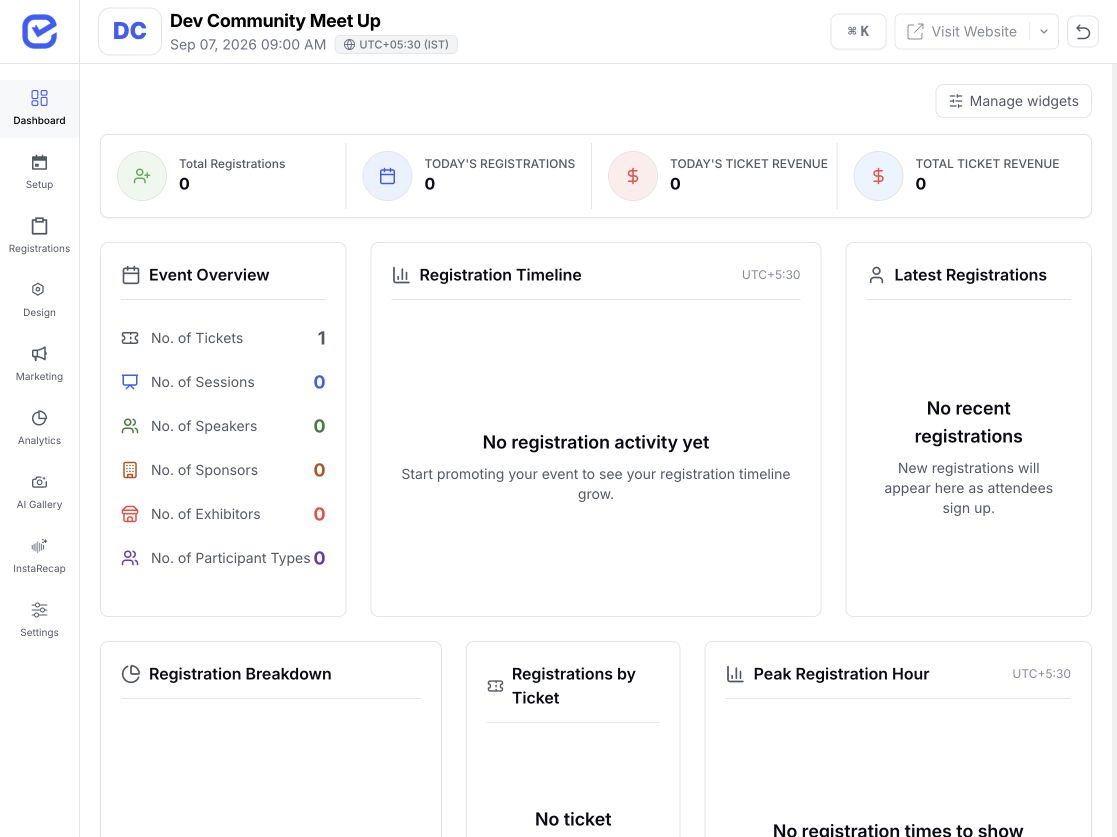
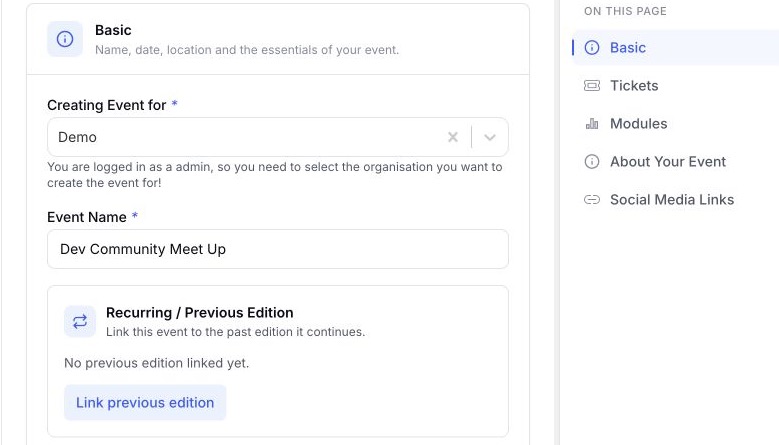
Continue networking, capture photos, and produce live session transcripts.
Explore AI Smart-Connect Surface matched galleries, summaries, takeaways, and attendee-ready follow-up content.
Explore AI Session Recap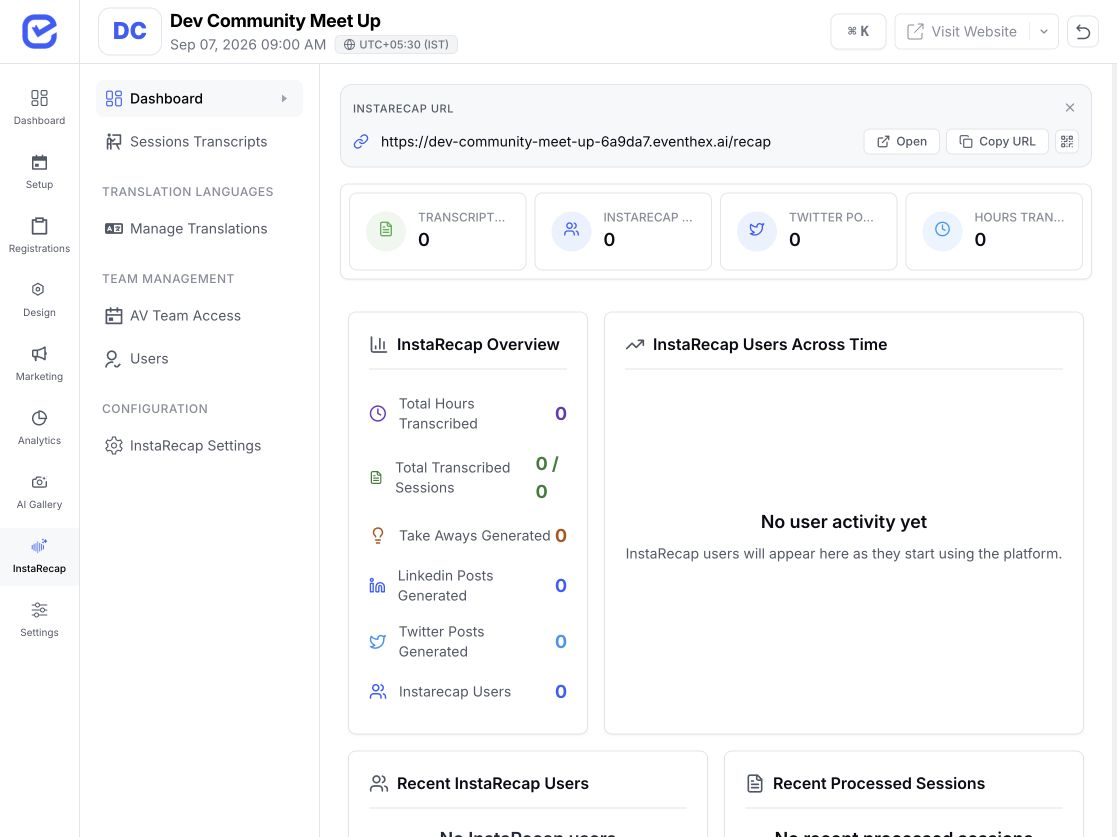
Choose the tools that support the people, content, and follow-up your event depends on.
Help visitors discover relevant people, capture show-floor photos, and keep organizer questions close to the event workspace.
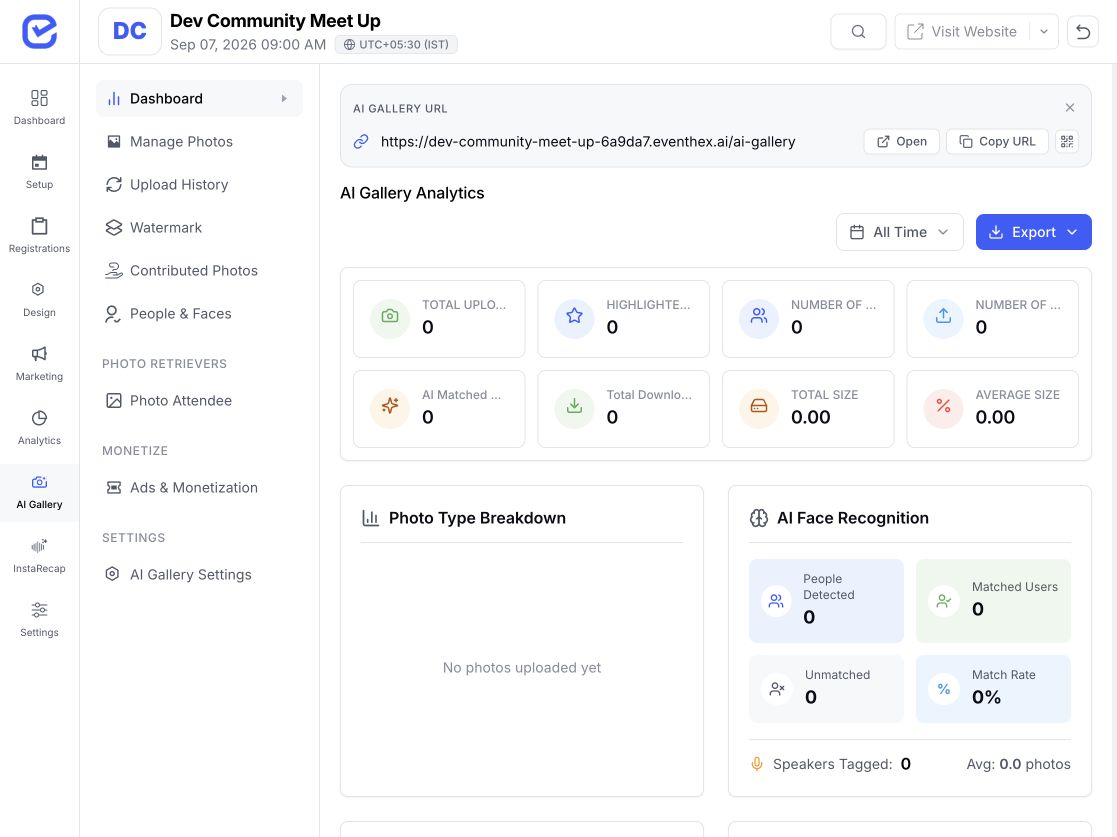 Gallery controls ready
 Build forms, support networking, and give every recorded session a recap path.
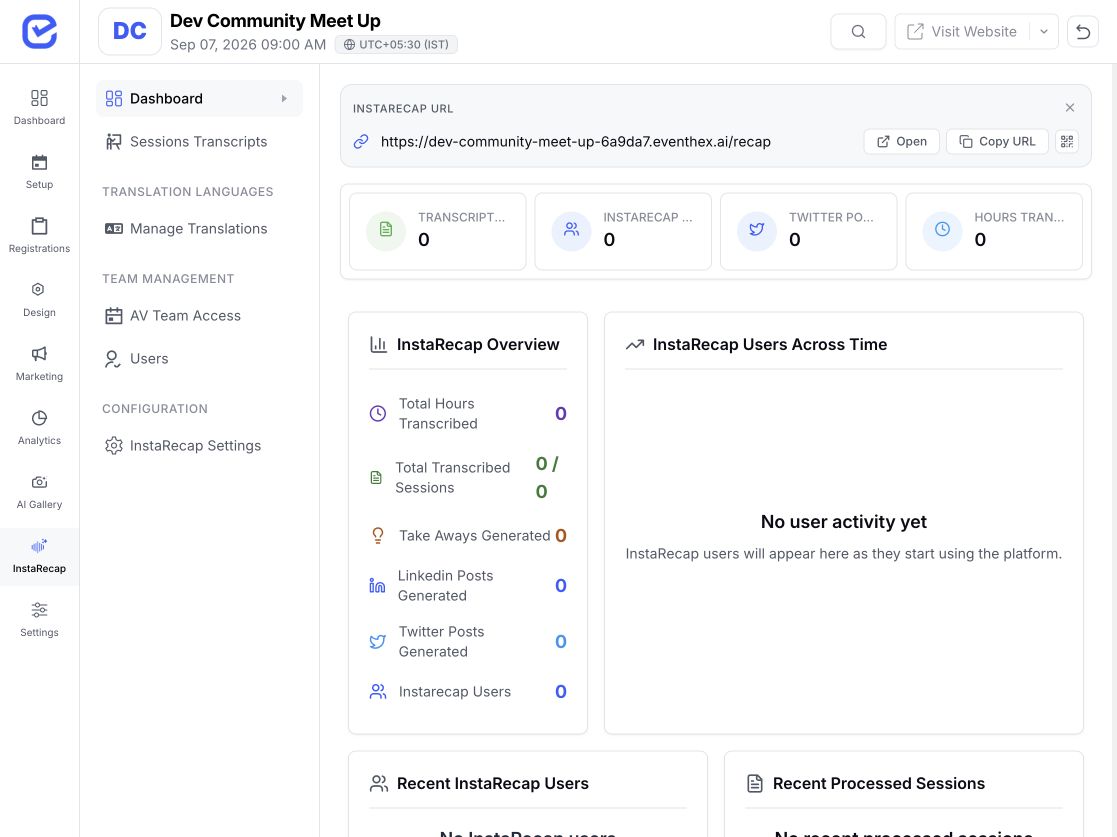 Recap workflow connected
 Use focused forms and session content to support member-led programs and repeat events.
Form fields generated Apply a consistent AI toolkit while configuring each client, audience, and event separately.
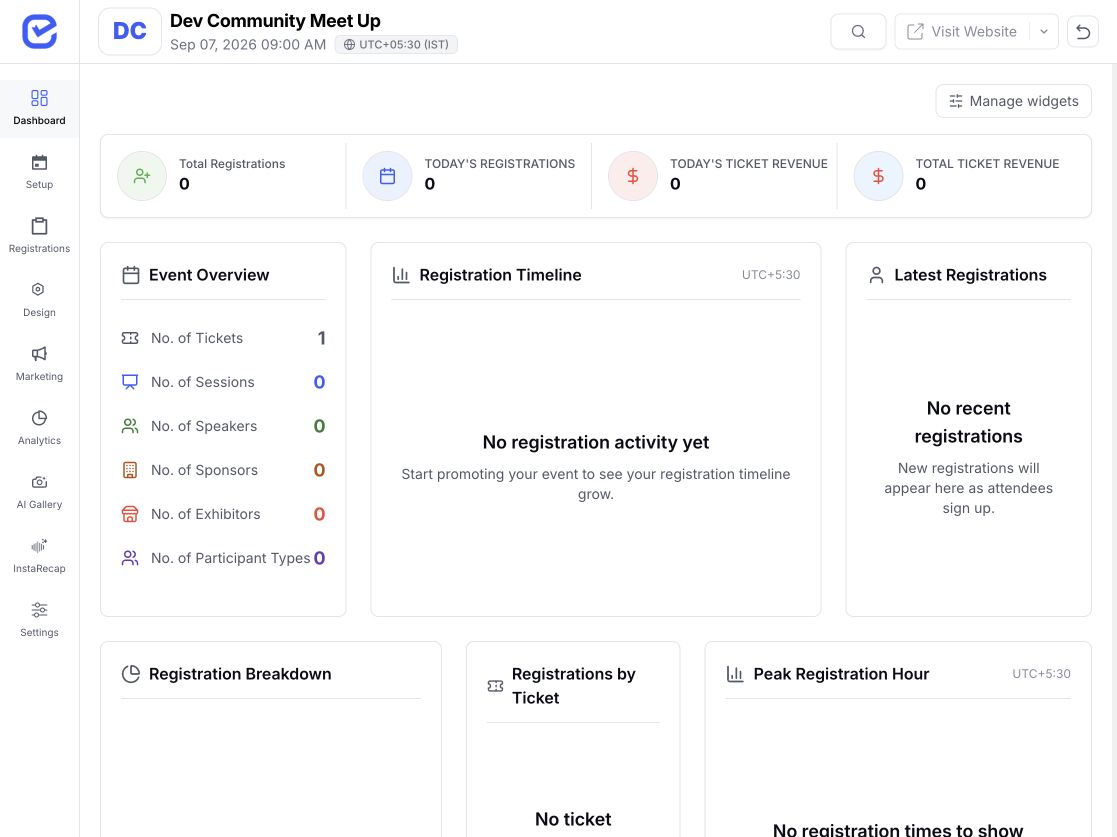 Event workspace connected
 EventHex uses different controls for organizer actions and attendee experiences, so the setup can match the event.
Copilot requests confirmation for supported changes that write to event data.
Configure gallery access, photo approval, notifications, and related controls for the event.
Match attendee access to the experience and settings selected for the event.
Availability and plan requirements vary, so confirm the exact AI setup required for your workflow.
Clear answers about the suite, feature fit, and the controls available to organizers and attendees.
Visit Help CenterThe EventHex AI feature family includes AI Event Copilot, AI Form Builder, AI Smart-Connect, AI Photo Gallery, and AI Session Recap. Each has a dedicated workflow and feature page.
It is a suite inside the EventHex product family. The AI Platform page helps you choose the right tool; the dedicated feature pages explain each workflow in detail.
Copilot can answer supported questions about the event and prepare supported actions across sessions, tickets, forms, check-ins, polls, coupons, orders, and exhibitors. Changes that write event data use a review and confirmation step.
An attendee describes who they want to meet in the event app. EventHex uses that request to return relevant attendee profiles, which the participant can review and act on through the networking experience.
The attendee provides a selfie, and the gallery looks for face matches in the event photos. Access, approval, notifications, downloads, and watermarking depend on the event's configuration.
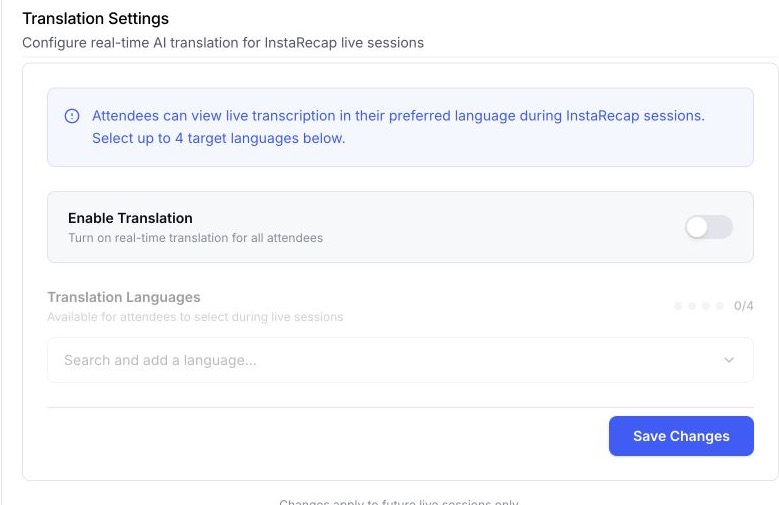
It can turn captured session audio into a transcript, summary, and key takeaways. Translated recap artifacts can be offered when that workflow is enabled.
No blanket activation is assumed. Feature availability, plan requirements, event settings, and attendee access can differ. A demo is the right place to confirm the setup for your event.

