
Event sections
Add hero, overview, speakers, agenda, tickets, sponsors, exhibitors, gallery, location, forms, FAQ and CTA sections.
Compose a branded, multi-page site with event-native sections, connected data, responsive controls, AI-assisted design and a private draft-to-publish workflow.
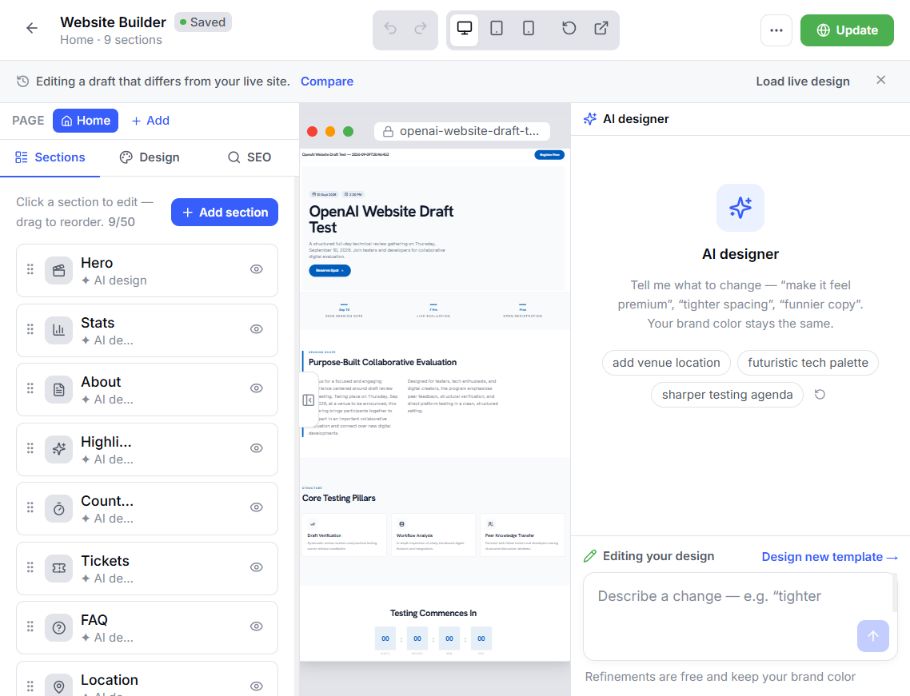
Add hero, overview, speakers, agenda, tickets, sponsors, exhibitors, gallery, location, forms, FAQ and CTA sections.
Compose with container, stack, grid, box and repeater structures when a standard section is not enough.
Add text, image, video, button, icon, badge, divider, spacer, field, map or registered component blocks.
Select, reorder, nest, or remove the current page's sections and supported children.
Choose from registered visual variants for each semantic section.
Keep the site inside defined page, node, command-batch, and tree-depth limits.
Bind supported sections and repeaters to EventHex datasets so the website and event workspace share the same source.
Keep dates, venue details and core event information aligned between the workspace and every connected website section.
CONNECTED CONTENT Turn the speaker profiles your programme team already maintains into polished, consistent website content.
CONNECTED CONTENT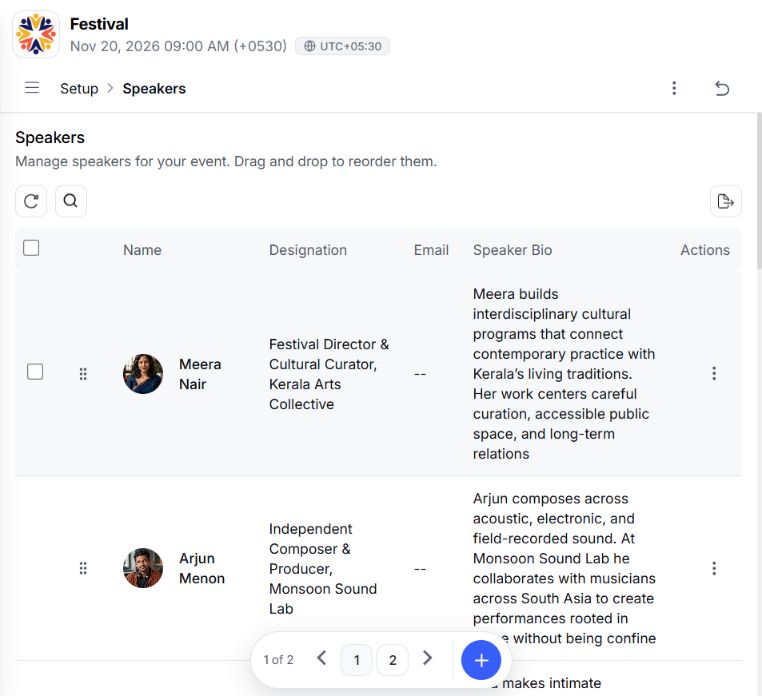
Present the live programme without rebuilding session titles, times, rooms or speaker relationships for the website.
CONNECTED CONTENT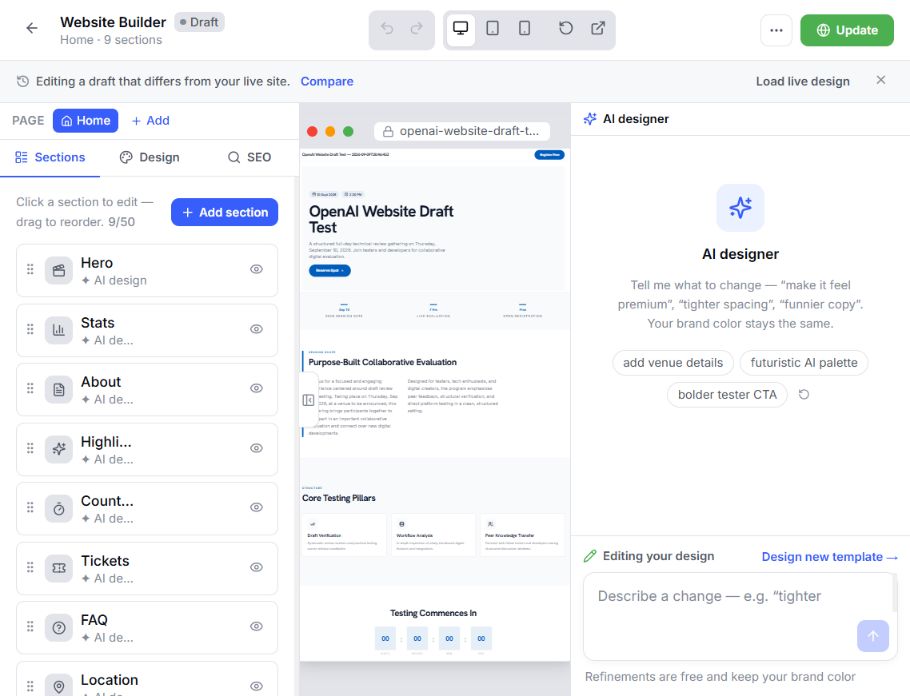
Show the ticket options configured by your registration team so visitors always see the right path to attend.
CONNECTED CONTENT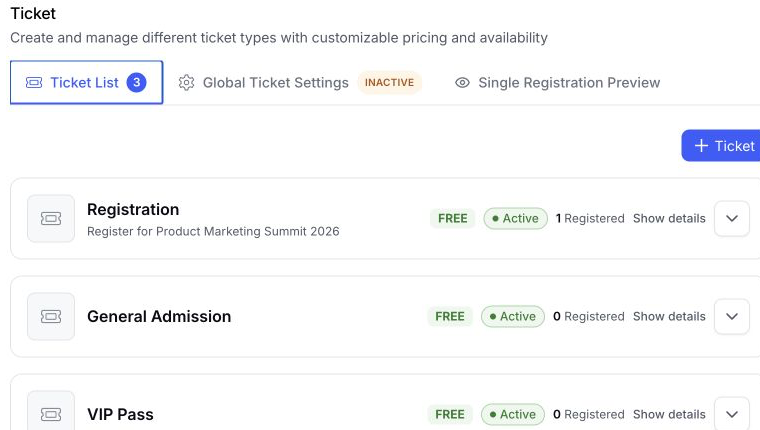
Reuse approved sponsor and exhibitor information across directories, logo walls and featured website sections.
CONNECTED CONTENT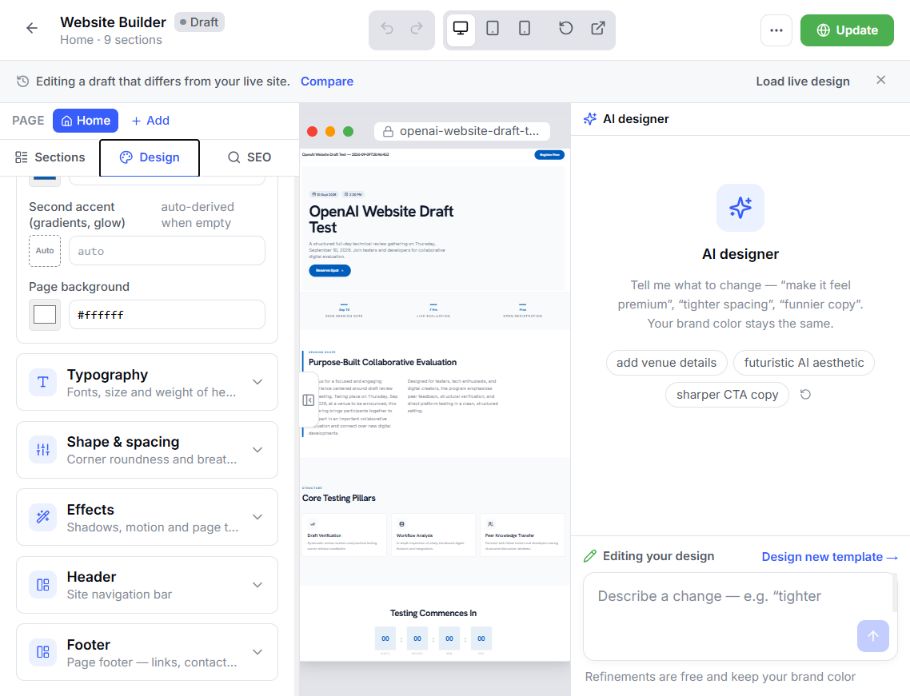
Bring approved media and event forms into the site while keeping their source content in the event workspace.
CONNECTED CONTENT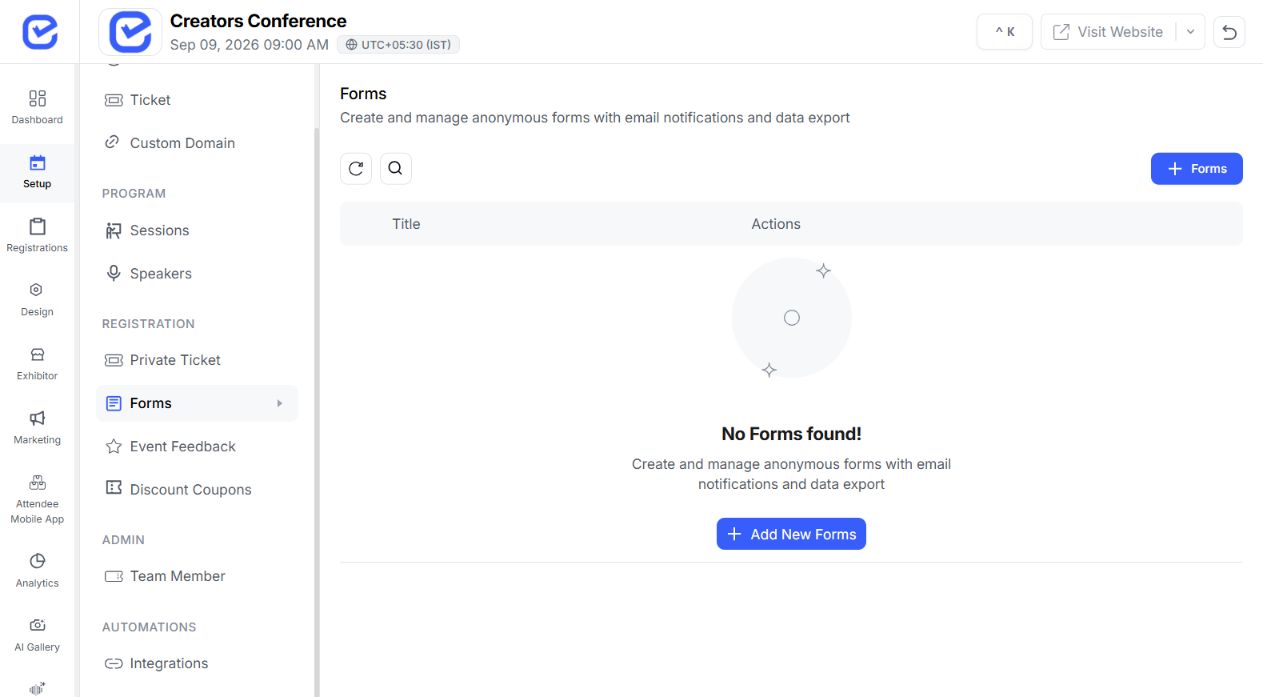
Keep a home page plus enabled event and custom pages with readable destinations and menu settings.
Explore Website BuilderOrient every visitor with the event story, essential details and the clearest next action.
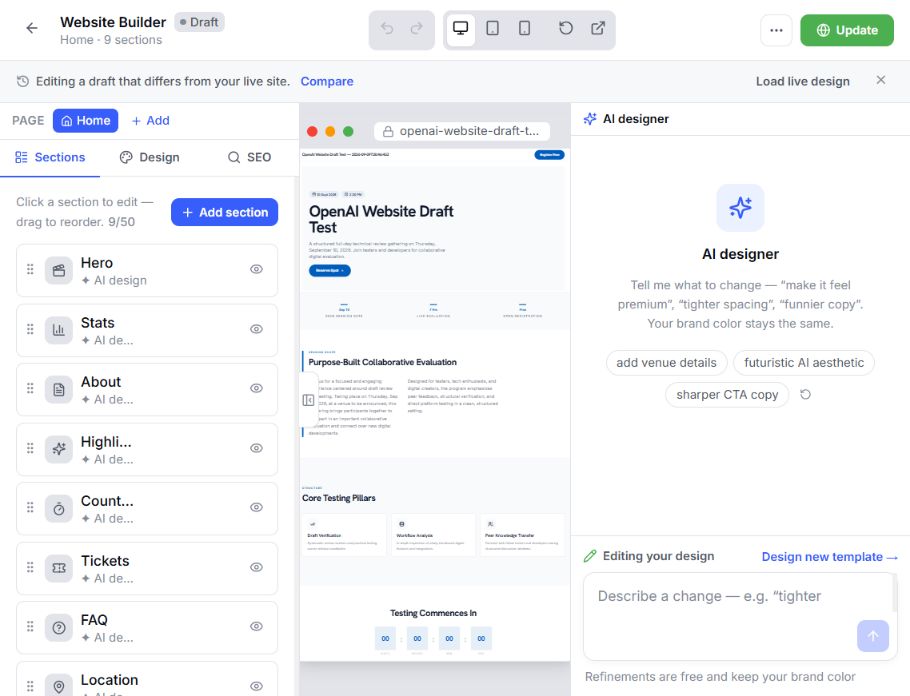 ✓Home · 9 sections
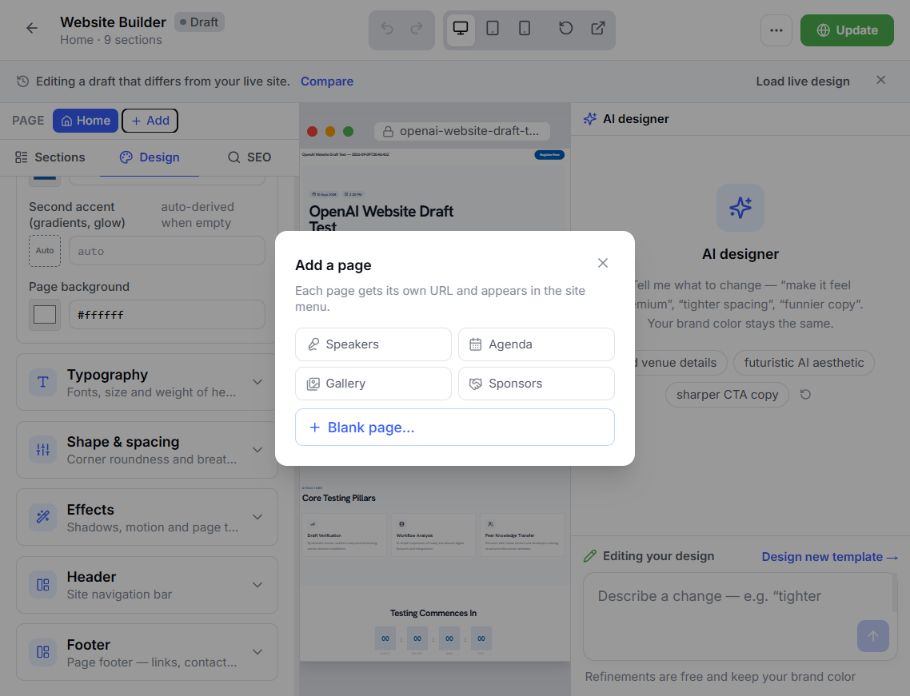
Give programme questions a dedicated destination that can be created and added to the site menu.
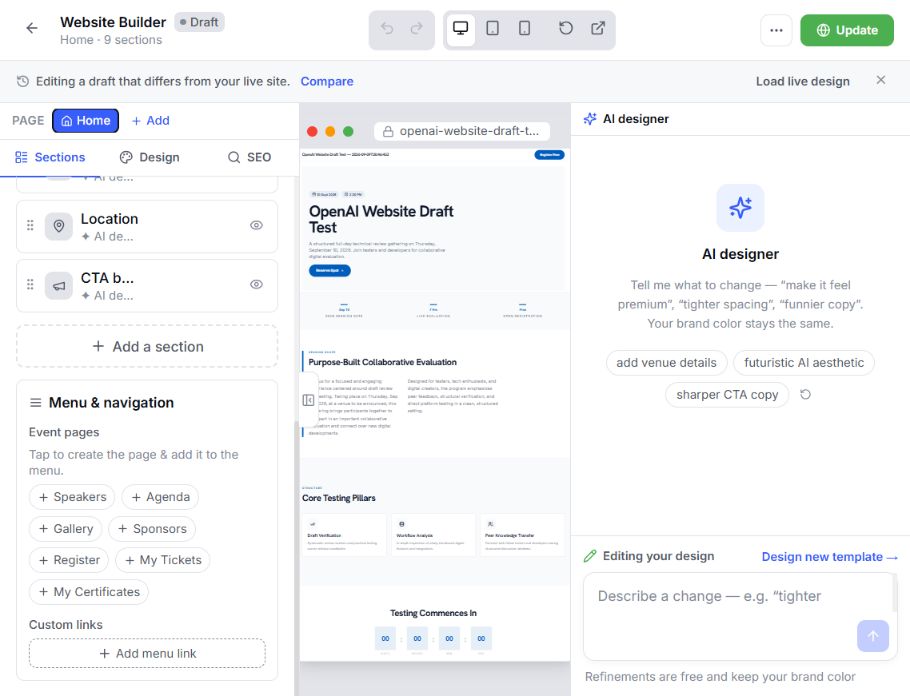 ✓Menu ready
Introduce the people on a focused page, then shape its typography, spacing, header and footer consistently.
✓Site styles connectedComplete the journey with a direct registration destination and readable page structure for every audience.
 ✓Clear destination
Set the shared palette, typography, spacing, effects, and style recipe once, then refine individual sections without losing the thread.
Explore More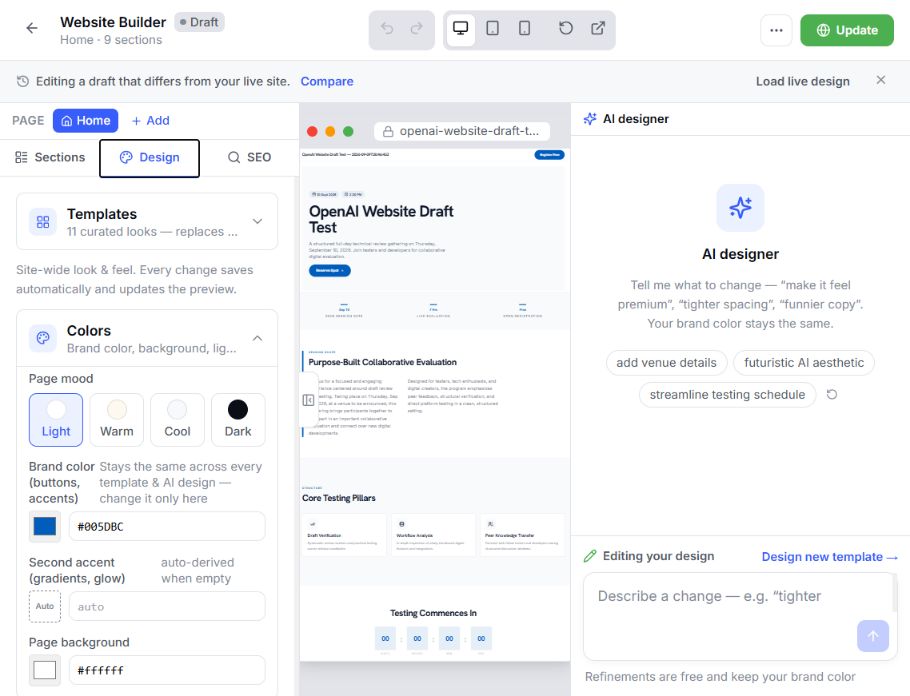 Live design preview
 Choose surface, ink, primary, accent, and supporting colors so every page starts from the same palette.
Explore More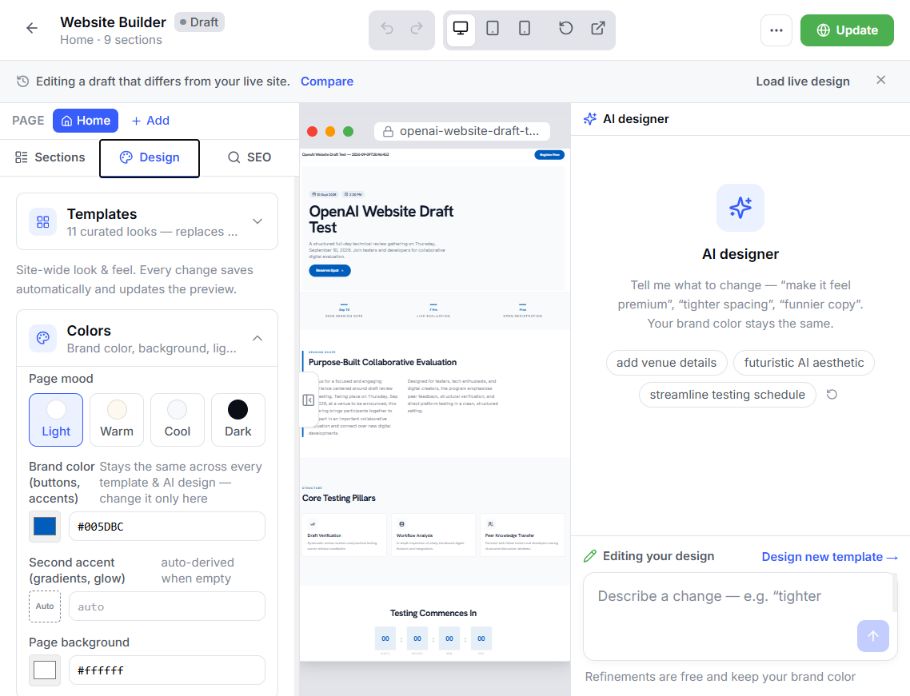 Live design preview
 Choose heading and body families from the supported catalog, then give every page a consistent reading rhythm.
Explore More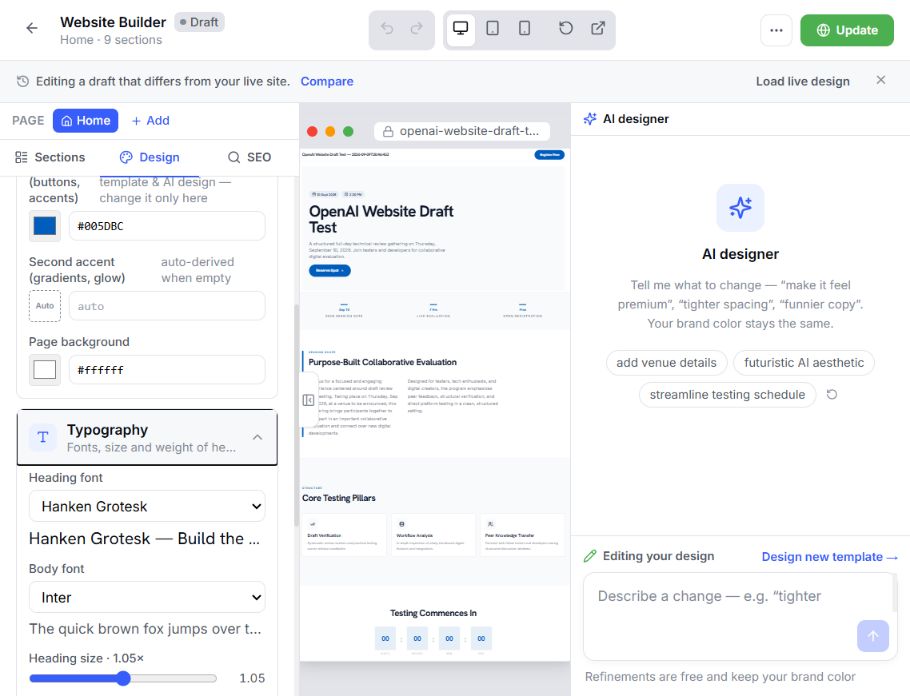 Live design preview
 Control radius, density, section rhythm, and layout gaps so pages stay balanced as content changes.
Explore More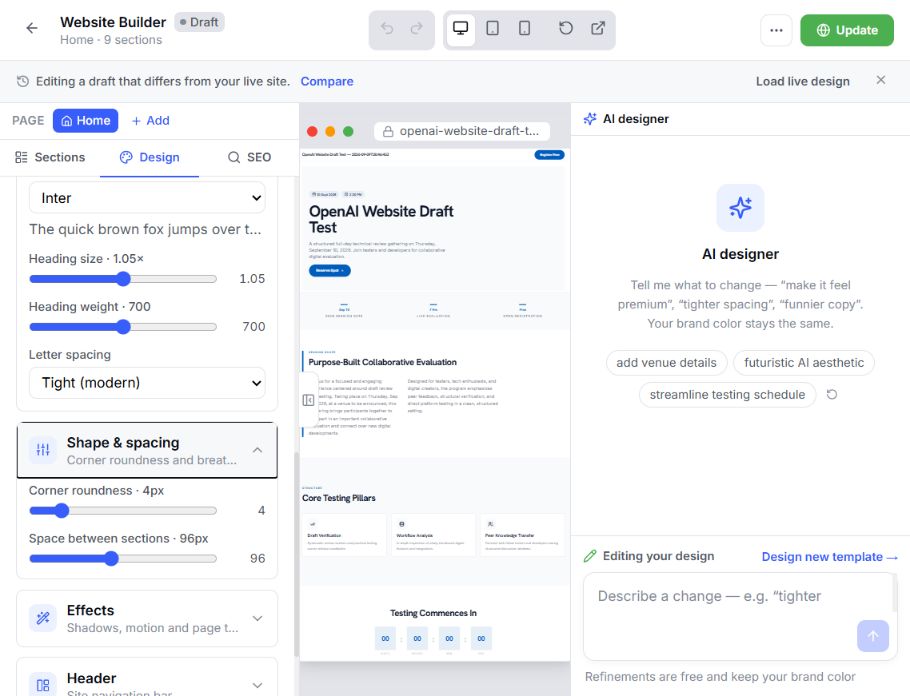 Live design preview
 Apply Signal, Folio, Mainstage, or Forum, then adjust the selected section or block without rebuilding the whole site.
Explore More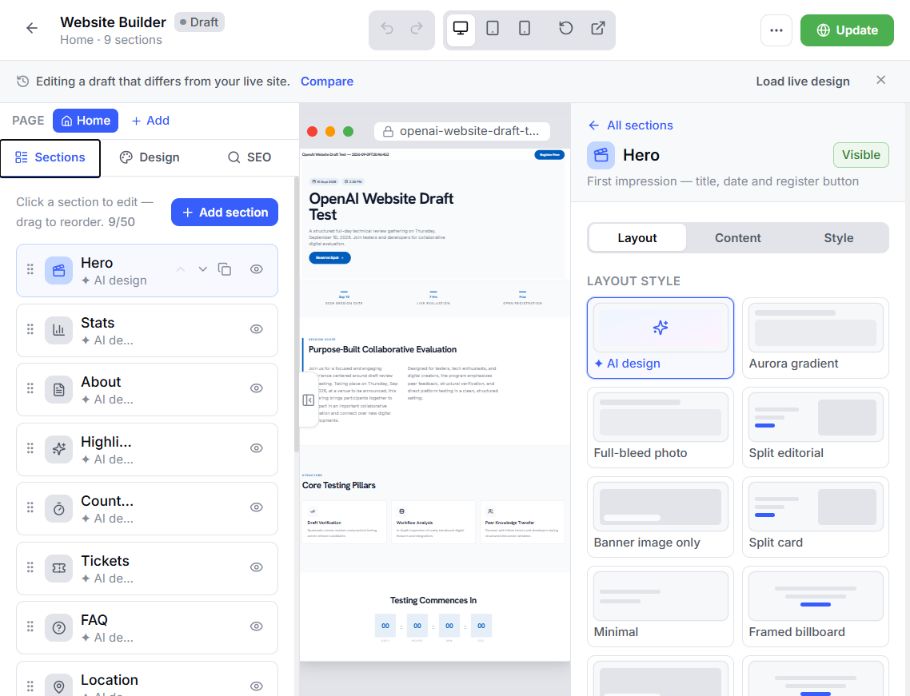 Live design preview
 Switch the live draft canvas between supported device widths and adjust responsive properties on individual blocks where available.
Review desktop, tablet, and 390-pixel mobile canvas widths from the Studio toolbar.
Visual review✓ Desktop · Tablet · 390pxReview layout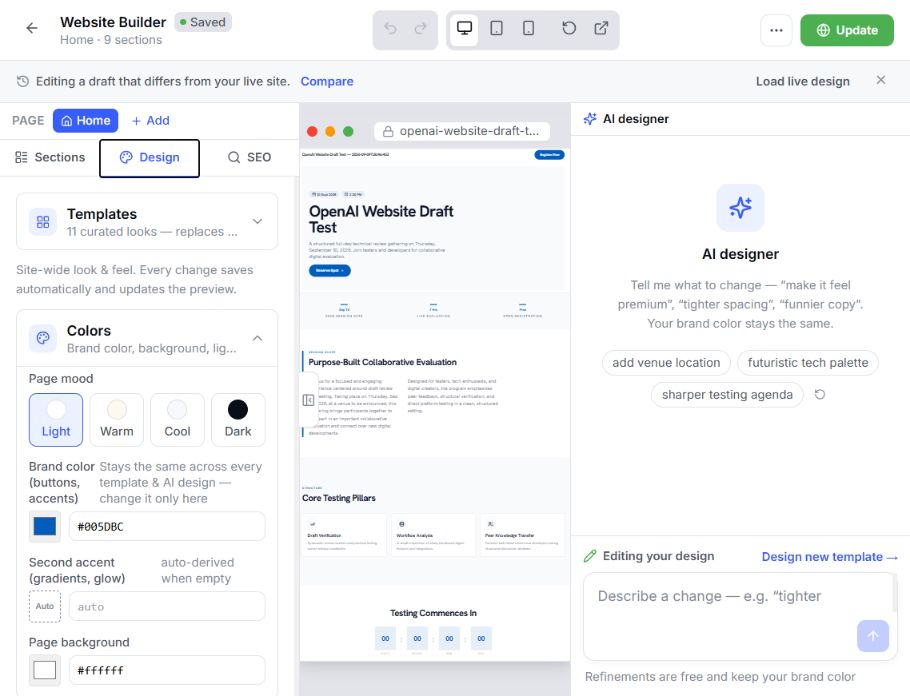 ✓ Targeted adjustmentApply to block
Set supported mobile/tablet columns and visibility on the selected block.
Targeted adjustmentA preview is a review aid—not a guarantee across every browser, device, content length, form state, or third-party embed. Test the published route before campaign launch.
Describe the desired experience, review the candidate, and save only after the page structure and editable blocks are acceptable.
Explore AI Event Copilot →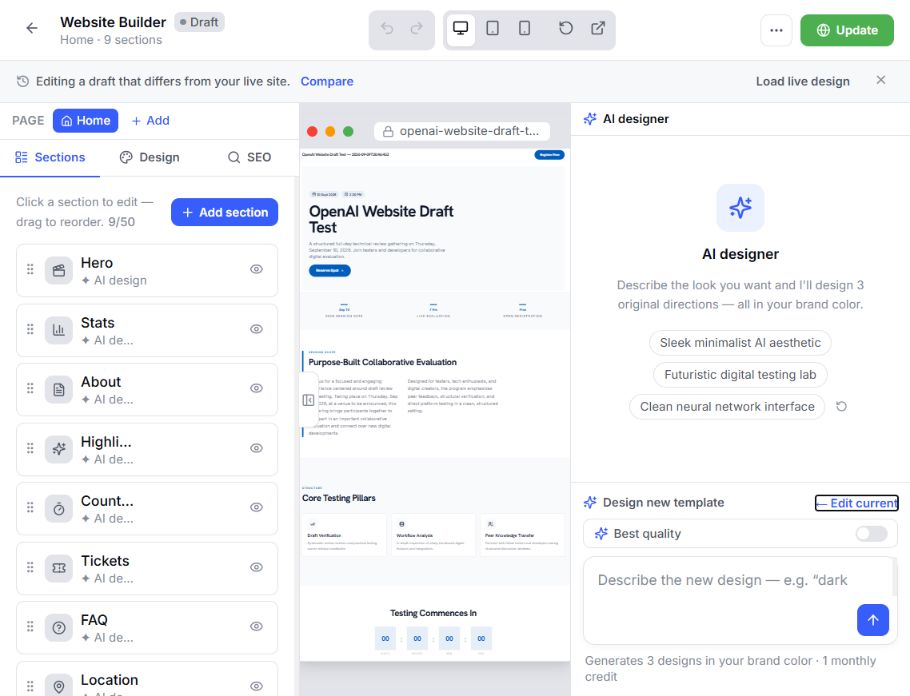 Describe a directionAI-assisted draftEditable output
Choose a page, section, block or shared site style, then describe the direction you want AI to explore.
Inspect planned sections, editable blocks, warnings and the preview before accepting a proposed direction.
Review before savingStructure and previewWarnings visibleDraft protectedPrivate revisionAccept or discardSave the candidate as a new private draft revision, or leave the current draft unchanged.
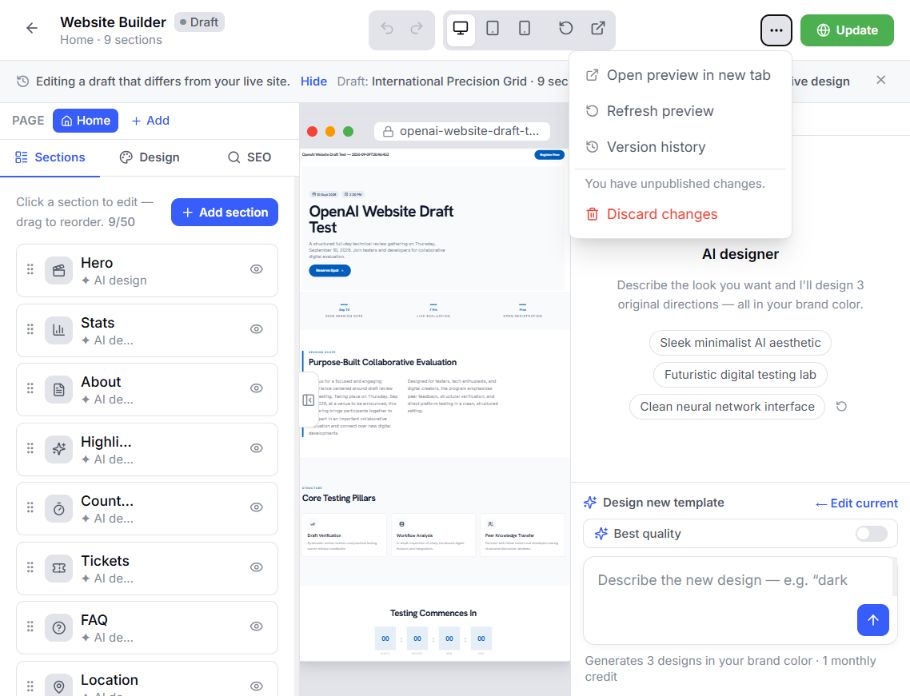
The V4 workflow separates editable draft state from the published website. Save intentional milestones, compare earlier work and restore the version your team approves.
Set page-level search and social sharing details and work through configured event languages.
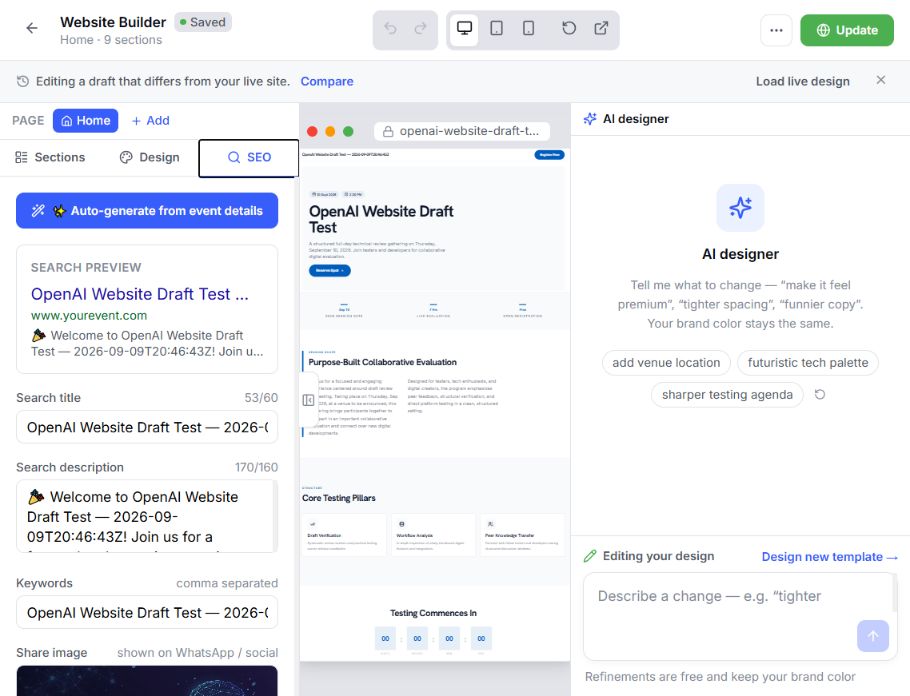
Check registered blocks, connected data, pages, slugs and site limits.
Fix required image descriptions, button labels, safe links, FAQ answers and contrast.
Check empty pages, missing search details, image or text gaps and form selection.
Promote only the approved revision after review passes.
Launch on an EventHex event subdomain or connect and verify a custom domain.
Choose an available EventHex event-site subdomain, then manage its active and default state from the event workspace.
Add the organizer’s domain, configure the required DNS record, and wait for verification before relying on it.
Test redirects, HTTPS, search tags and every published page on the final host.
Yes. Website Builder V4 supports a home page and enabled custom pages with slugs, menu state, search listing details and ordered content, within the documented site limits.
Yes. Supported sections can use event, speaker, session, ticket, sponsor, exhibitor, gallery and form data from the event workspace.
Yes. Teams can add and reorder event sections, use advanced layout blocks, edit design and content properties, and review a live private draft.
AI can generate the current page or refine a selected scope. It returns an unsaved candidate for review, which the team can accept or discard before the private draft changes.
No. V4 keeps a private draft with saved revisions. A chosen draft revision goes live only after readiness review and explicit publication.
