
Single Registration
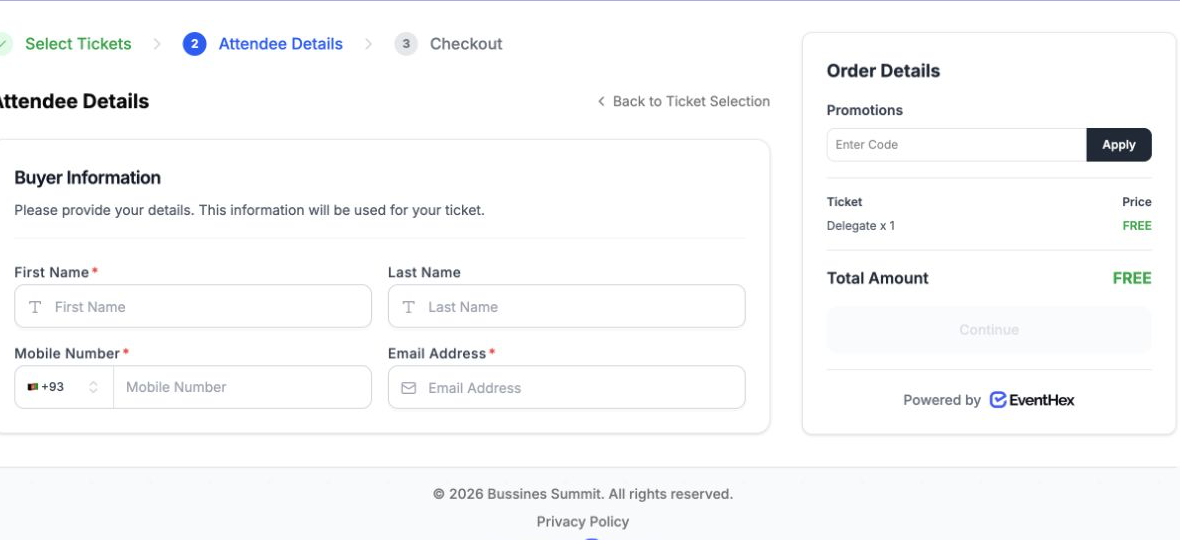
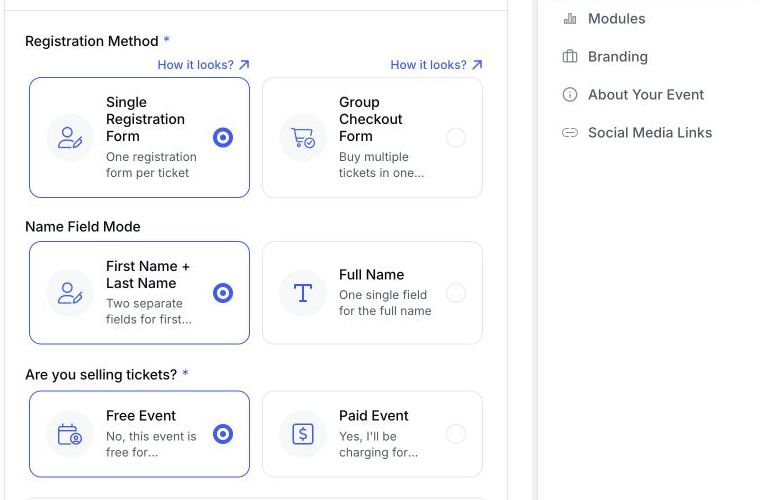
One person, one ticket, one form. They fill it in and they are done — the fastest path for free events, workshops and webinars.
Take sign-ups through a single form or a full checkout, build exactly the fields you need, collect payment if you charge, and confirm by email and WhatsApp — without stitching four tools together.
Pick the flow that matches how people sign up for your event. You can change it per event.
One person, one ticket, one form. They fill it in and they are done — the fastest path for free events, workshops and webinars.
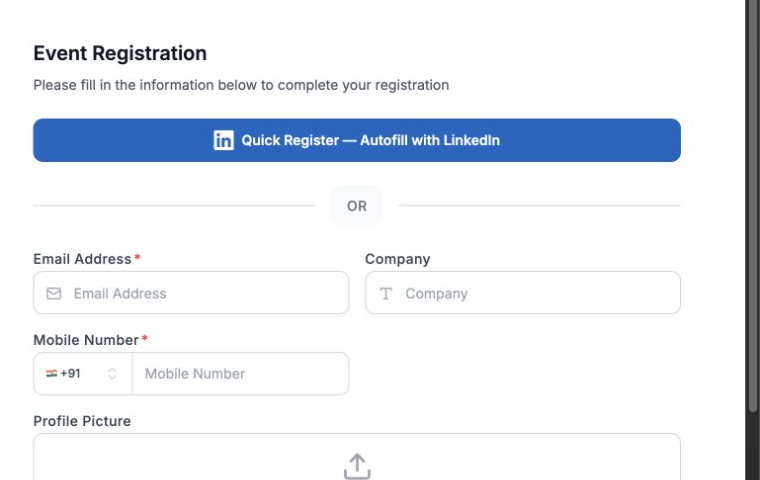
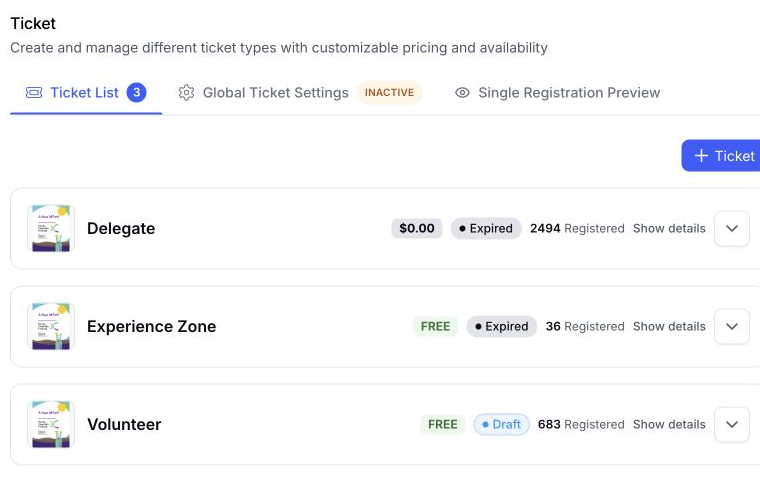
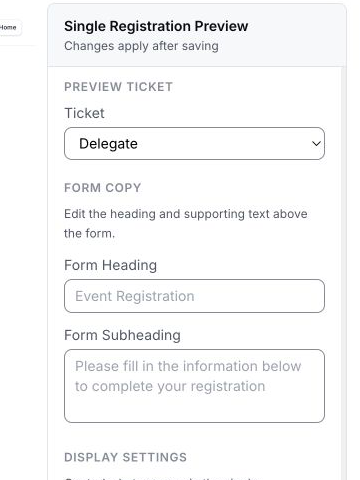 One attendee, one form
Register now
One attendee, one form
Register now 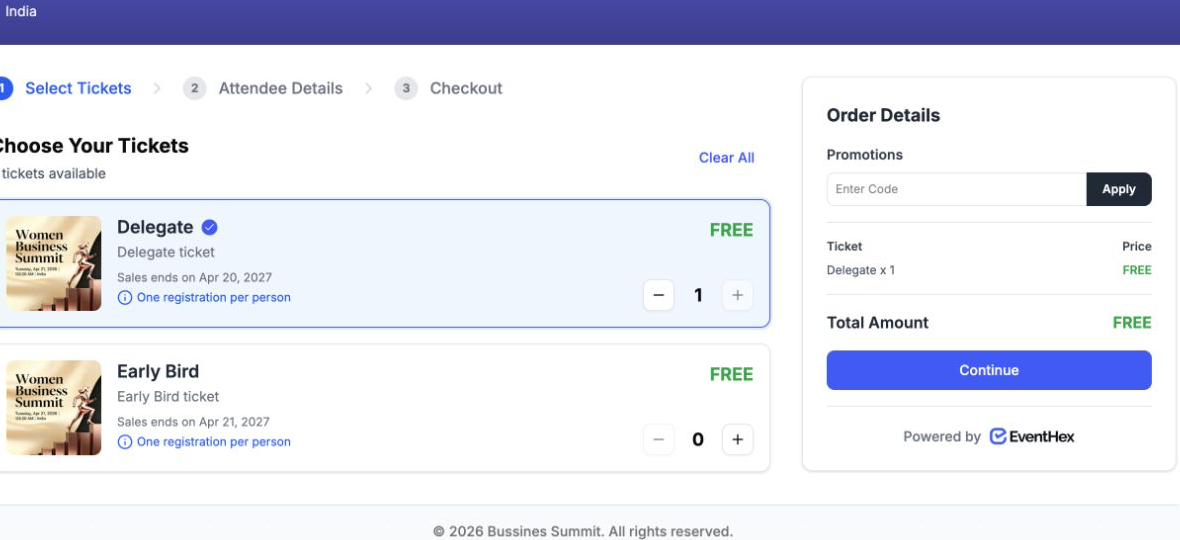
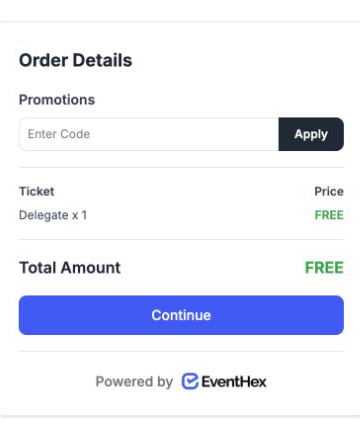 Multi-ticket checkout
Continue to checkout
Multi-ticket checkout
Continue to checkout One buyer, several tickets, one payment. A cart flow for teams booking together, families, and companies sending a group.
Not sure? Most free events use single registration. Anything where one person pays for several people needs checkout.
Name, email, phone, company, job title, country, website, photo, and more — then add your own.
Text, email, number, date, time, dropdown, multi-select, checkbox, file upload, rating, NPS, password and information blocks.
Shared questions everyone answers sit alongside questions only one ticket type sees, edited on the same screen.
Portfolios, ID documents, dietary forms, signed waivers — accept uploads as part of registration.
Field labels carry per-language overrides for international audiences.
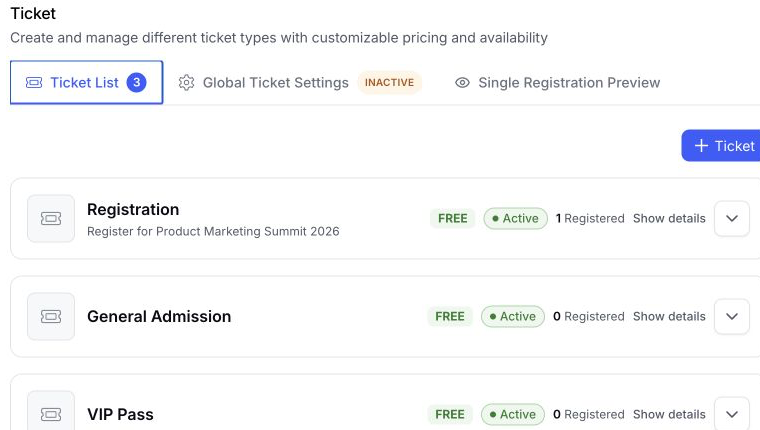
Set the approval, payment, visibility, and capacity rules that fit each registration flow.
Book a DemoReview each registration and approve or reject it. Rejected registrations get their own message.
 Approval required
Review & approve
Approval required
Review & approve Authorise the card at checkout and charge only once you approve. Nothing is taken if you say no.
 Payment secured
Approve & charge
Payment secured
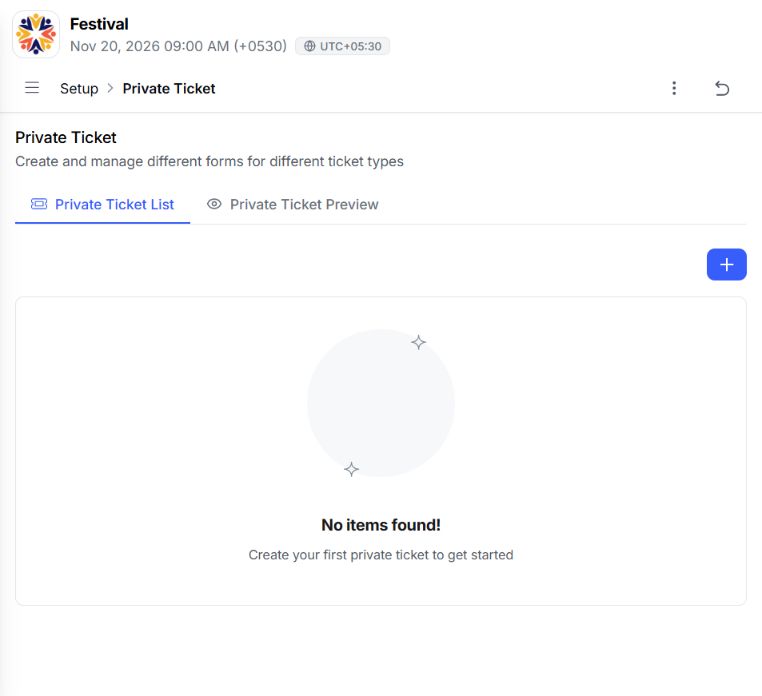
Approve & charge Keep a ticket off the public page and share it by direct link only.
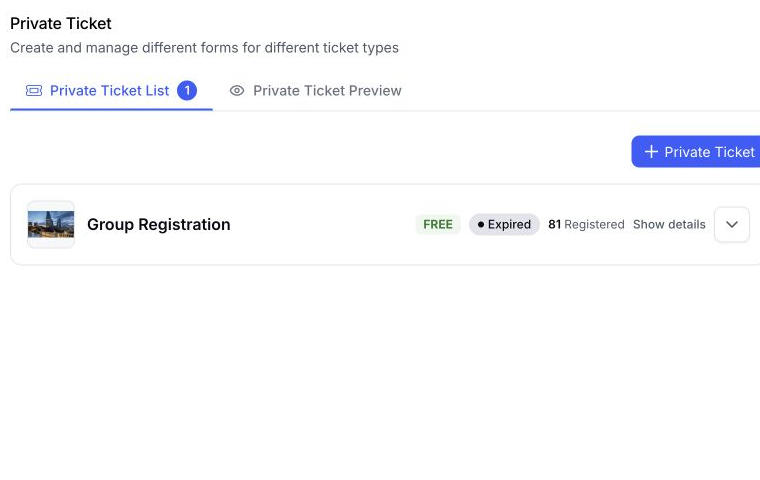 Link-only access
Copy private link
Link-only access
Copy private link Limits per purchase, limits per person across separate orders, and sale windows that open and close on their own.
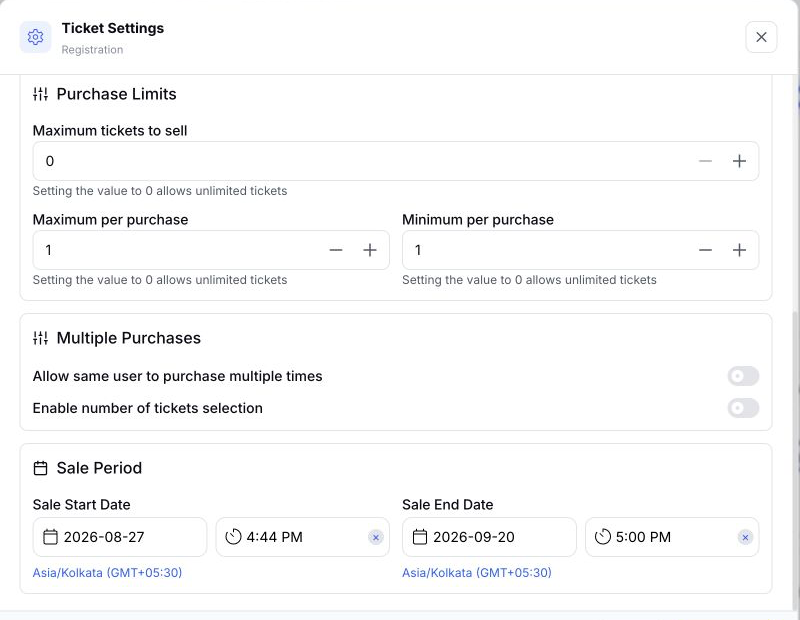 Rules active
Save rules
Rules active
Save rules When one person books for several people, you choose what happens next.
Each ticket gets its own form, so you know exactly who is attending, what they need and what they answered. Best when badges, dietary needs or sessions matter.
The rest inherit the buyer's name and email, and checkout stays short. Best when speed matters more than per-person data.
You can change this rule per event, and switch it on later if the first approach proves too thin or you need more data.
 ✓ DeliveredEmail + WhatsApp Badge attached
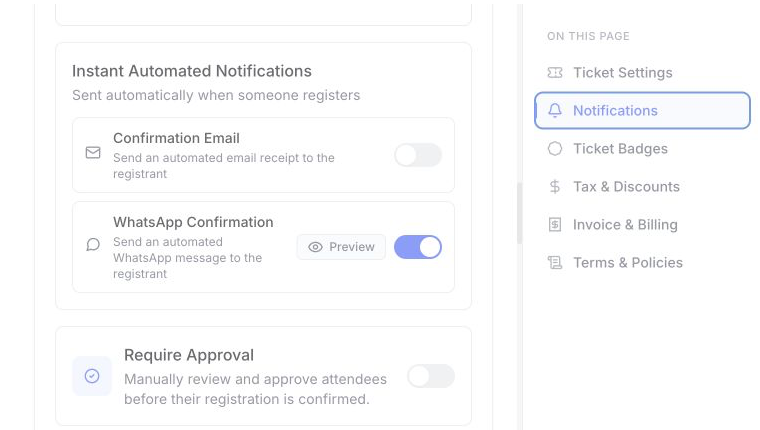
 Every registration triggers a confirmation by email, WhatsApp, or both — with the badge attached if you want it. Approval and rejection messages have their own templates, and you can edit all of them per event and per language.
If someone books for a group, one WhatsApp message can cover the whole order instead of one per ticket.
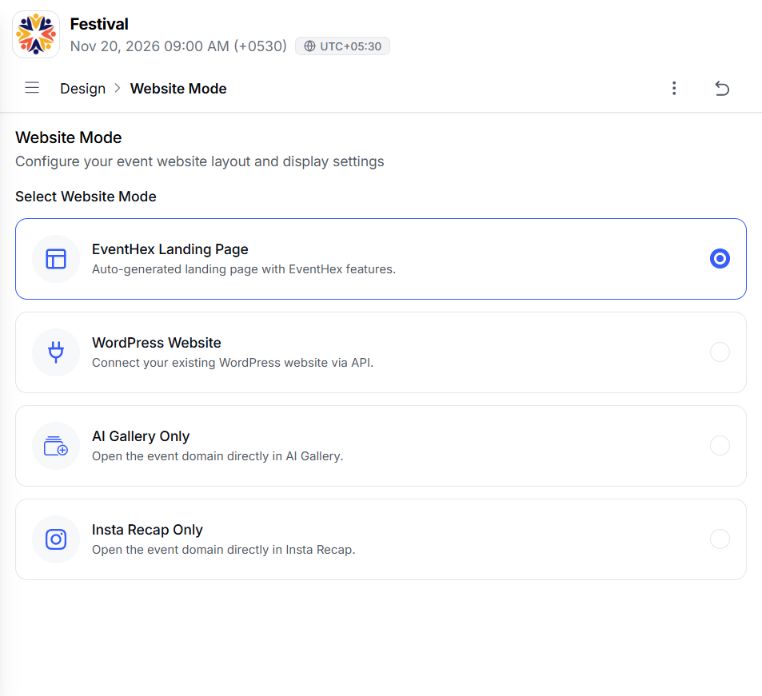
Embed the form or the full checkout directly in your site, with the tickets already selected. Visitors register without leaving your page, and everything still lands in EventHex.
Useful when your event lives inside a bigger site you already run — or use the EventHex event website instead and skip the embedding.
 </> Embed liveRegistration connected yourcompany.com
  Invite onlyPrivate access enabled Guest approved
 Send an invitation and let people respond yes, maybe or no before they register. Accepting takes them straight into the right form with their details already filled in. Invitees can bring guests, up to a limit you set.
Turn on invitation-only and the registration page closes to everyone else — useful for board meetings, private dinners and members-only events.
Registration data goes straight into event day. Every attendee arrives with a QR code, and your team scans them in and prints their badge at the desk — no re-typing, no separate list. Walk-ins can be registered on the spot and printed immediately. See check-in and badge printing.
 QR scannedAttendee found Checked in
 Multi-ticket checkout, per-attendee details, and questions that differ by pass type.
A single form, no payment step, confirmation in seconds.
Invitation-only registration with approval before anyone is confirmed.
Limited seats, sale windows, and payment held until you approve the applicant.
Single registration is one form for one person taking one ticket — the quickest path, and the usual choice for free events. Checkout is a cart: one buyer selects several tickets, fills in what you ask for, and pays once. You choose per event.
Yes. Questions everyone answers and questions specific to one ticket type are built on the same screen, so a speaker pass can ask for a bio while general admission asks only for a name and email.
Yes, and free tickets never touch a payment gateway. The attendee submits the form and goes straight to confirmation with their badge.
Yes. Turn on approval and every registration waits for your decision. For paid tickets you can also hold the payment — the card is authorised at checkout and only charged once you approve, so nothing is taken from someone you reject.
Yes. The registration form and the full checkout can both be embedded in your site with tickets pre-selected, so people never leave your page.
Yes. Confirmation goes out by email, WhatsApp, or both, and the badge can be attached. Attendees can also download their badge from the confirmation screen and add the event to their calendar. Invoices are emailed rather than downloaded.
Yes. Send invitations, collect yes, maybe or no responses, and close the registration page to everyone who was not invited. Invitees can bring guests up to a limit you set.
Every registration carries a QR code your team scans at the door to check people in and print badges. Walk-ins can be registered at the desk and printed on the spot.

