
Email campaigns
Create an editable email, write the subject, add personalization, attach supporting files, and preview the message before review.
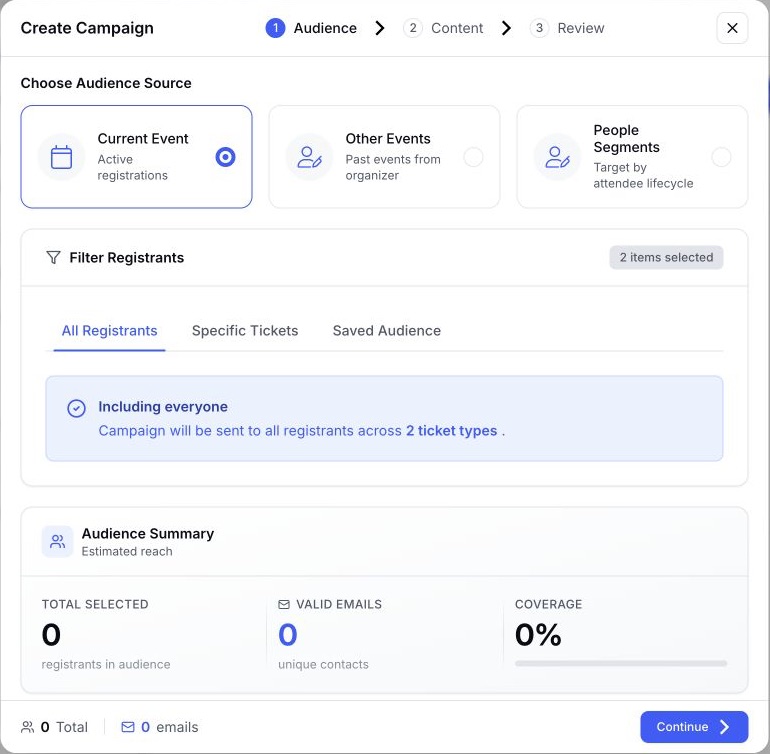
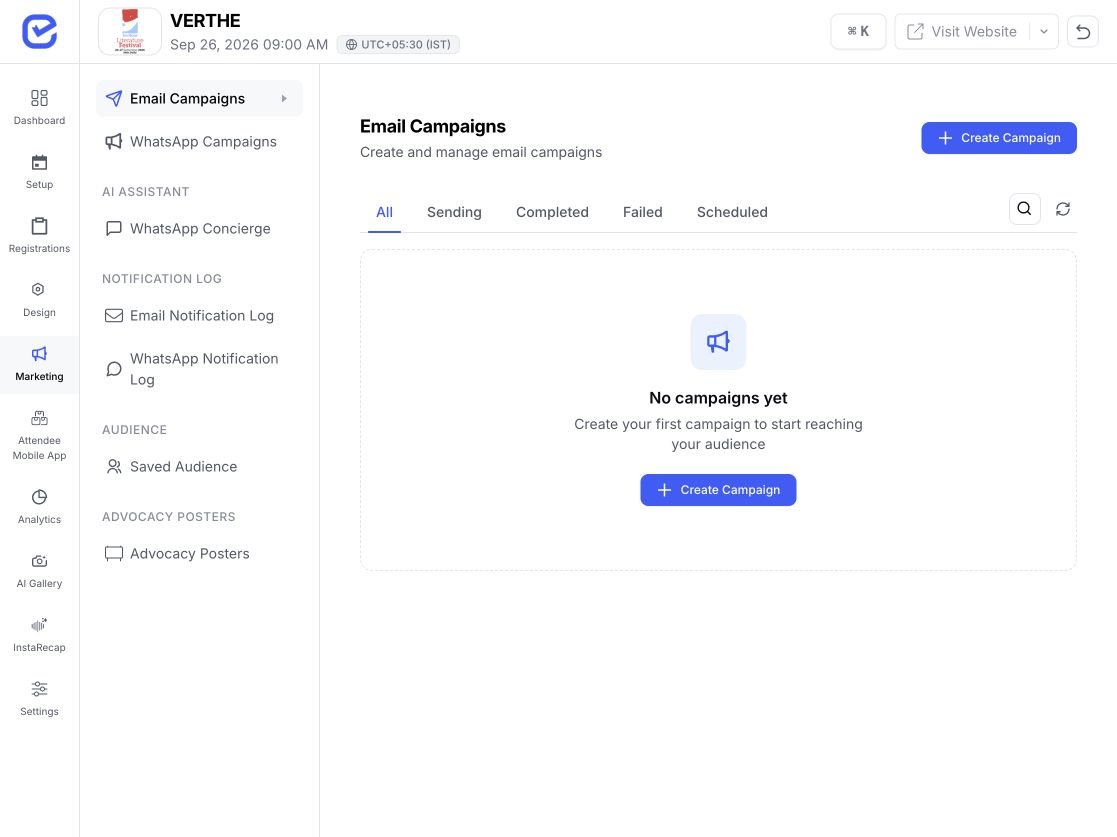
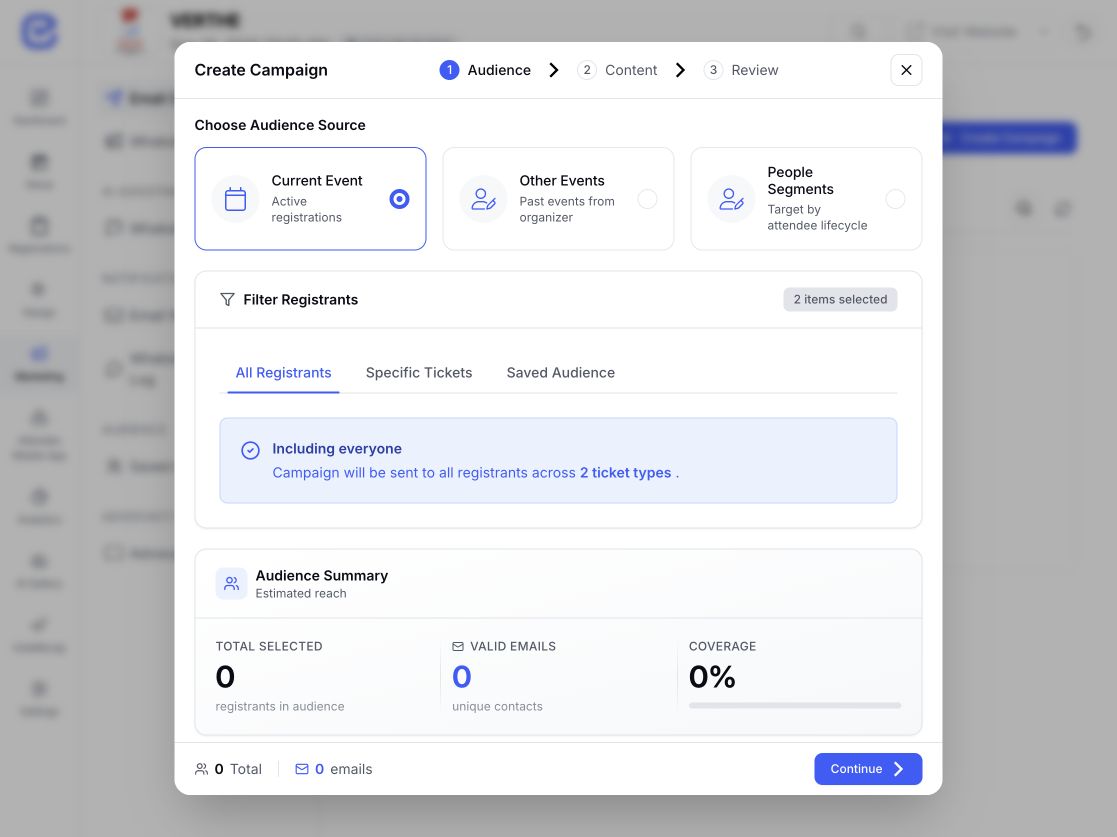
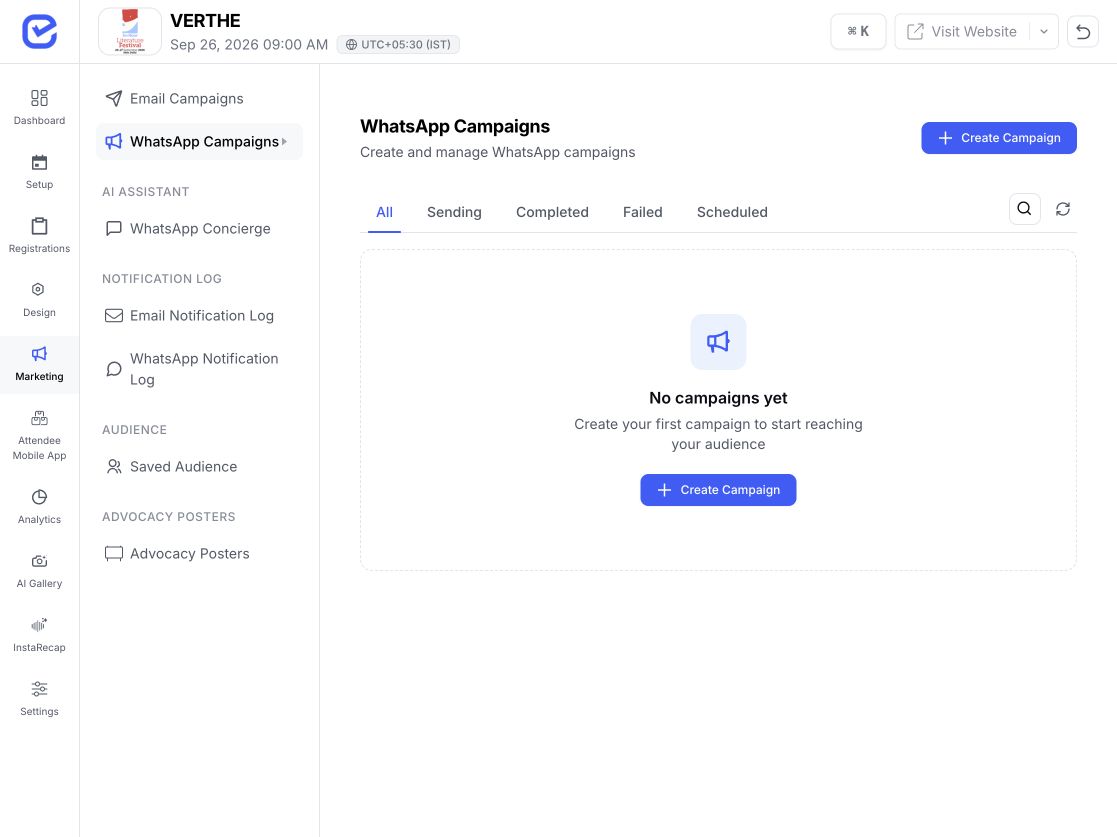
Build email and WhatsApp campaigns around current registrants, selected ticket groups, saved audiences, people segments, or registrants from previous events. Personalize the message, send now or schedule it, and follow delivery from the same EventHex workspace.
Start with the campaign goal and audience. Then build the message in the channel that fits the outreach.
Create an editable email, write the subject, add personalization, attach supporting files, and preview the message before review.
 Preview ready Continue to review
  Template approved Preview message
 Choose an approved WhatsApp template, map its variables, add supported media, and review the final message before sending.
Use campaigns for planned promotional outreach. For trigger-based operational alerts, continue to Event Notifications. For attendee conversations, continue to WhatsApp Concierge.
Reach all registrants or narrow the audience to selected tickets and registration forms.
Choose registrants from other events in the organizer workspace for the next relevant invitation.
Use available lifecycle segments such as first-time, returning, loyal, lapsed, or no-show-prone people.
Reuse a saved audience, exclude people already registered, and check unique email or phone counts before review.
Choose the audience, channel, message, timing, and then follow recipient status from the same workspace.
Build and refine the email in the visual editor, add subject and personalization values, attach supported files, and use the verified marketing identity connected for your organization. Marketing emails include an unsubscribe route in the sending workflow.
Explore More Choose an available template, map supported event and recipient variables, add compatible media, and preview the completed message through your connected official WhatsApp Business account.
Explore More Review the audience, channel, message, personalization, and attachment together. Send immediately or choose a future date and time, then follow scheduled, sending, completed, partial, failed, or cancelled states.
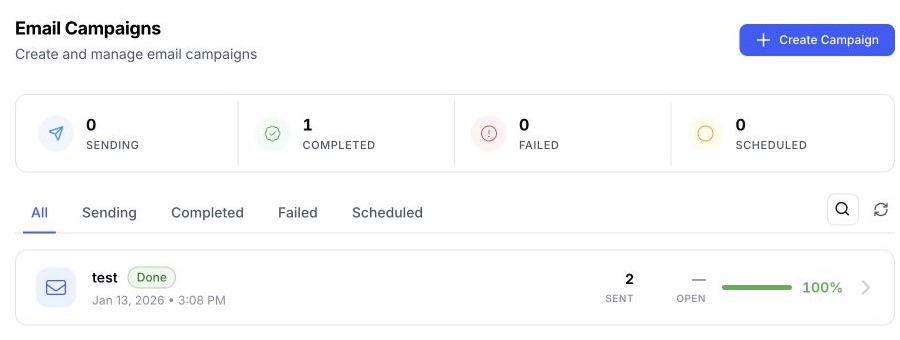
Explore More See the overall campaign state, then open the delivery detail that needs attention.
See audience totals and the campaign's current delivery and engagement summary in one view.
Email shows available sent, delivered, opened, clicked, bounced, complaint, and failed signals. WhatsApp shows available sent, delivered, read, and failed status.
Open individual dispatch status and available event timestamps, then retry failed recipients or resend from the campaign workspace.
The recipient view keeps channel, message state, and the latest delivery event together.
Search, filter, inspect, cancel an eligible scheduled send, refresh campaign counts, and retry failed recipient dispatches.
Permanent bounces, complaints, and unsubscribes are excluded from later marketing email sends.
Marketing campaigns use the organization's connected email identity or official WhatsApp Business account.
Sender, channel, audience, timing, and campaign status remain visible in the same operational workflow.
Start from the audience and message each event actually needs.
Invite people from a previous edition, then narrow follow-up by the current event's ticket or form groups.
Campaign focus Audience ready Build a focused invitation or programme campaign for the right attendee segment.
Campaign focus Email campaign Separate internal, partner, guest, or ticket-based audiences before the message is scheduled.
Campaign focus WhatsApp campaign Work with audiences across organizer events while keeping each campaign's event, sender, and status visible.
Campaign focus Cross-event audience Use Event Marketing for planned promotional outreach. Continue to the dedicated workflow when the job changes.
Configure operational alerts and updates that follow event actions and timing.
Give attendees conversational event help through WhatsApp flows.
Help attendees share branded event posters and links with their networks.
Shape the registration path and forms that campaign traffic reaches.
EventHex gives organizers one workspace to create email or WhatsApp campaigns, select audiences from their event data, personalize content, schedule delivery, and inspect campaign and recipient status.
Yes. Each campaign uses one selected channel. Email campaigns use the organization's connected marketing email identity. WhatsApp marketing campaigns use its connected official WhatsApp Business number and available approved templates.
You can build from current-event registrants, selected tickets or forms, saved audiences, registrants from other organizer events, and available people segments. The exact recipient set depends on the selected channel and the email addresses or phone numbers available.
Yes. The audience workflow supports excluding people already registered for the current event when the campaign is built from another event audience.
Yes. Review the campaign, then send it immediately or choose a future date and time in the available event or user timezone.
EventHex shows the campaign state and available delivery or engagement counts. You can open recipient-level dispatch detail, refresh counts, and act on failed deliveries from the campaign workspace.
Marketing emails include an unsubscribe path. Unsubscribes, complaints, and permanent bounces are suppressed from later marketing email sends.
No. Event Marketing is for planned promotional campaigns. Event Notifications owns operational alerts and updates connected to event actions or timing.
No. A WhatsApp campaign sends a planned template message to a selected audience. WhatsApp Concierge is the separate conversational workflow for attendee questions and event help.
