
Registered Voting
Connect each vote to an attendee record, preserve session context, and carry a clear audience signal into your event reporting.
Launch a poll, collect audience questions, spotlight the one that belongs on stage, and review session feedback—without separating engagement from the event agenda.
Choose the response path that fits the session and the audience signal you need to retain.
Connect each vote to an attendee record, preserve session context, and carry a clear audience signal into your event reporting.
 ✓ Attendee-linked insightsView response
 ✓ Privacy-friendly reportingOpen poll
 Use a public participation path and track the response without exposing attendee identity—the simple route for candid, low-friction feedback.
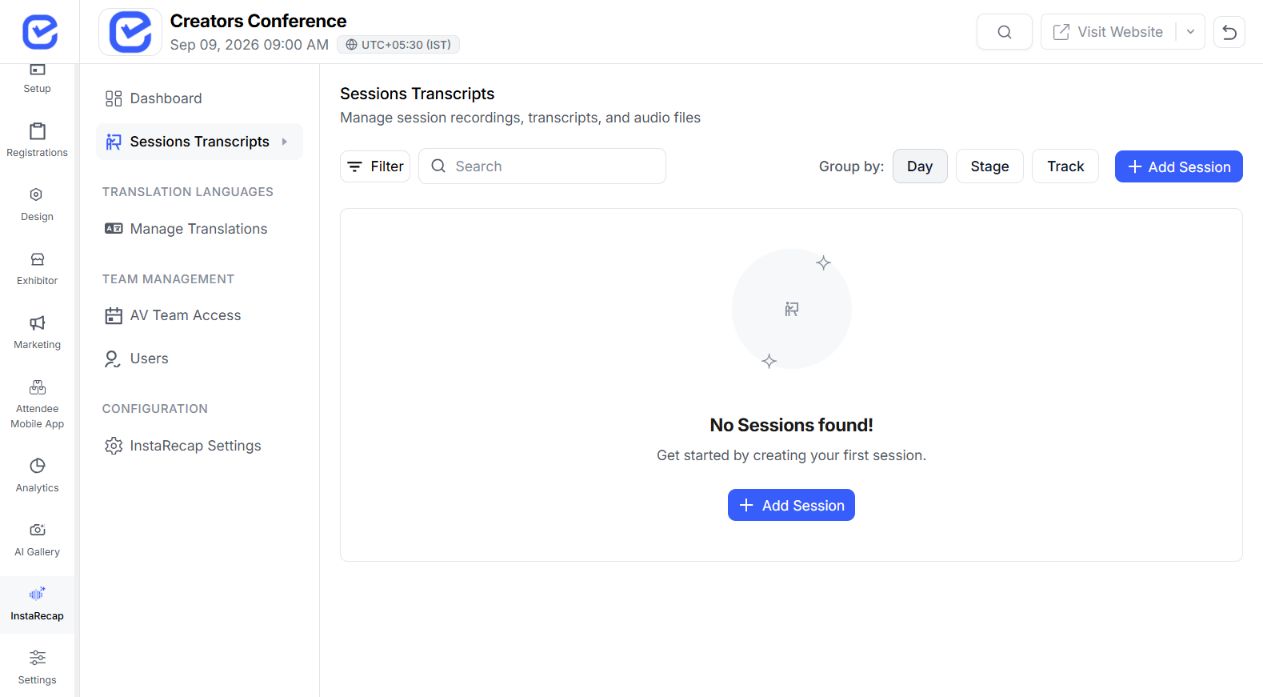
Create a multiple-choice poll for the event or session, control when it is active, and review the resulting vote distribution.
Create one clear multiple-choice prompt and give the room focused ways to respond.
Control exactly when the poll accepts responses without rebuilding the question.
Watch option-level vote totals and percentages update while the session is live.
Share the same live interaction through the event app, a direct link, or a room-ready QR code.
Keep the poll, audience identity choice, and resulting response attached to the session after it ends.
Audience questions arrive in the session queue, where organizers can preview each one, protect anonymous identities, and move the right question into the stage-facing spotlight.
Open polls directly from the attendee session experience.
Send a direct participation URL from the organizer workspace.
Display or distribute the generated QR participation path.
Keep each interaction attached to the correct event and session.
 ✓ Feedback collectedSession response saved Save response
 Keep written comments connected to the correct session, so organizers can review the context behind every response.
 ✓ Reaction savedLive sentiment captured Save response
 Capture the supported mood or reaction value while the session is still fresh, without sending attendees into a separate survey flow.
 ✓ Rating recordedScore added to session Save response
 Record an optional numeric score alongside attendee feedback and keep it attached to the session that produced it.
 ✓ Insights readyResponses connected Review insights
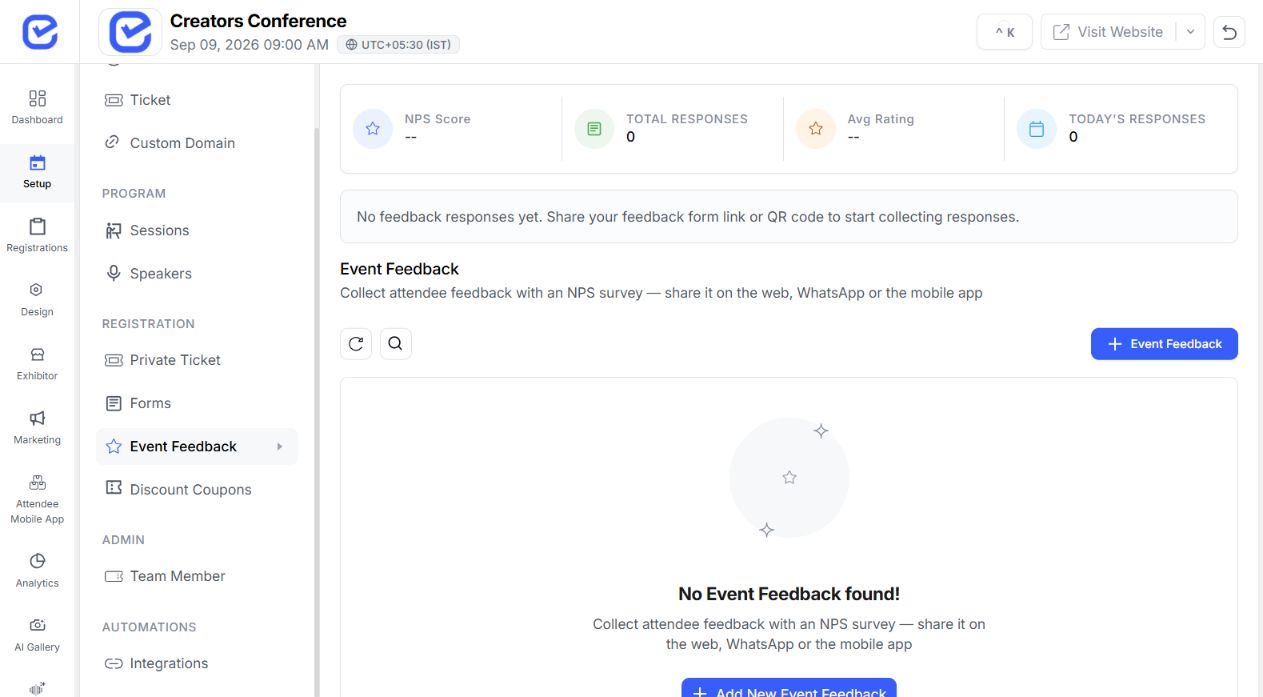
 Inspect individual feedback and broader event trends from the organizer workspace when the programme is over.
Make the prepared question active.
Review votes and percentages as they are recorded.
End the poll when the room moves on.
Accept more votes without rebuilding the question.
Check Q&A content before selecting spotlight.
Move the stage display to the next audience question.
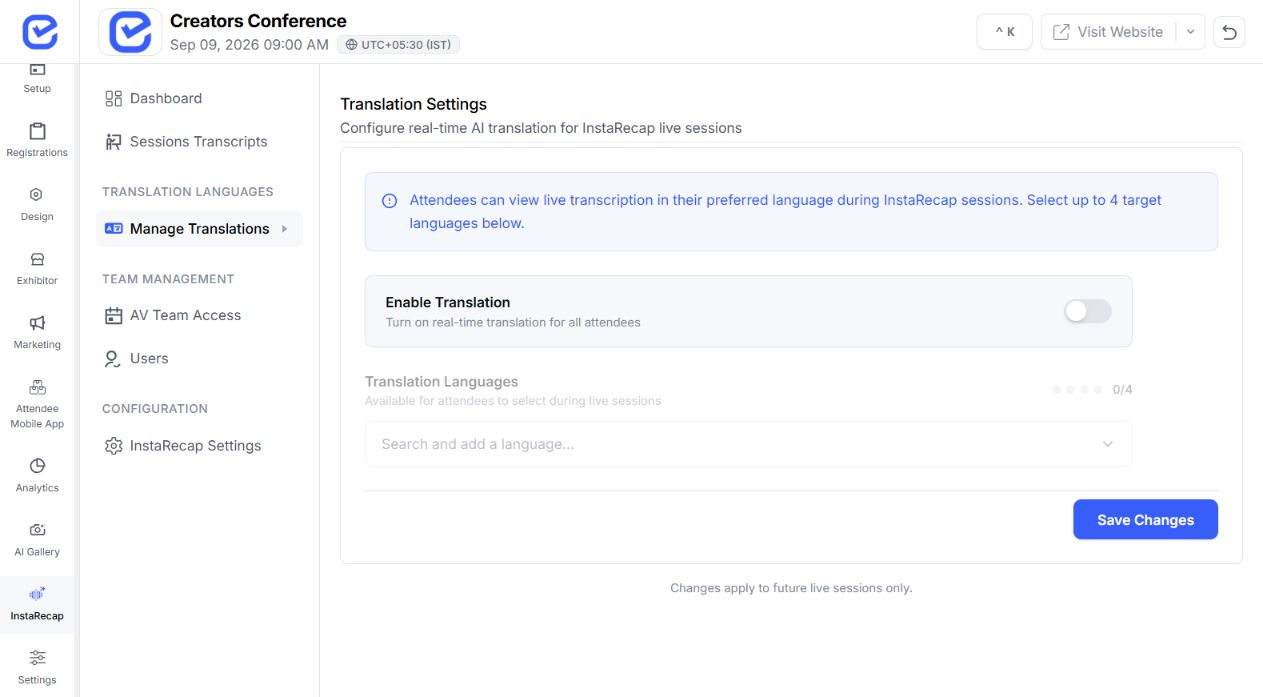
Each interaction starts from a session record and hands off cleanly to the feature that owns the next task.
Build the agenda and session context that every poll, audience question, and feedback response uses.
Learn More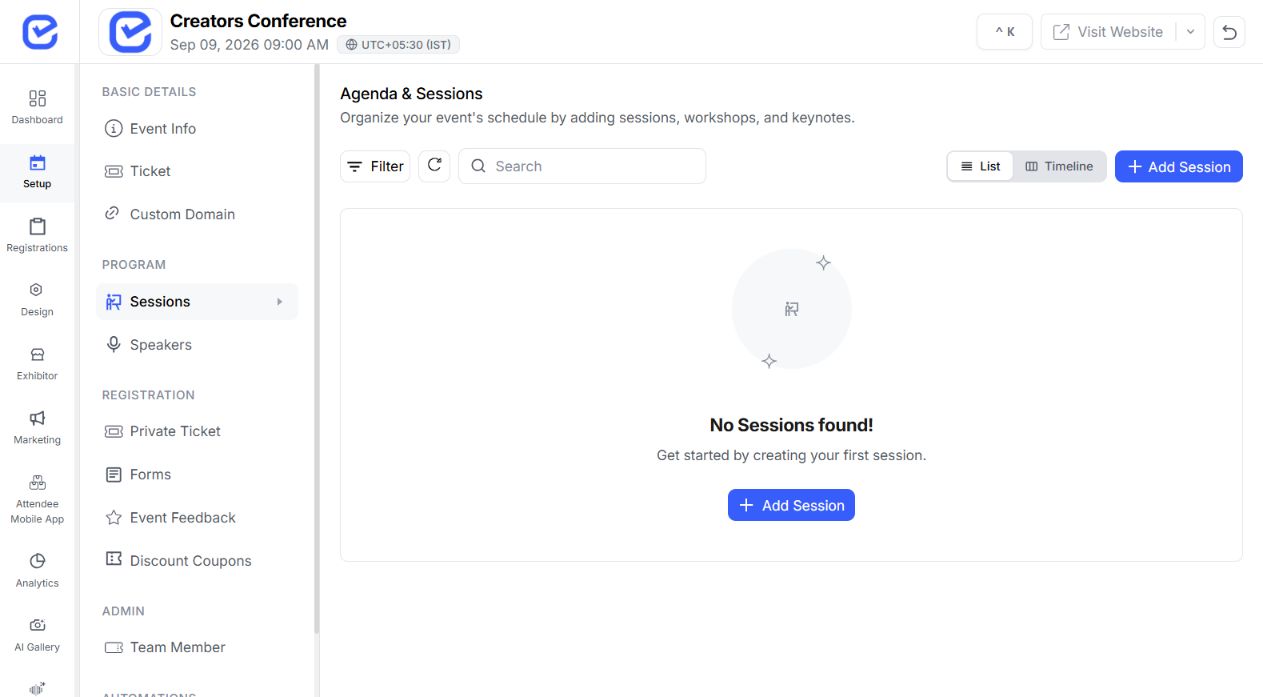
Give attendees the configured event and session experience, with the right interaction available at the right moment.
Learn More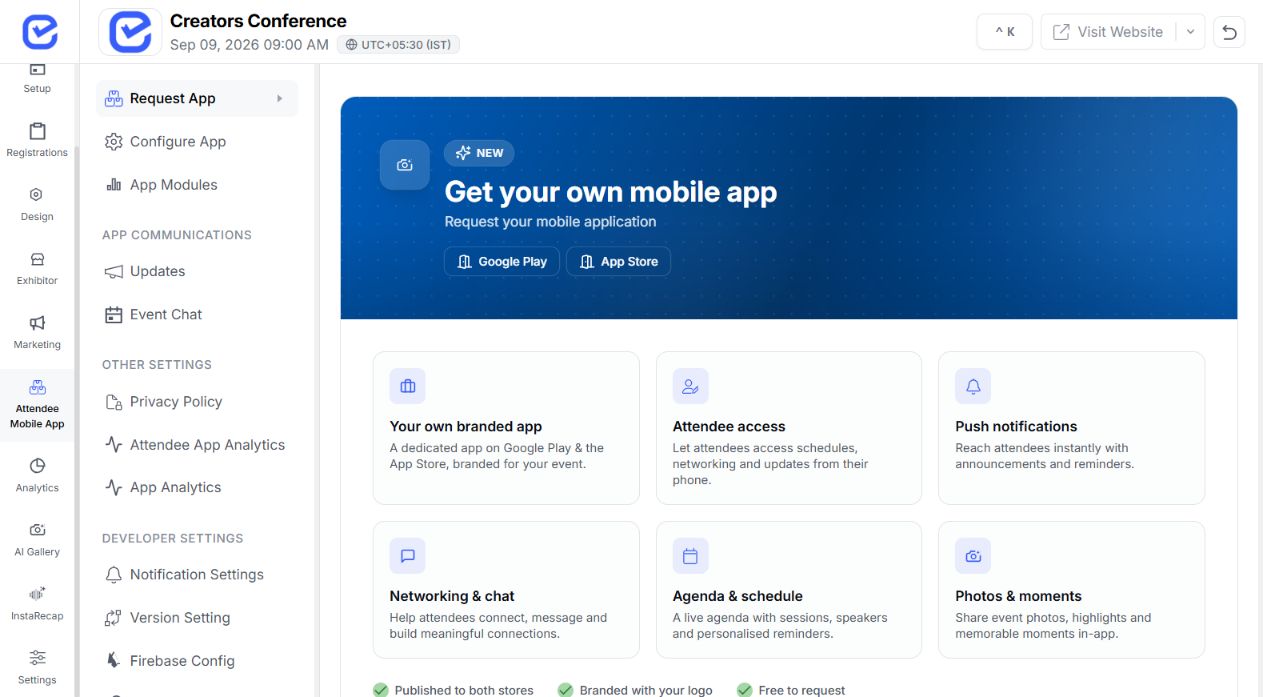
Carry supported session content and audience signals into a useful attendee recap after the room moves on.
Learn More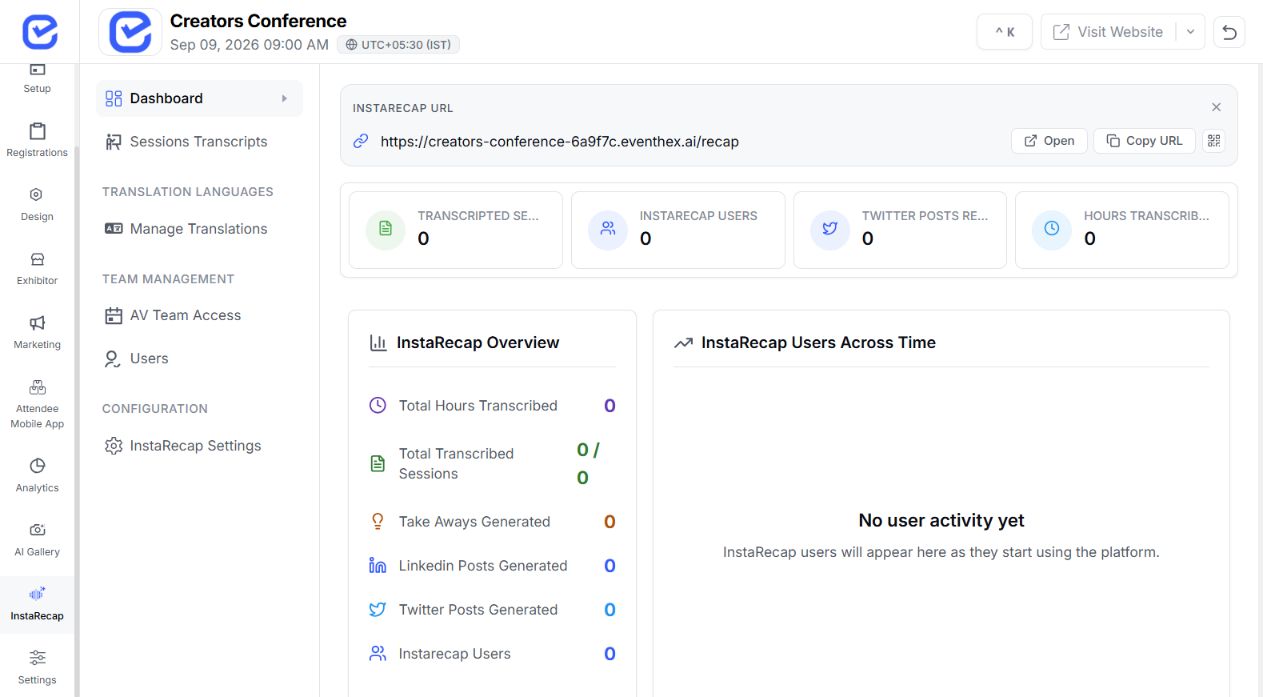
Review event-wide engagement alongside the individual response so teams can see what resonated across the programme.
Learn More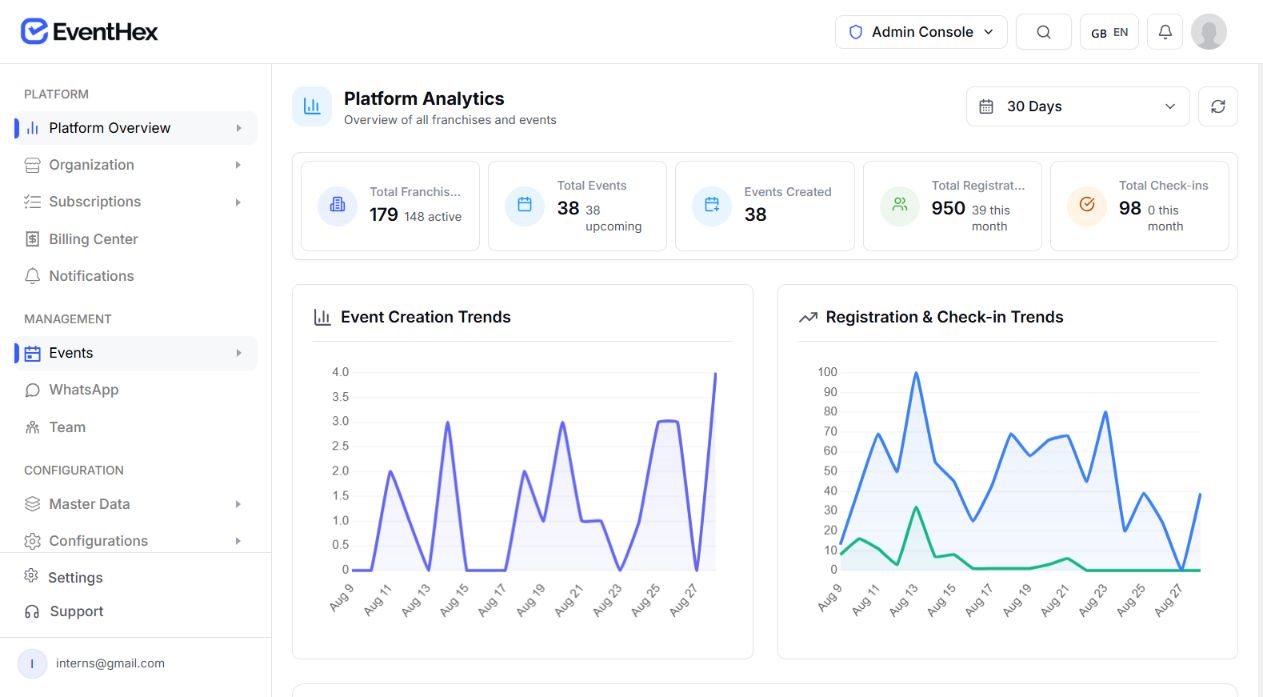
Choose the poll, question, and feedback path that fits the moment.
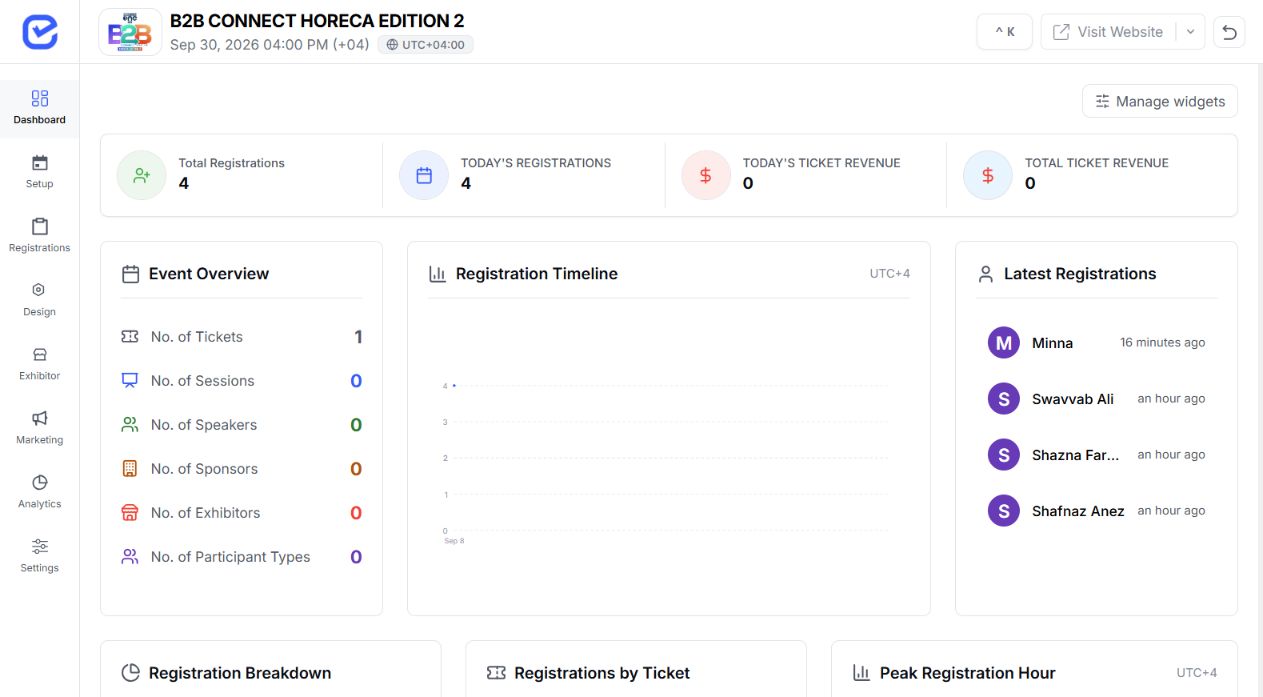
Poll the room, surface audience questions, and capture feedback without breaking the flow of the programme.
 Live responses connected
Collect member perspectives during educational sessions and keep every response attached to the right programme context.
 Member feedback ready
Use structured questions in town halls and training sessions so teams can respond in the moment.
 Session interaction live
Give developer audiences a fast route to vote, ask detailed questions, and share immediate product feedback.
 Product signal captured
Connect configured attendee surfaces to the same session whether the audience is in the room or joining remotely.
 Audience paths synced
Use quick questions and feedback prompts to see what landed and where the room needs more clarity.
 Learning pulse ready
EventHex supports multiple-choice polls with option-level vote totals and percentages.
Yes, when anonymous mode is enabled. The public vote path uses a client token so a browser can retain its selection without exposing an attendee identity.
Organizers can share a participation link or QR code, and polls can also appear in the configured attendee mobile experience.
Yes. Anonymous questions remove attendee identity from the returned question. Organizers can review the queue and choose one question for spotlight.
Upvoting and moderation approval are not currently included in this workflow.
Session feedback supports written feedback, a reaction value, and an optional 1–5 rating, with organizer review in the session workspace.
