
Submission window
Set opening and closing dates, availability, and limits.
Collect structured abstracts, coordinate reviewers, score with a shared rubric, release decisions, and move accepted work into the event agenda from one connected workflow.
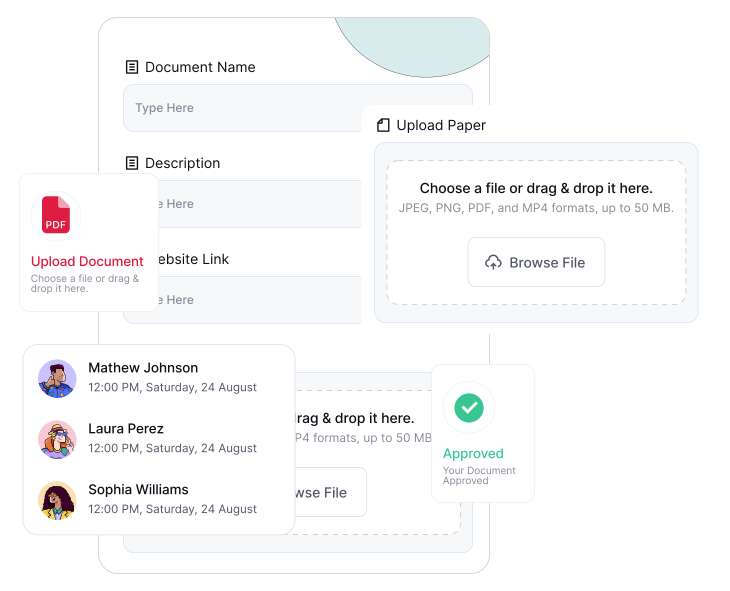
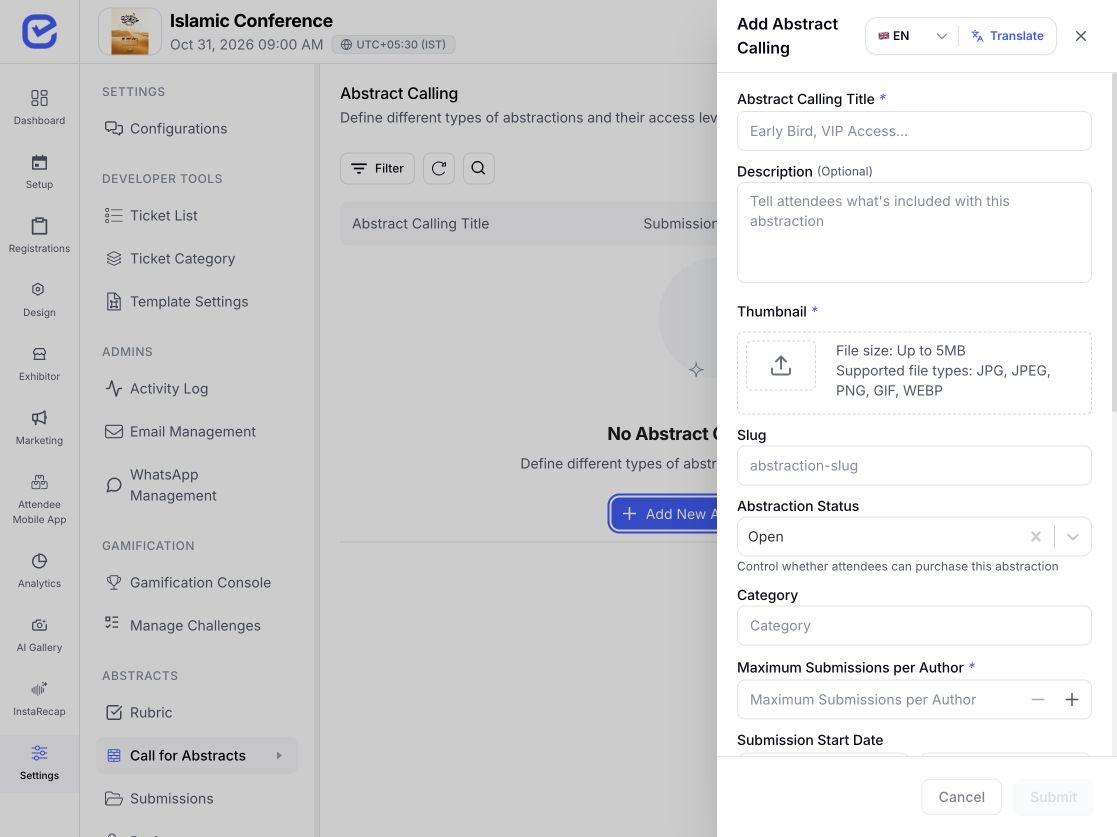
Define the call, dates, author options, and review configuration that belong to this event.
Set opening and closing dates, availability, and limits.
Allow a separate late-submission window when required.
Enable multi-author submissions for the call.
Set review start, deadline, decision deadline, and notification date.
Choose reviewer counts, blind review, conflict flags, reminders, and decision behavior.
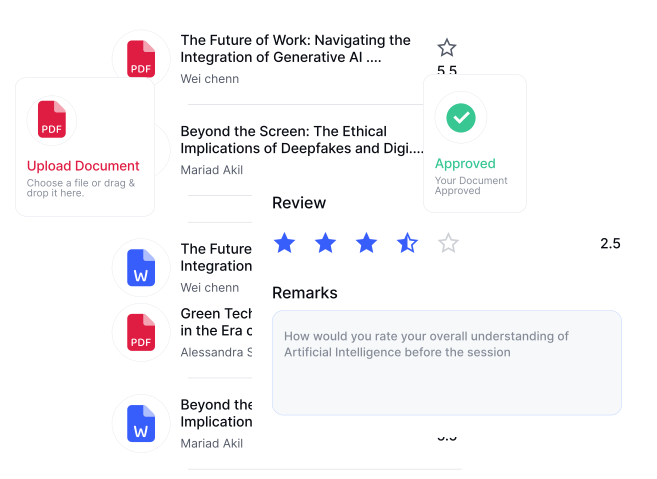
Authors can return to their own submissions, view released status and permitted feedback, upload an eligible revision, or withdraw before a final accepted or rejected state.
Use event email settings and notification dates for confirmations, assignments, reminders, and decisions. Delivery depends on valid templates, recipients, and channel configuration.
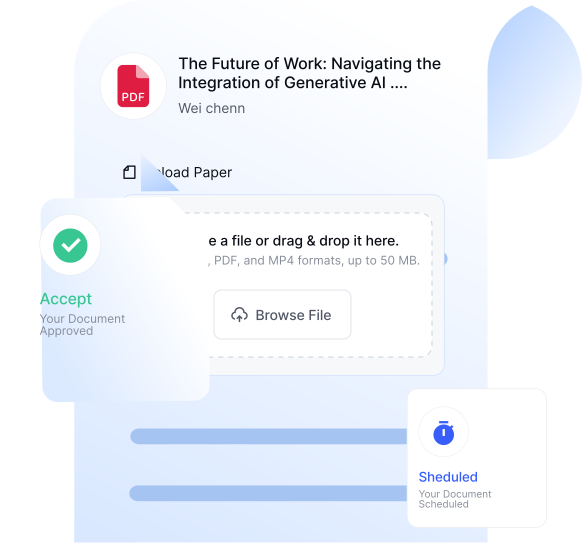
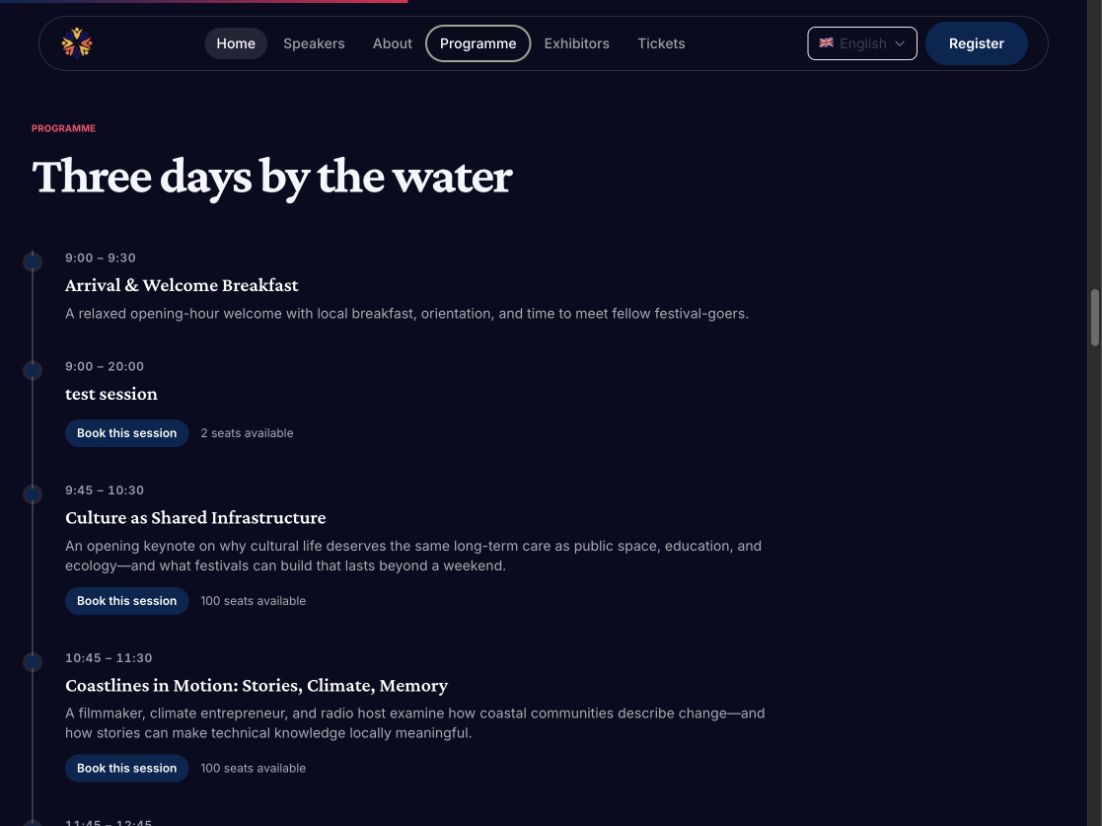
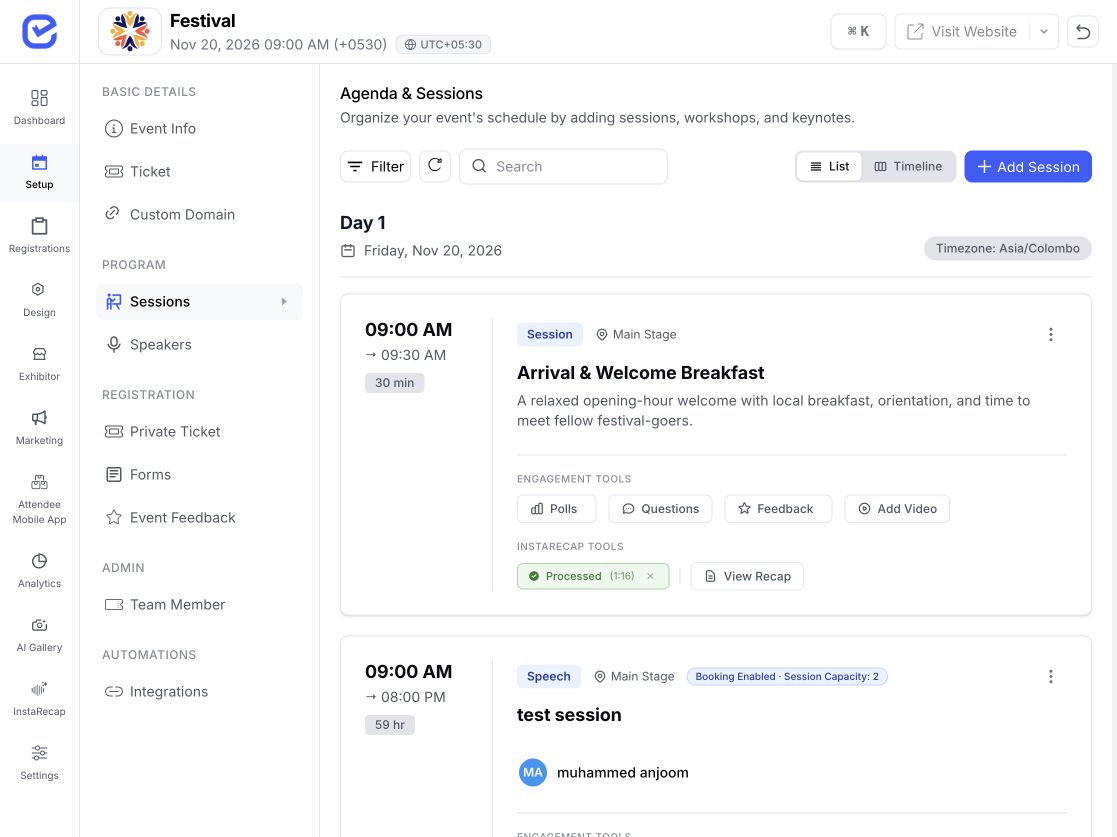
Use the accepted-submission workbench to create corresponding sessions, then complete timing, stage, track, and lineup in Session Management. Export submission and score context as CSV when needed.
Use the event form flow to capture author details, abstract content, files, and event-specific questions in a consistent submission record. Track every response through review and decisions from one central queue.
Build the reviewer panel, assign work in bulk or through the available automatic assignment path, send configured notices, and give each reviewer a scoped portal for their assigned submissions.
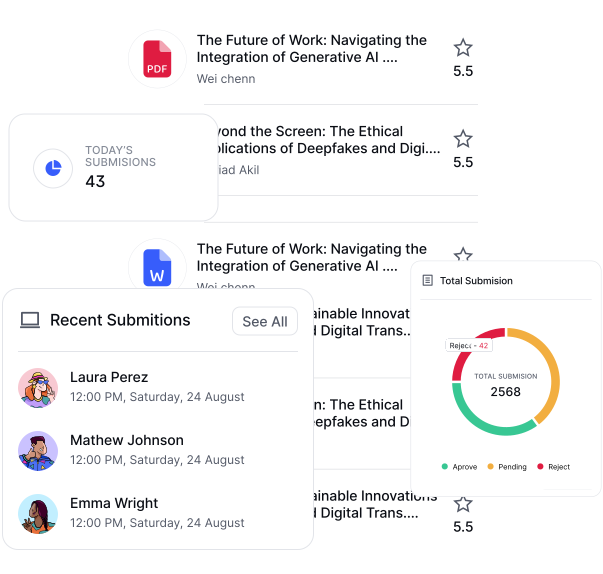
Use stored rubric criteria and weights while preserving criterion comments, overall scores, recommendation, and confidence. Reviewers can save a draft before submitting their review.
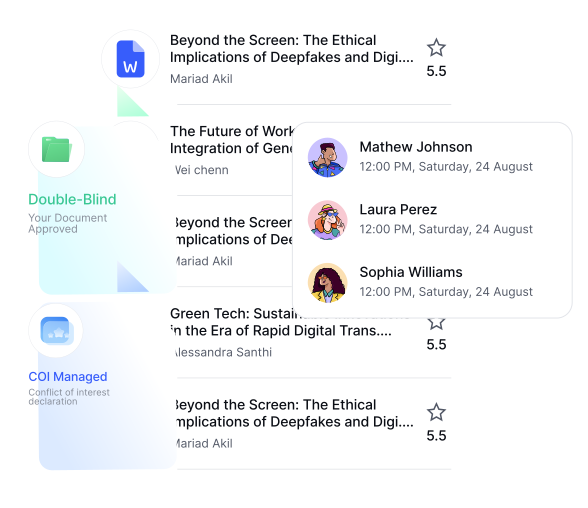
Review scores and committee context, then apply accepted, conditional, waitlisted, or rejected decisions individually or in bulk. Reviewer input informs the workbench; the organizer controls the decision.
Configure the call, review, and decision model around the programme committee.
Collect and review research abstracts.
Build member-led educational programmes.
Coordinate structured submissions and reviewer panels.
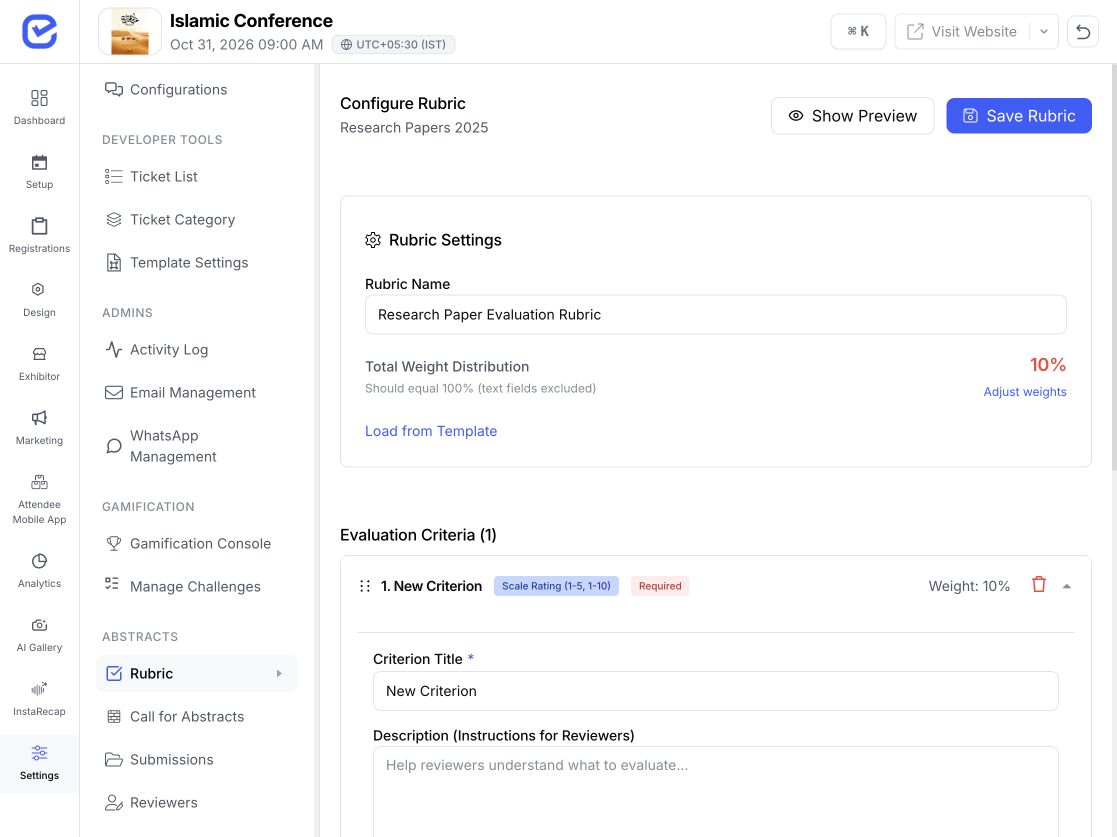
Select talks, workshops, and practitioner sessions.
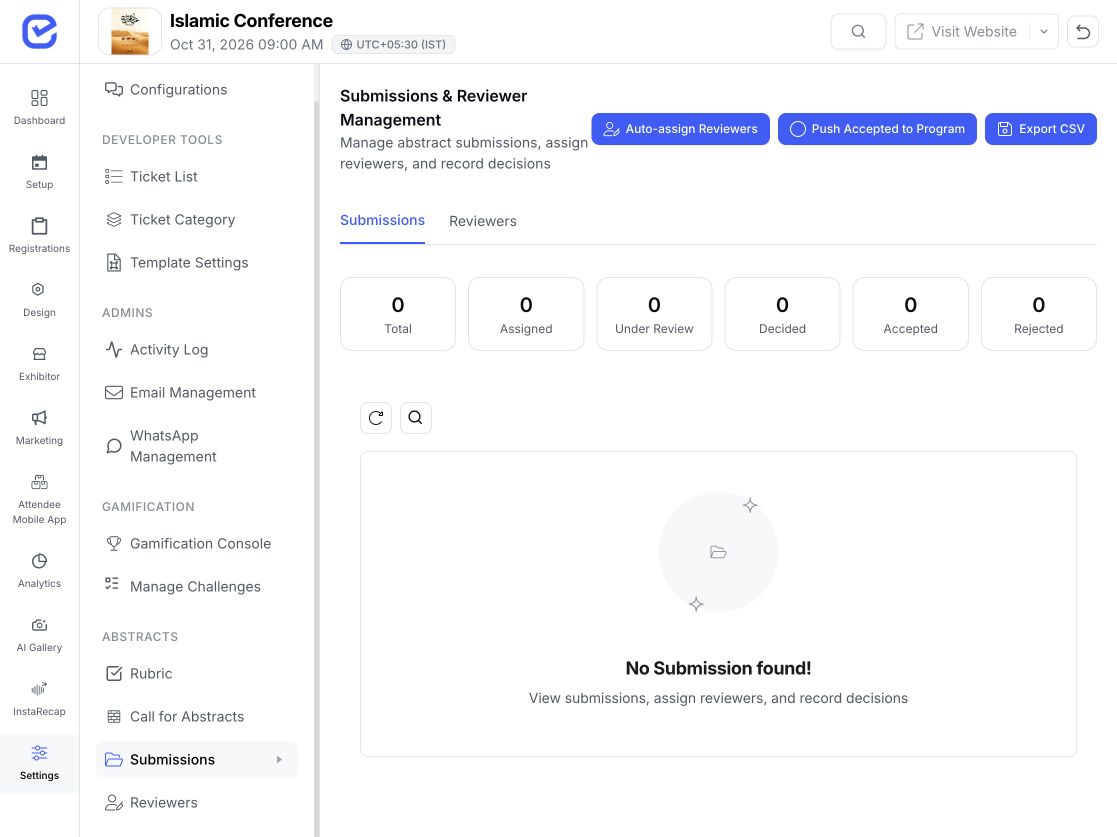
Adapt rubric-led review to judged submissions.
Curate internal experts and session proposals.
The call connects to the event form flow, so organizers can configure submission fields and file collection around the programme requirements.
Yes. Reviewers receive scoped access to their assigned submissions and can save drafts, submit rubric scores, comments, recommendations, and confidence.
A blind-review setting exists in the abstract review configuration. Confirm exactly which author fields should be hidden and test the reviewer experience before opening the call.
The API includes automatic assignment as well as bulk assignment. Review the event's reviewer pool, minimums, conflicts, and workload rules before relying on the result.
An eligible author can upload a revision after a revision-requested or conditional-accept state; the revised submission returns to the review queue.
Yes. The organizer can push accepted or conditionally accepted submissions into session records, then finish timing, stage, track, and lineup in Session Management.
