
Browse by day
Move through the configured event dates.
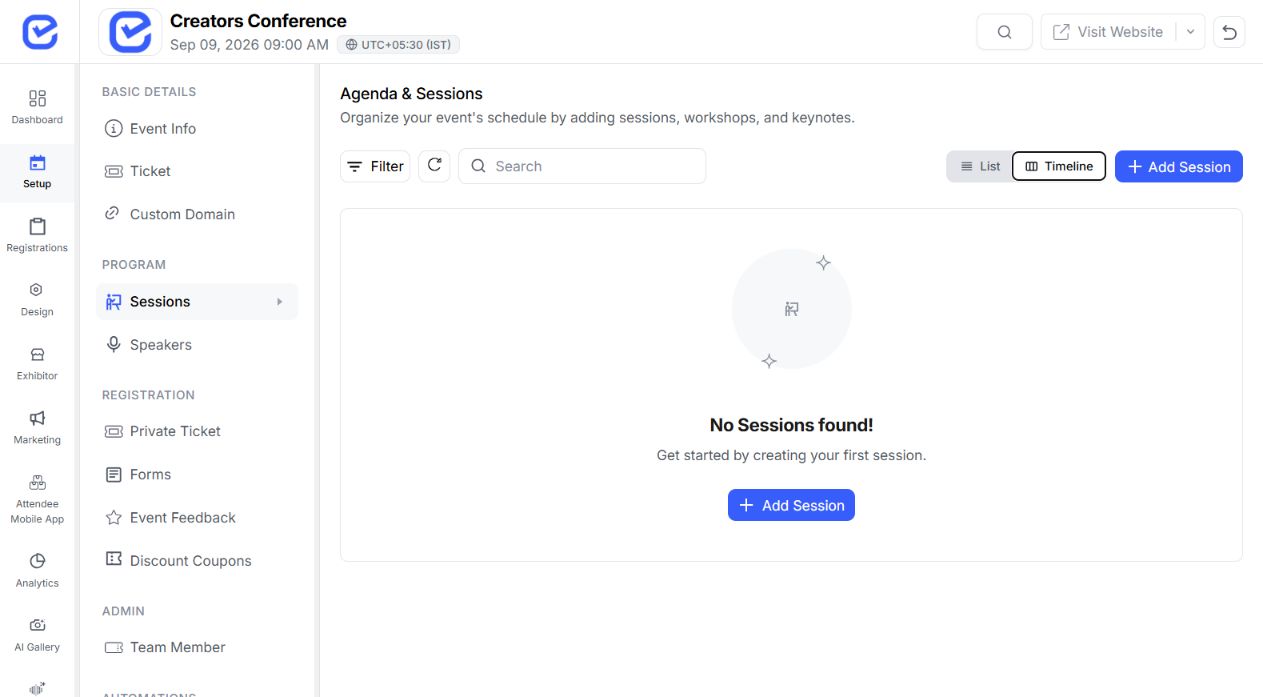
Bring the agenda, people, updates, event information, and enabled engagement modules into a configurable mobile experience built around your event.
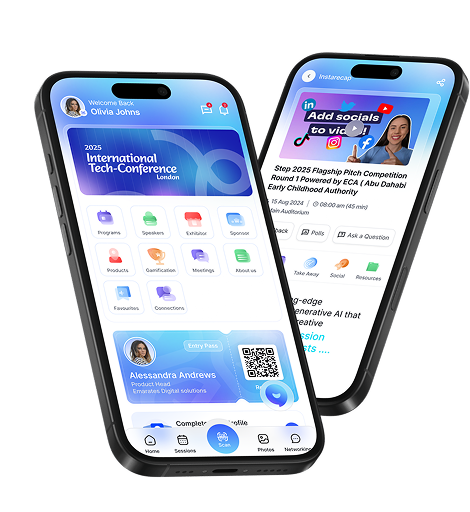
Brand and home experience
Configure the identity and attendee home experience from the EventHex workspace.
Set the app name, logo, subtitle, descriptions, contact email, and store graphics.
Choose primary and secondary colors plus the app font.
Use event artwork, a custom banner, or a carousel.
Order, show, or hide shortcuts and add approved web links.
Select supported quick-access, countdown, and map styles.
Choose visible profile fields and configure attendee interests.
Publish event notifications through the configured mobile channel so attendees can find updates alongside the programme and other event content.
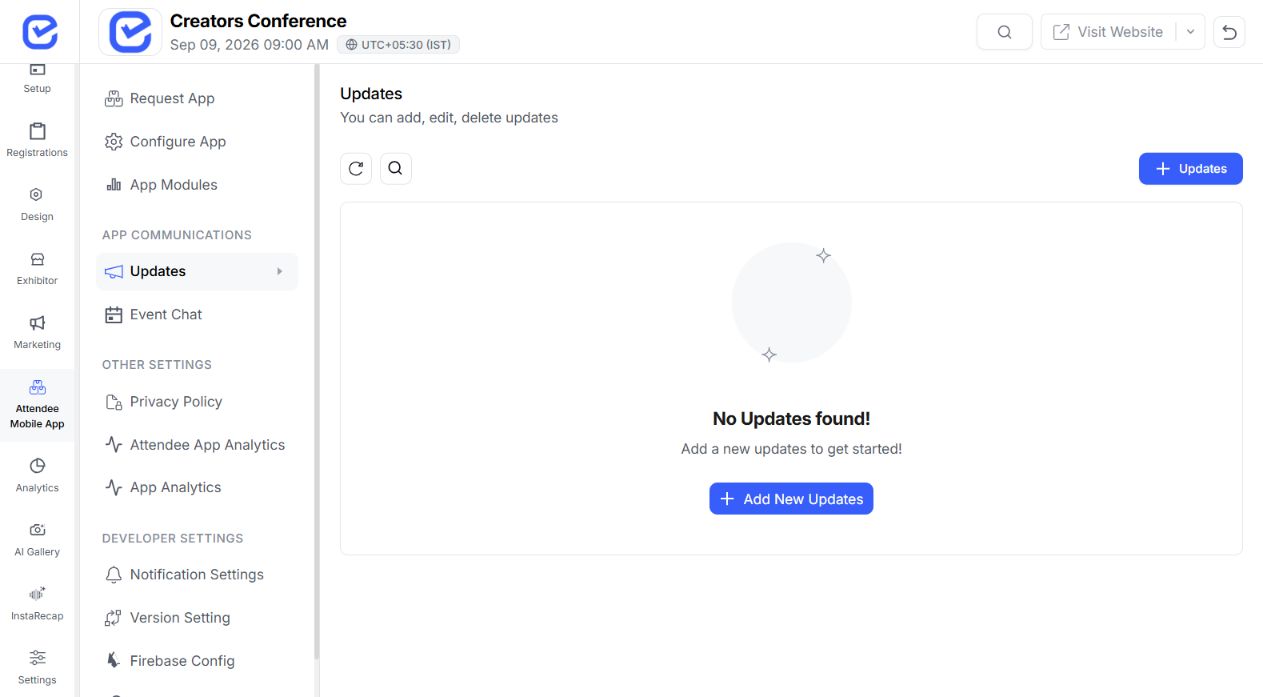
Help attendees scan the schedule, open session details, and return to the sessions they chose.
Book a DemoMove through the configured event dates.
See time, stage, speakers, and available detail.
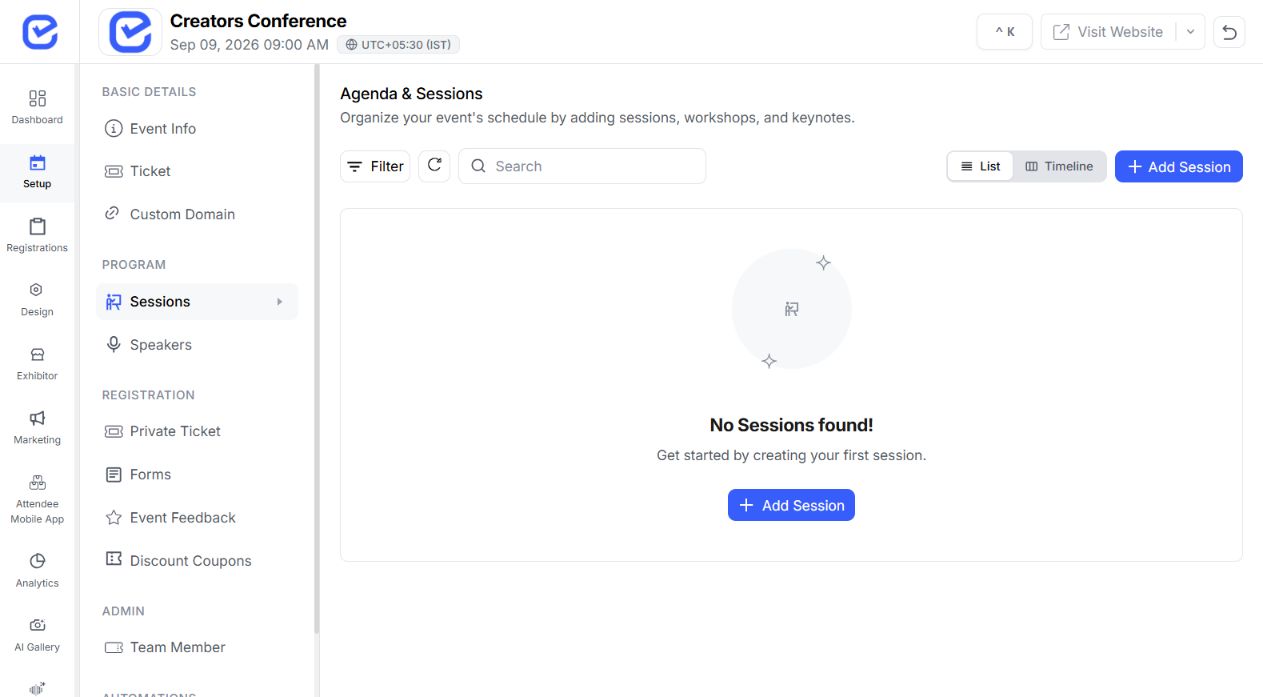
Add it to the attendee's selected agenda.
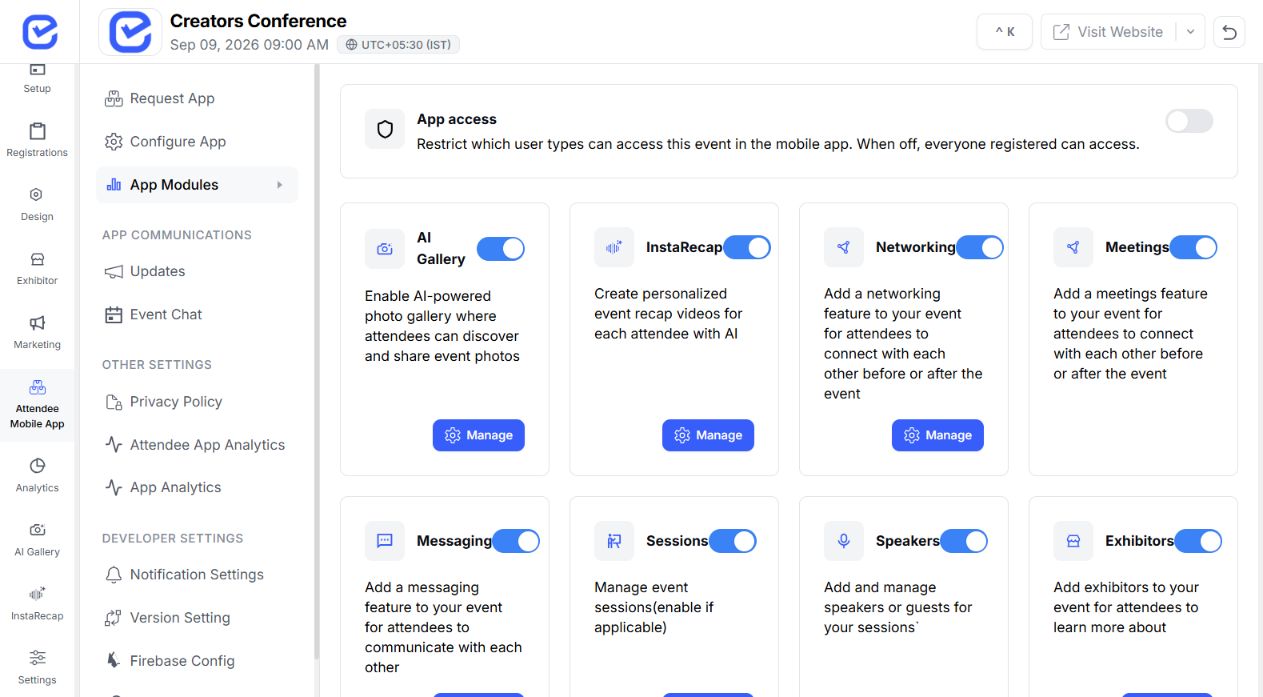
Use the saved-session view during the event.
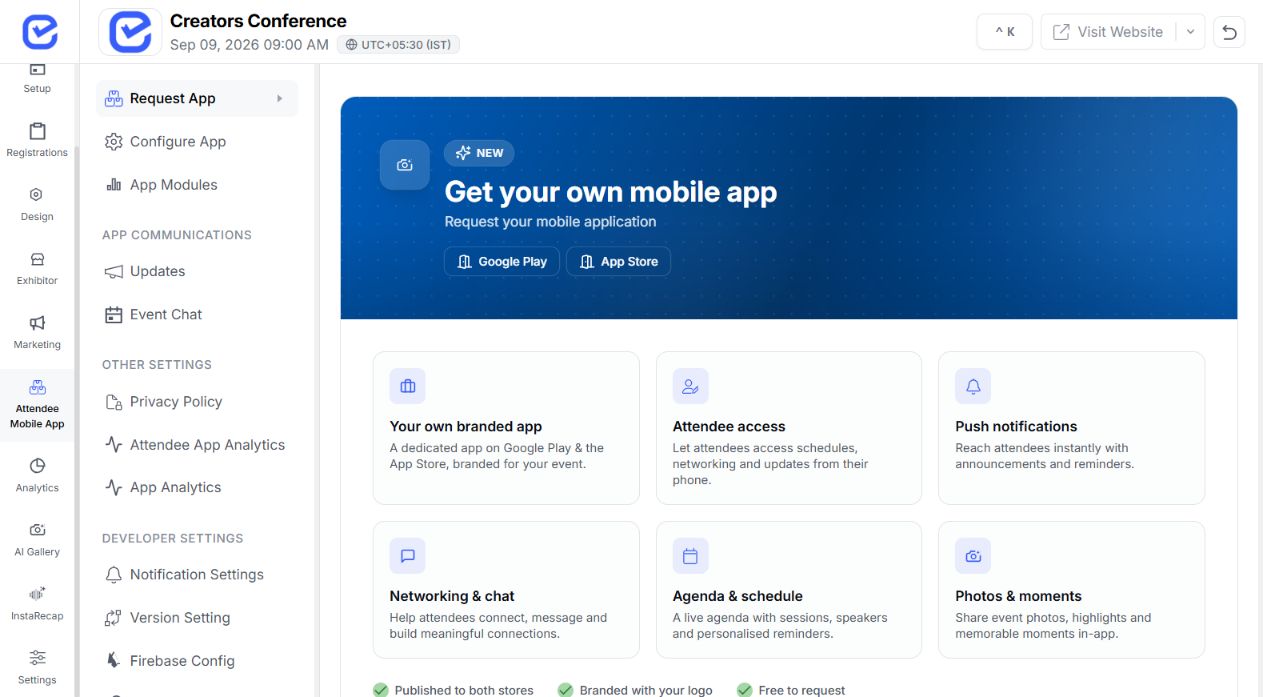
Bring attendee discovery, connections, and chat into the same app without leaving the event context.
Browse people, send or respond to requests, and manage connections.
Networking enabled
Open connections 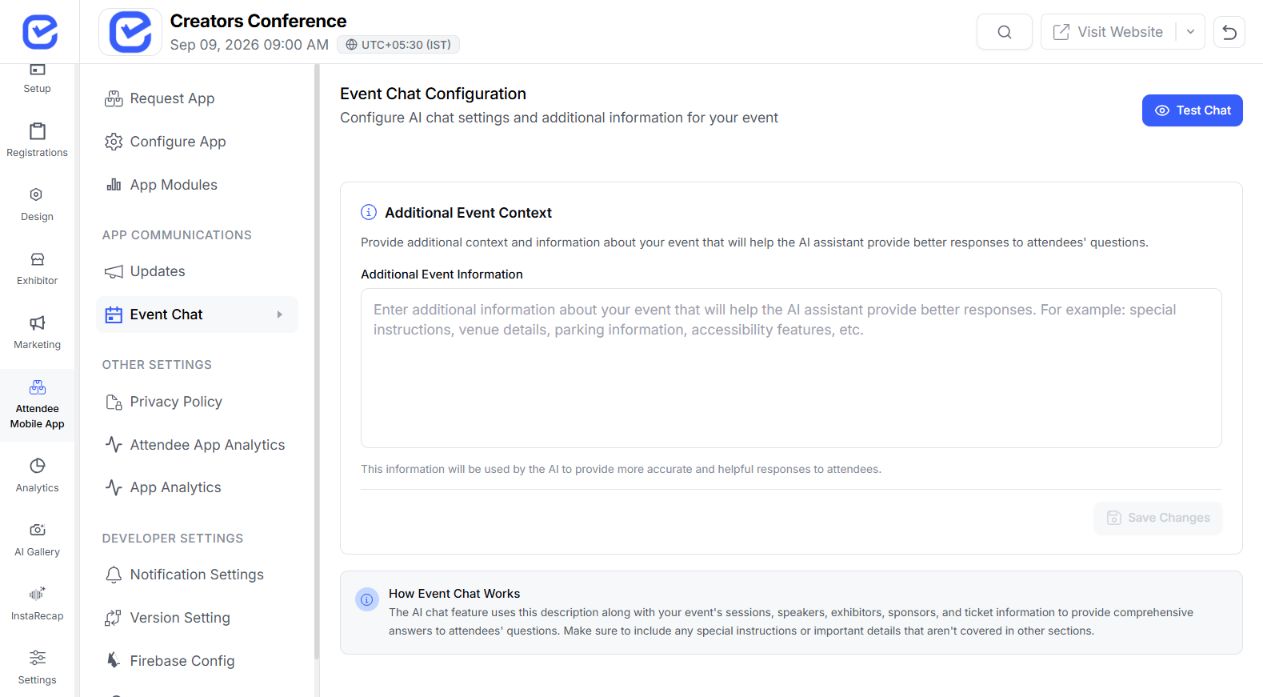 Chat ready
Start conversation
Chat ready
Start conversation Open attendee chat when messaging is enabled.
The mobile app is the attendee surface; each feature page explains the workflow behind the module.
AI-assisted attendee matchmaking and networking recommendations.
Polls, session questions, moderation, and feedback.
Configured challenges, points, progress, and leaderboards.
A dedicated event photo discovery experience.
Choose the modules and shortcuts that match how each audience will move through the event.
Give attendees one place for the agenda, speakers, questions, feedback, and networking.
Prioritize maps, sponsors, people, updates, and the engagement modules selected for the event.
Combine programme content, member connections, updates, and resources in a branded attendee home.
Surface private programme information and only the participation tools the audience needs.
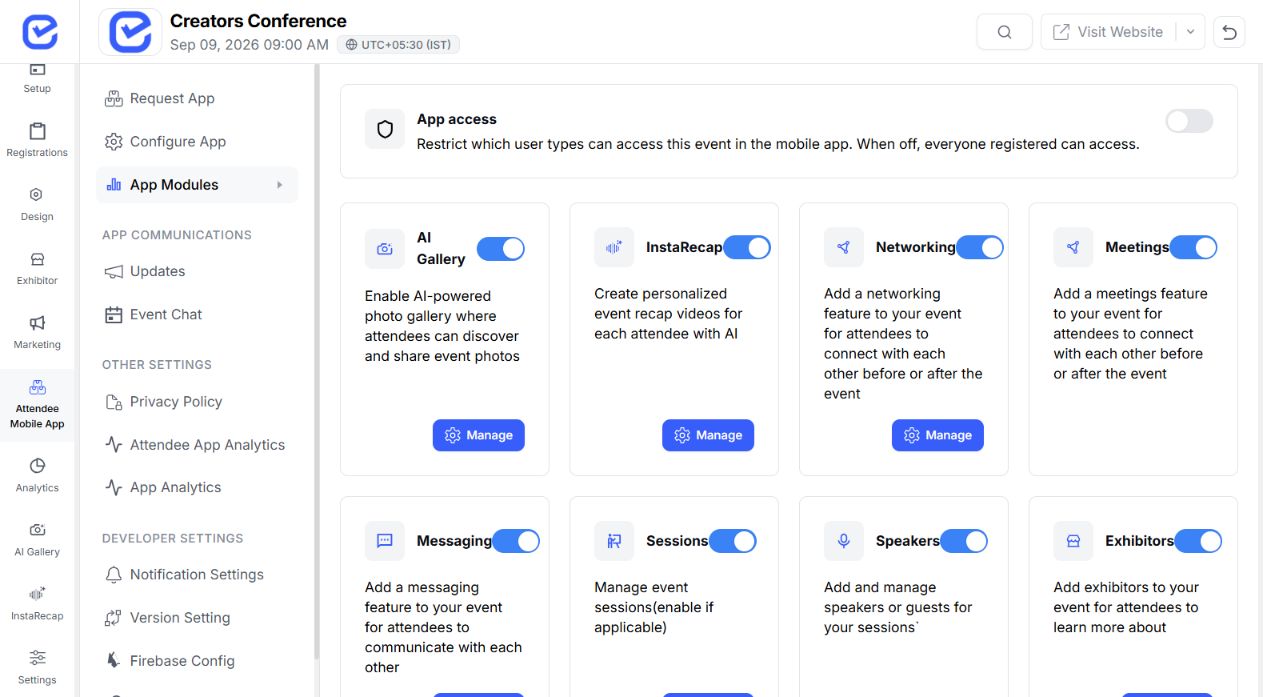
Keep sessions, networking, Q&A, and community content accessible throughout the event day.
Organize agenda access by date while keeping event-wide information and updates close.
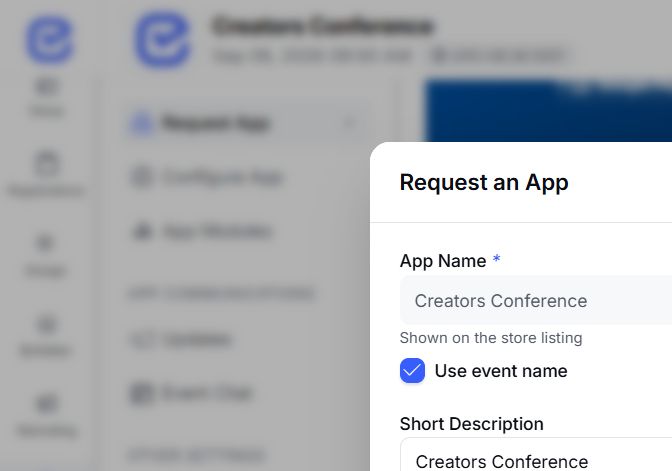
Provide the identity, descriptions, contact, logo, and feature graphic.
 Publication workflow
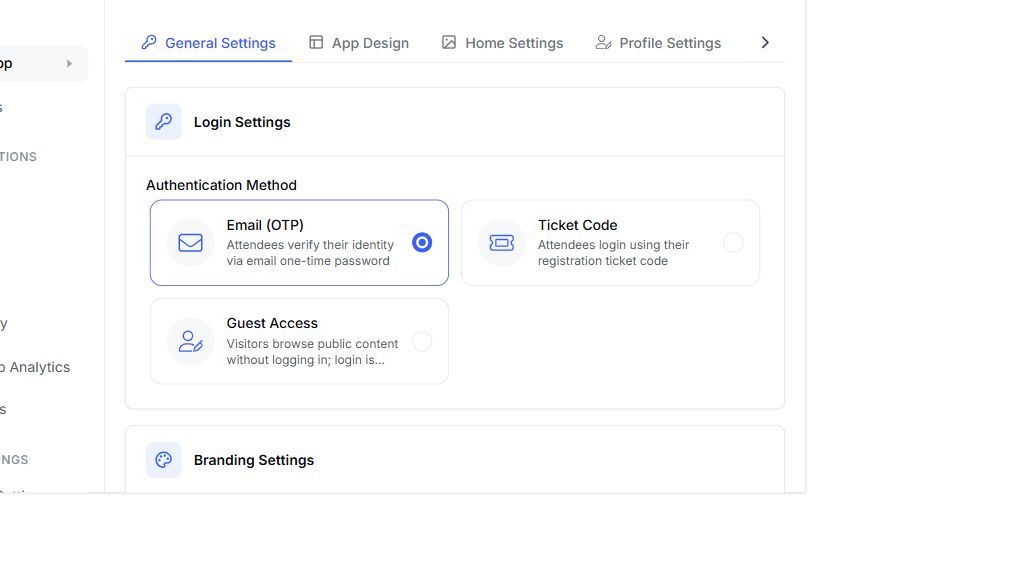
 Choose the theme, home shortcuts, banner, profile fields, interests, and enabled modules.
 Publication workflow
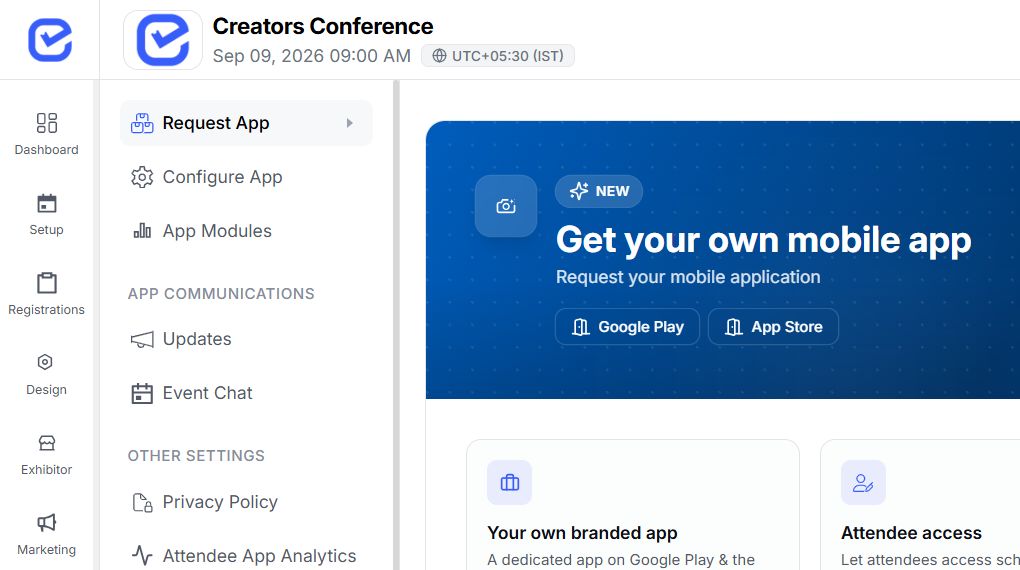
 Track pending, accepted, waiting-for-review, rejected, or store-rejected outcomes.
 Publication workflow
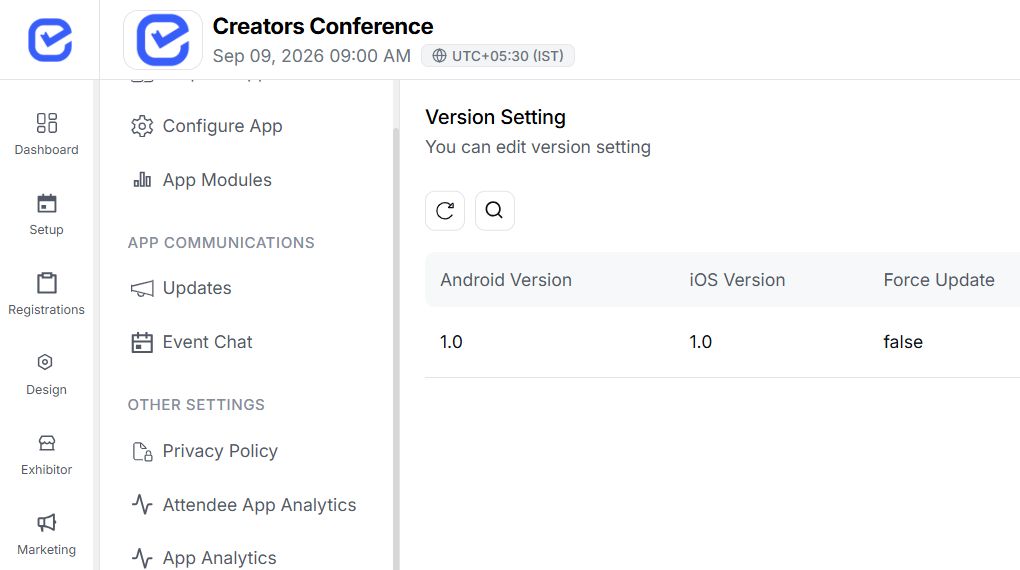
 Use Android and iOS URLs after publication; approval and timing remain subject to each store.
 Publication workflow
 Keep saved sessions, organizer updates, and supported cached information within the attendee experience—and test offline-critical views on the release build.
Saved sessions ready Browse the programme by day, open session details, save sessions, and return to the selected agenda during the event.
Update published Publish concise event notifications through the configured mobile channel so updates sit alongside the programme and event content.
Supported views available Supported event, session, speaker, sponsor, profile, and networking views can use locally stored data. Network-dependent actions may still need connectivity.
Yes. Current settings include app identity and store assets, primary and secondary colors, app font, banner options, and supported home-screen variants.
Yes. Organizers can order, show, or hide supported quick-access items and add configured web links. Some items remain tied to the module that powers them.
Verified mobile screens cover agenda, saved sessions, networking, connection requests, chat, notifications, sponsors, photos, polls and Q&A, feedback, and gamification. Availability depends on event setup.
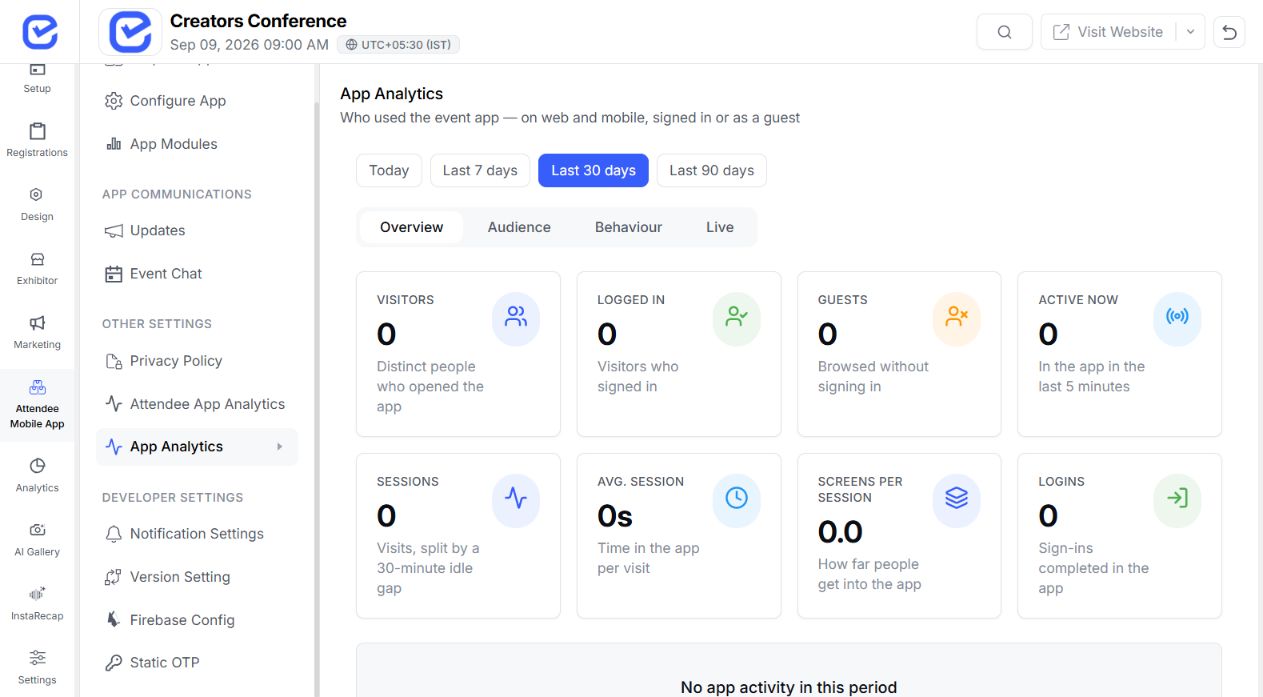
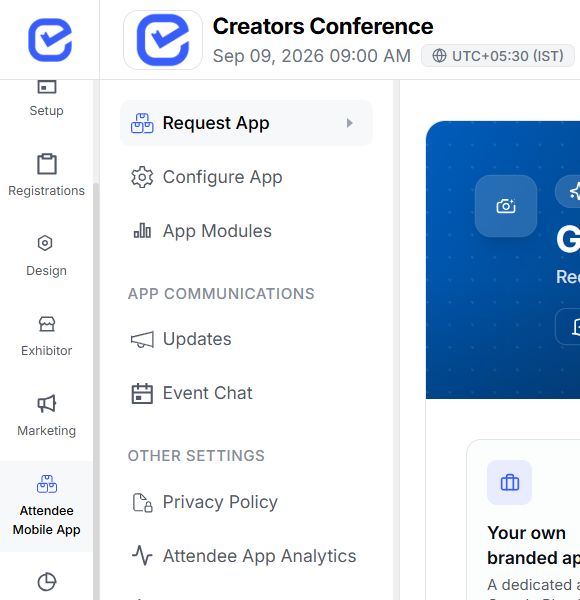
EventHex provides a request workflow for a dedicated app and tracks publication status and store URLs. Final approval and timing remain subject to the app stores and delivery process.
No. Several datasets have local storage or cache-first paths, but support varies by module and network-dependent actions may still require connectivity.
The app can connect to the configured networking experience. See AI Smart-Connect for the matching and recommendation workflow.

