
A generic AI chat
Works from the context you paste in, then leaves your team to find the record, open the right screen, and carry out the next step.
Ask a question, inspect event records, prepare content, or carry out supported organizer tasks from one EventHex conversation. Copilot works with the event you select and keeps important changes under your control.
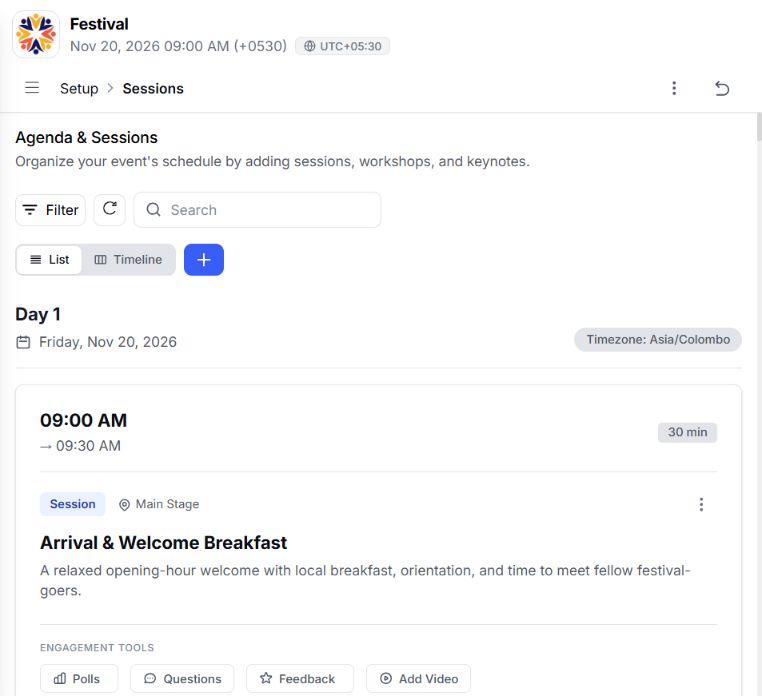
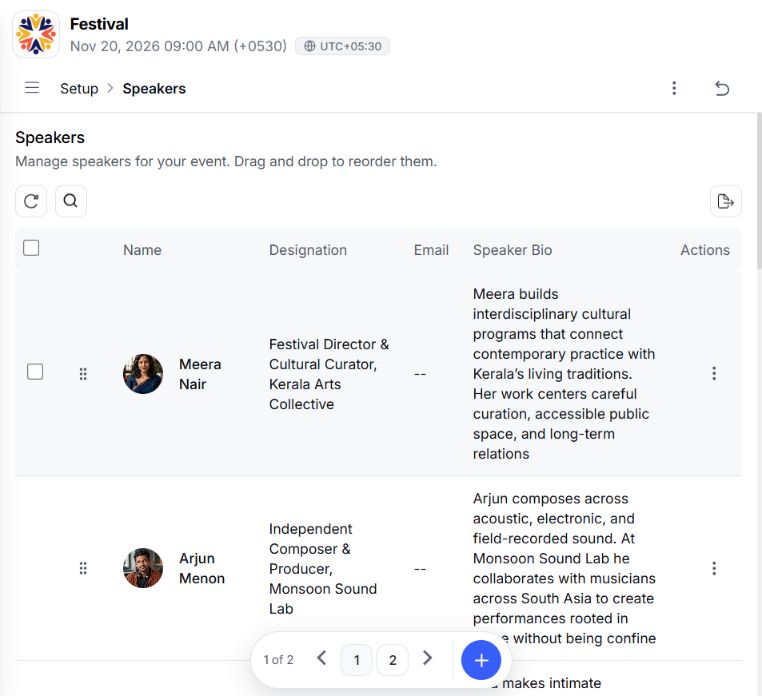
EventHex Copilot combines conversation with supported tools for the event your team is managing.
Works from the context you paste in, then leaves your team to find the record, open the right screen, and carry out the next step.
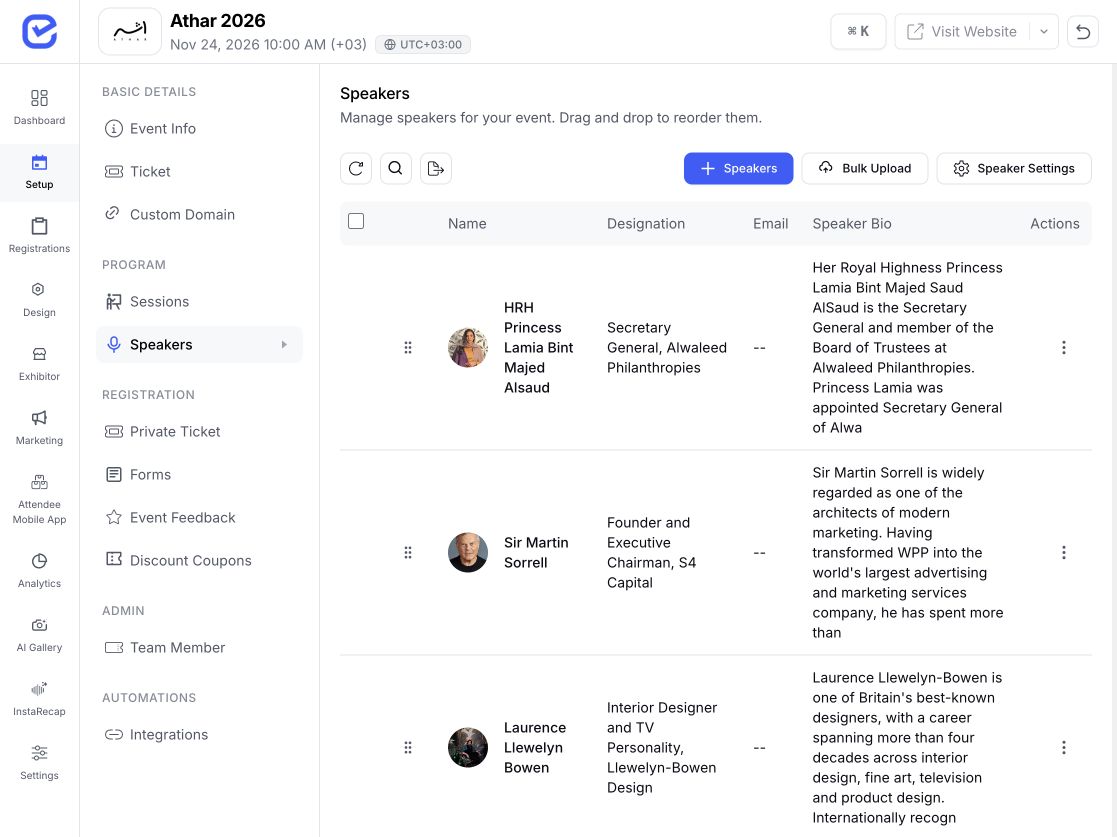 Gather context manually
Paste into chat
Gather context manually
Paste into chat 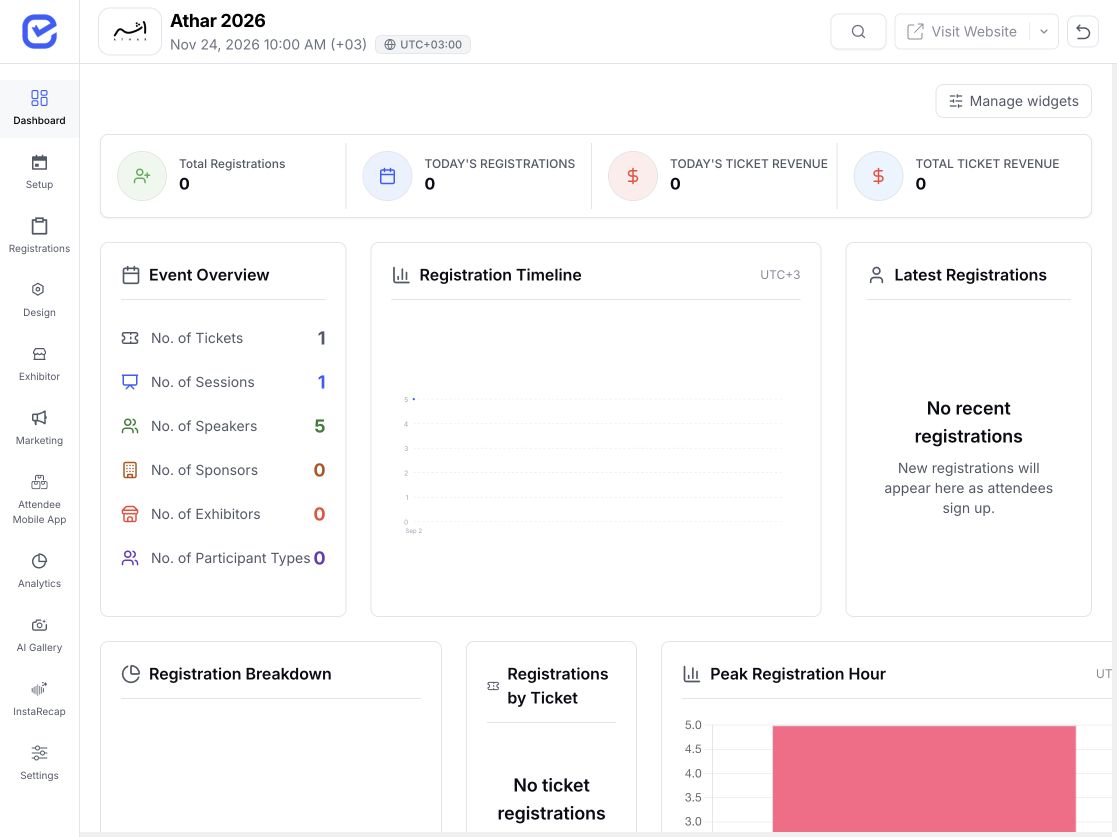
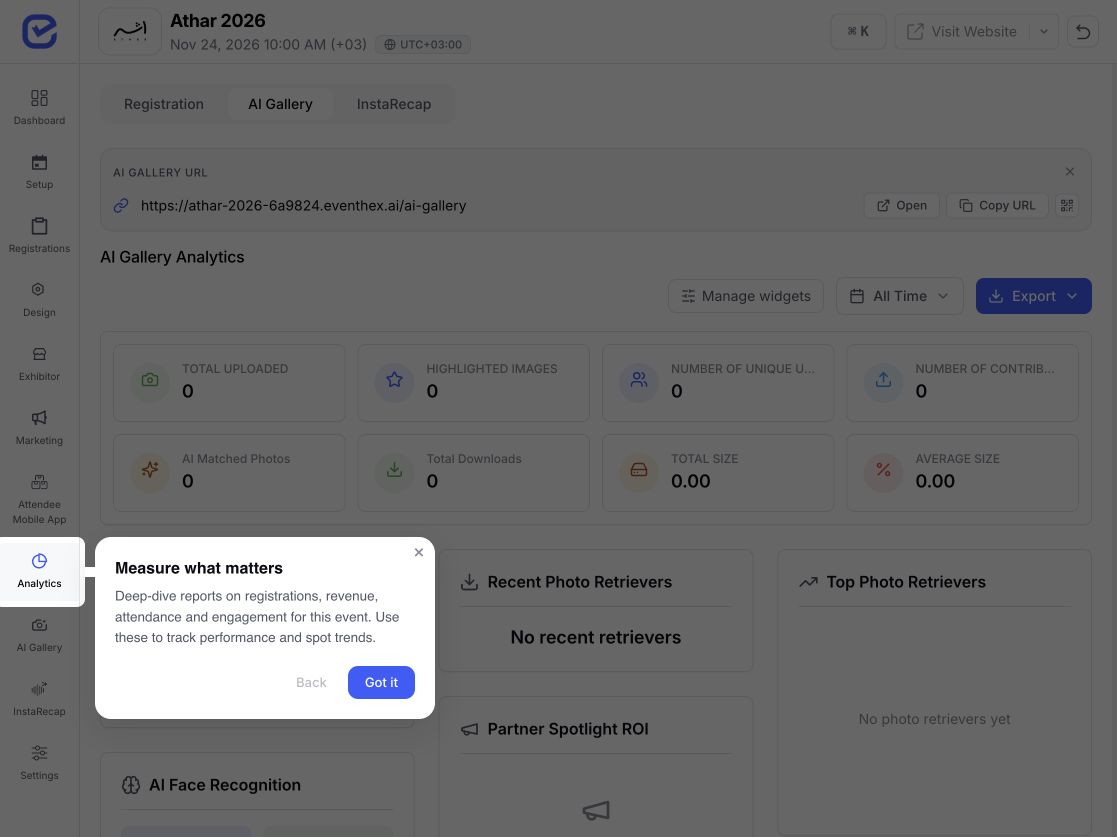
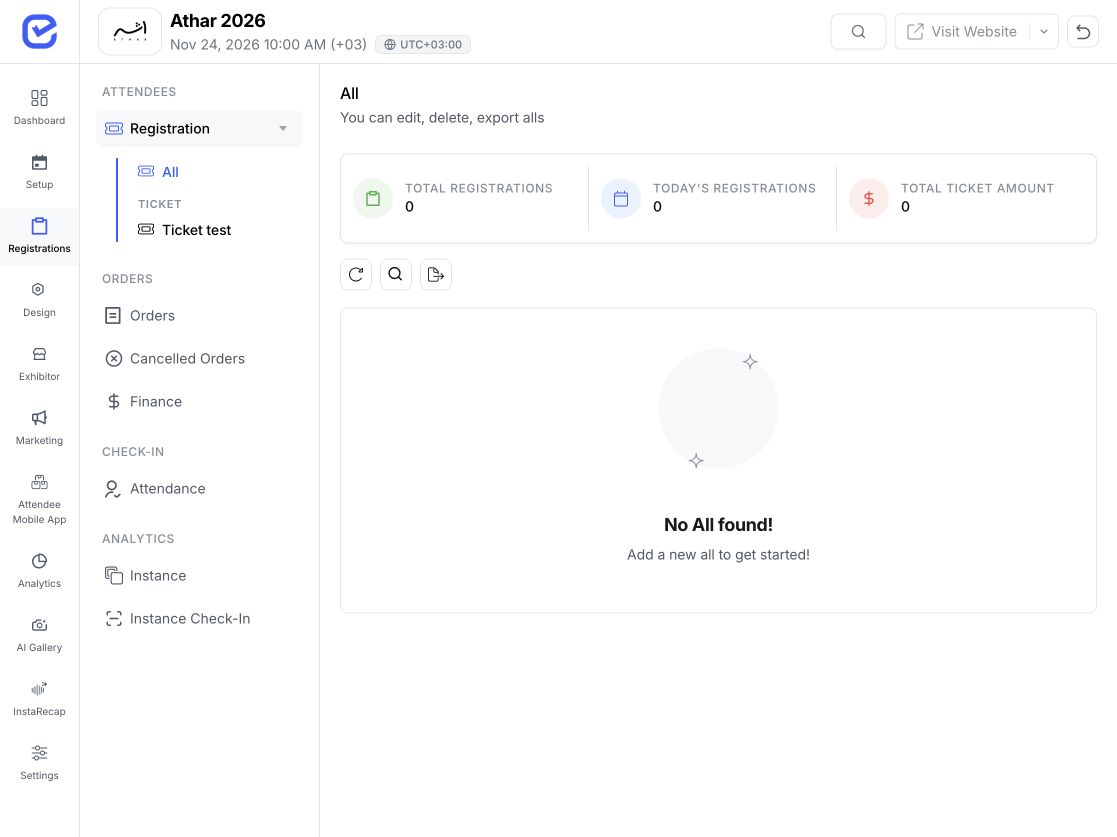 Selected event context
Continue in EventHex
Selected event context
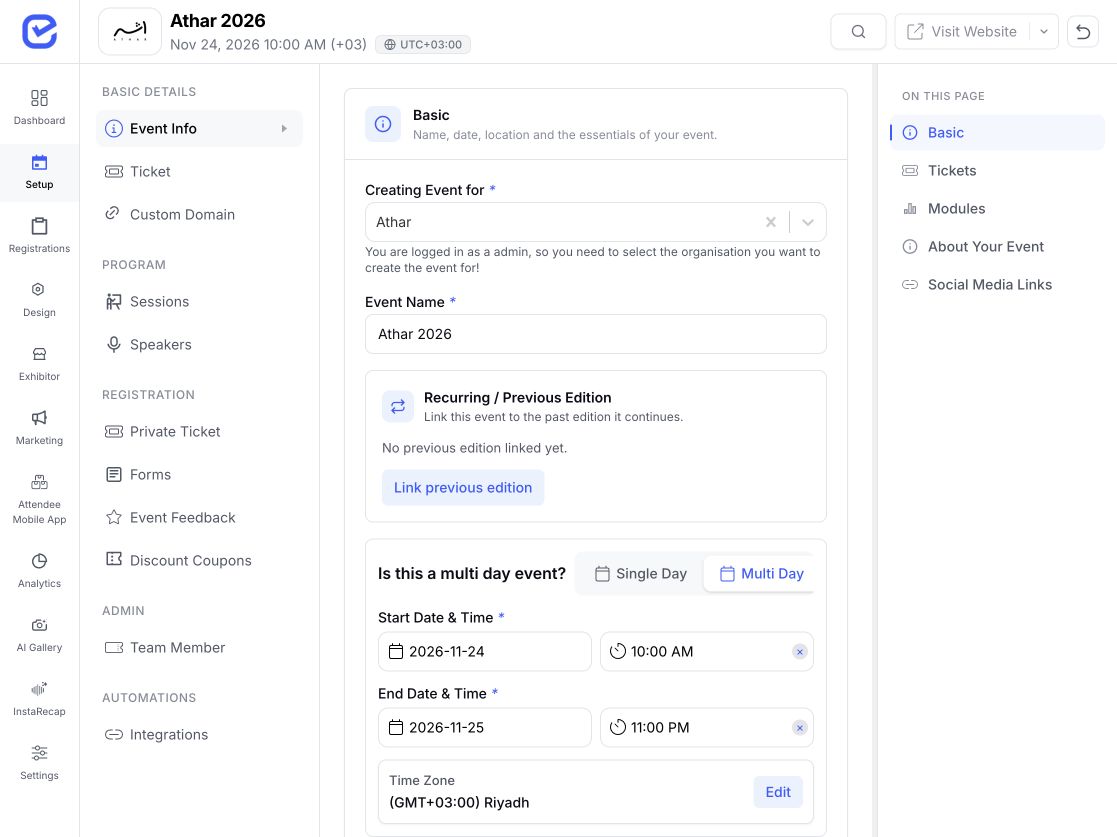
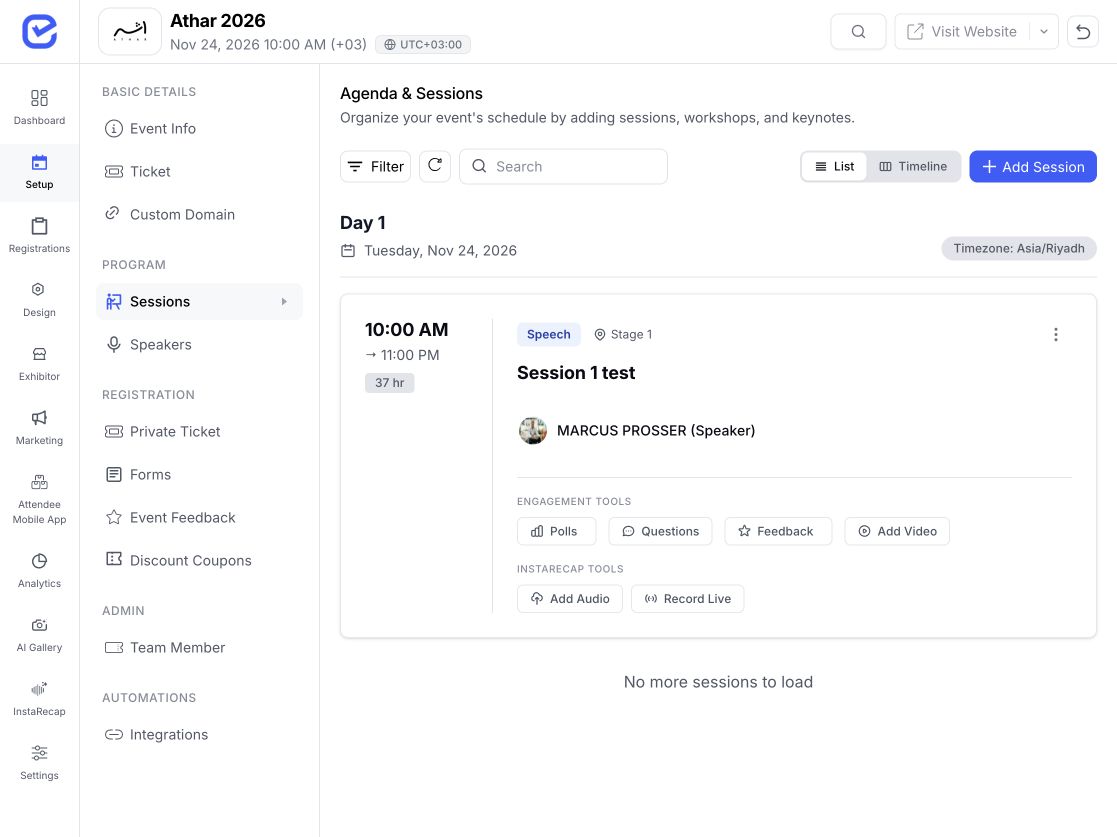
Continue in EventHex Works within an event you can access, uses the relevant EventHex tool, and can return a chart, table, draft, checklist, download, or action result.
Move across supported organizer workflows without choosing a different assistant for each job.
Copilot routes each request to the relevant event area and returns the answer in a useful format.
Review tickets, sessions, speakers, website, registration form, badge setup, and campaigns as a readiness checklist.
See registered and checked-in totals, the check-in rate, ticket breakdown, and recent arrivals.
Search attendees by ticket, check-in state, approval, payment, date, name, email, or phone.
Filter event orders by payment status, ticket, attendee name, or email.
Compare exhibitor lead totals, priority mix, and active booth members.
Turn supported event metrics into a focused answer, chart, or summary.
Describe the question or outcome in the same language your event team already uses.
Copilot uses the event you selected, the organizer page you are viewing, and the relevant records available to you.
It reads the right event area, prepares the result, or calls the supported EventHex tool for the request.
Refine drafts when details are missing and confirm destructive or event-wide changes before they run.
See the answer or completed action, open the affected workflow, and continue the event-scoped conversation.
The request stays conversational, while the underlying job remains tied to a specific EventHex workflow.
Copilot can match the response format to the job, so the important part is easier to inspect and use.
Copilot uses different control points for an answer, a complete instruction, an incomplete draft, and a higher-impact change.
The organizer experience supports the small interaction details that make a Copilot useful beyond one prompt.
See Copilot in actionBegin with suggestions shaped by the selected event and current organizer page.
Send a typed request, transcribe a voice note, or mention a specific event record when supported.
For multi-step requests, follow the plan and tool activity while the response is prepared.
Use event-scoped threads and history to continue related work without starting from a blank chat.
Use the same organizer conversation for a focused job at each stage of the event.
Setup and readinessEventHex Copilot Prepare Audit setup, inspect tickets, prepare sessions, build forms, create coupons, and draft promotion copy.
Attendees and ordersEventHex Copilot Monitor Search attendees, review orders, compare registration signals, and export the audience segment you need.
Live event activityEventHex Copilot Operate Check live attendance, find a registration, review exhibitors, and create or inspect a session poll.
Results and reportingEventHex Copilot Review Review the event data, exhibitor lead activity, poll results, and the operational questions your team needs to answer next.
The event changes; the need to find the right record, understand it, and take the next step does not.
Move between exhibitor directories, booth lead activity, attendee search, tickets, and live check-in questions.
Works across EventHex organizer workspace Coordinate agenda records, speakers, polls, registrations, ticket setup, and operational reporting.
Works across EventHex organizer workspace Support recurring member events with focused attendee, form, agenda, coupon, and order tasks.
Works across EventHex organizer workspace Give teams one conversational route into supported workflows while keeping each event separately scoped.
Works across EventHex organizer workspace EventHex Copilot is an organizer-facing AI assistant for supported questions and actions inside an EventHex event. It combines access to event workflows with conversational input and structured results.
One unified Copilot can work across analytics, agenda and speakers, tickets, attendees, orders, exhibitors, forms, polls, coupons, event settings, and event copy through supported tools.
No. It can return event answers and structured results, prepare drafts, and carry out supported organizer actions such as creating a session, ticket, coupon, form, or live poll.
The control depends on the action. Read-only questions return answers; fully specified supported create requests can proceed; incomplete requests can produce a draft; destructive actions, event-detail updates, and selected event-wide settings require explicit confirmation.
Depending on the request, Copilot can return plain-language answers, metric cards, charts, tables, event lists, checklists, drafts, confirmation cards, success states, and private attendee-export downloads.
The organizer experience supports event-scoped conversation threads and history. You can return to a thread and continue related work for that event.
The organizer experience includes voice-note transcription as an input option. You can also type a request and mention a supported event record.
No. This page covers the organizer Copilot for managing event work. The attendee-facing EventHex AI experience in the mobile app is a separate product surface.
Availability, supported actions, usage limits, and plan requirements can vary by EventHex setup. Book a demo to confirm the right configuration for your team and events.

