
Upcoming and requests
See confirmed meetings first, then handle invitations that still need a response. Time, person, and place stay visible at a glance.
Define when and where meetings can happen, then let registered attendees propose, confirm, reschedule, cancel, and revisit one-to-one meetings inside the event experience.
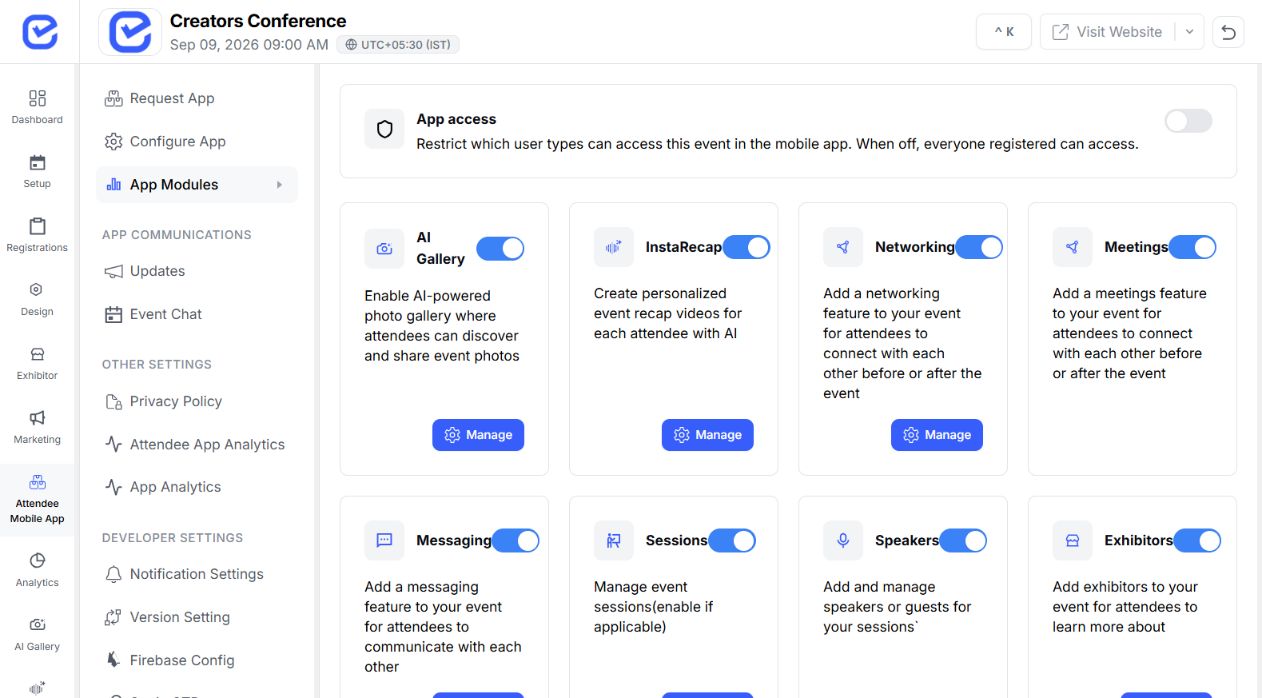 Meetings enabled
 Separate confirmed plans from requests that need attention, while keeping sent invitations and meeting history close.
See confirmed meetings first, then handle invitations that still need a response. Time, person, and place stay visible at a glance.
 ✓ Personal app viewReview request
  ✓ Meeting history retainedView meeting
 Track requests awaiting a reply and revisit declined, cancelled, expired, or completed meetings without mixing them into what is next.
Configure a predictable meeting structure around the event programme and venue.
Turn attendee scheduling on for the event.
Offer 15, 20, 30, 45 or 60-minute appointments.
Set the dates and hours that fit your event programme.
Give attendees a clear place to meet at the venue.
Control how many unanswered invitations one attendee can hold.
Leave meeting windows empty when attendees should choose arbitrary times.
The request carries the two people, event, start and end time, plus optional title, message, and place.
Book a DemoStart from another registered attendee.
Open a profileChoose from the event's configured meeting schedule.
 Pick an available time
Include an optional title, message, and meeting place.
Add contextCreate a pending invitation for the other attendee.
Send the requestAccepted meetings determine whether a slot is free, busy for the requester, or busy for the other attendee.
Generate future slots from organizer meeting windows and the event timezone.
Remove any time that overlaps an accepted meeting for either person.
Run the same two-calendar guard again before a proposed time becomes confirmed.
Participants can act on the meeting while the system keeps the next step unambiguous.
Waiting for the invited attendee to respond.
PendingConfirmed and shown in both participants' upcoming meetings.
AcceptedClosed after the invited attendee says no.
DeclinedA new time has been proposed for review.
RescheduledClosed by either participant after confirmation.
CancelledClosed when an unanswered request passes its start time.
ExpiredAccepted meetings approaching their start time enter the reminder window and receive a deduplicated push notification.
Meeting scheduling coordinates time; connected features handle discovery, messaging, and operational alerts.
Explain AI-assisted attendee recommendations and matching.
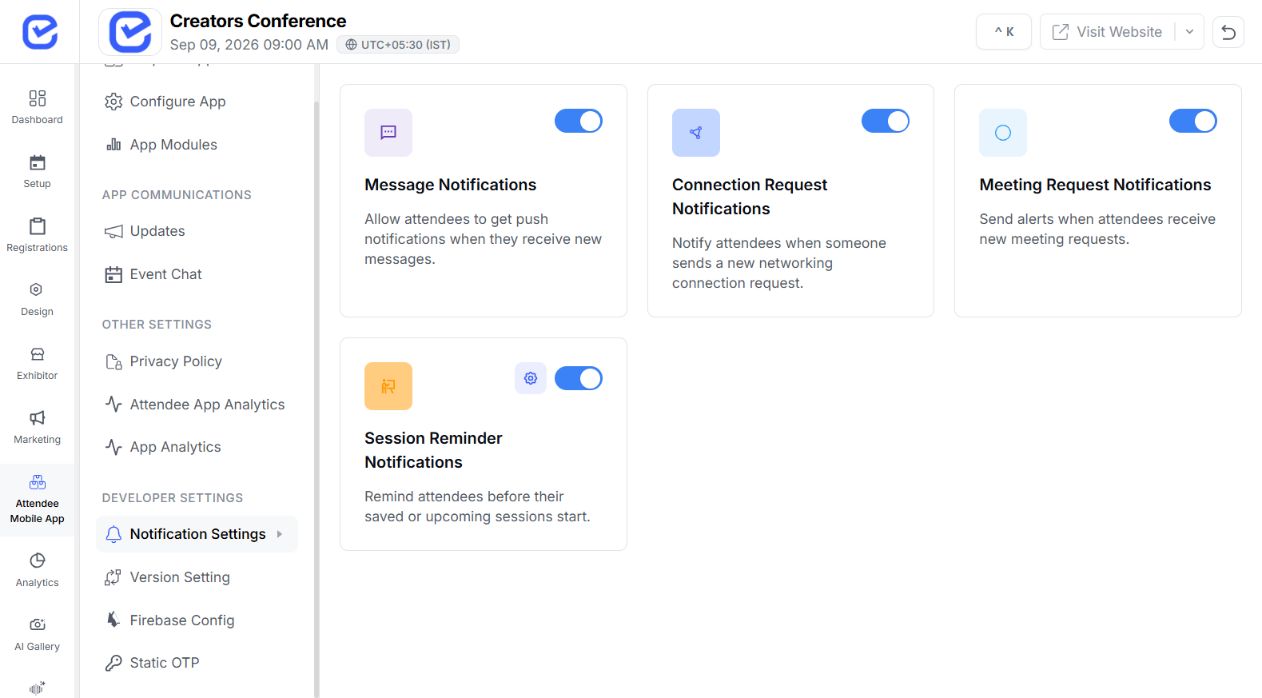
Give attendees access to their meeting workflow on the event app.
Coordinate wider event communication and operational alerts.
Manage exhibitor operations outside the attendee-meeting lifecycle.
Choose the setup that reflects how people move through your programme.
Set named meeting points and focused booking windows so attendees and exhibitors can turn discovery into scheduled conversations.
MEETING POLICY Exhibitions setup
Build meeting availability around sessions and breaks while keeping every request aligned with the event timetable.
MEETING POLICY Conferences & tech setupHelp members discover one another, request time, and keep confirmed conversations organized inside the event experience.
MEETING POLICY Associations setupConfigure each event date separately and create controlled windows for internal, client, and partner conversations.
MEETING POLICY Corporate & multi-day setupFind quick answers about attendee access, booking windows, conflict checks, meeting states, and reminders.
Visit Help CenterBoth participants must be registered for the same event, and the mobile module must be enabled for that event.
Yes. Organizers can enable meetings, choose 15, 20, 30, 45 or 60-minute slots, add event-day meeting windows, name meeting points, and limit open requests.
EventHex checks accepted meetings for both participants when a request is created and checks both calendars again when a meeting is accepted or rescheduled.
Yes. Either participant can propose a new time, and the same availability checks are applied before the meeting is confirmed.
A pending request is marked expired after its proposed start time has passed, keeping active and historical meeting views clear.
Yes. The workflow sends a deduplicated push reminder to both participants before an accepted meeting. Email and external-calendar reminders are not implied.
